
AI Photo Colorization: Bringing Black and White Photos to Life
That box of black and white family photos in your closet? AI can now bring them to life in full color — and the results are genuinely stunning.
Photo colorization used to require hours of painstaking work in Photoshop, carefully selecting areas and guessing at colors. Now, AI can analyze a grayscale image and intelligently apply realistic colors in seconds. We're talking about skin tones that look natural, grass that's actually green, and skies with proper blue gradients.
The technology has gotten so good that Reddit threads are full of people sharing restored family photos that made their grandparents cry. Let's explore how it works and which tools deliver the best results.
Why Old Photos Deserve Color
There's something almost magical about seeing an old photograph transform from grayscale to color. Suddenly, the people in the image feel more real. Historical photos become relatable. That grainy picture of your great-grandmother becomes a portrait of a person who wore a blue dress and had rosy cheeks.
"I tried colorizing some old family photos and the results were incredible. My grandmother started crying when she saw her mother in color for the first time. The AI got the skin tones and clothing colors spot on."— Reddit user in r/Genealogy
For genealogy enthusiasts, colorization brings ancestors to life. For historians, it makes the past more tangible. For everyone else, it's simply fascinating to see what the world actually looked like before color photography became standard.
How AI Colorization Works
Modern AI colorization uses deep learning models trained on millions of color photographs. The AI learns patterns: what color sky looks like, how skin tones vary, what common objects typically look like.
When you upload a black and white image, the AI analyzes the grayscale values and context to predict the most likely colors for each area. It's not guessing randomly — it's making informed predictions based on what it's learned about the visual world.
The best AI colorizers go further, understanding that:
- Faces need natural skin tones with subtle variations
- Outdoor scenes should have realistic sky and foliage colors
- Clothing colors should be consistent across the entire garment
- Historical photos may need era-appropriate color palettes
Best AI Colorization Tools Compared
1. Palette.fm
Palette has become popular for its unique approach — you can guide the AI with text prompts. Want that dress to be red instead of blue? Just tell it. This flexibility makes it great for creative projects.
- ✅ Text-guided colorization
- ✅ Free to use (basic)
- ✅ Creative control
- ❌ Can be inconsistent
- ❌ Limited batch processing
2. Remini
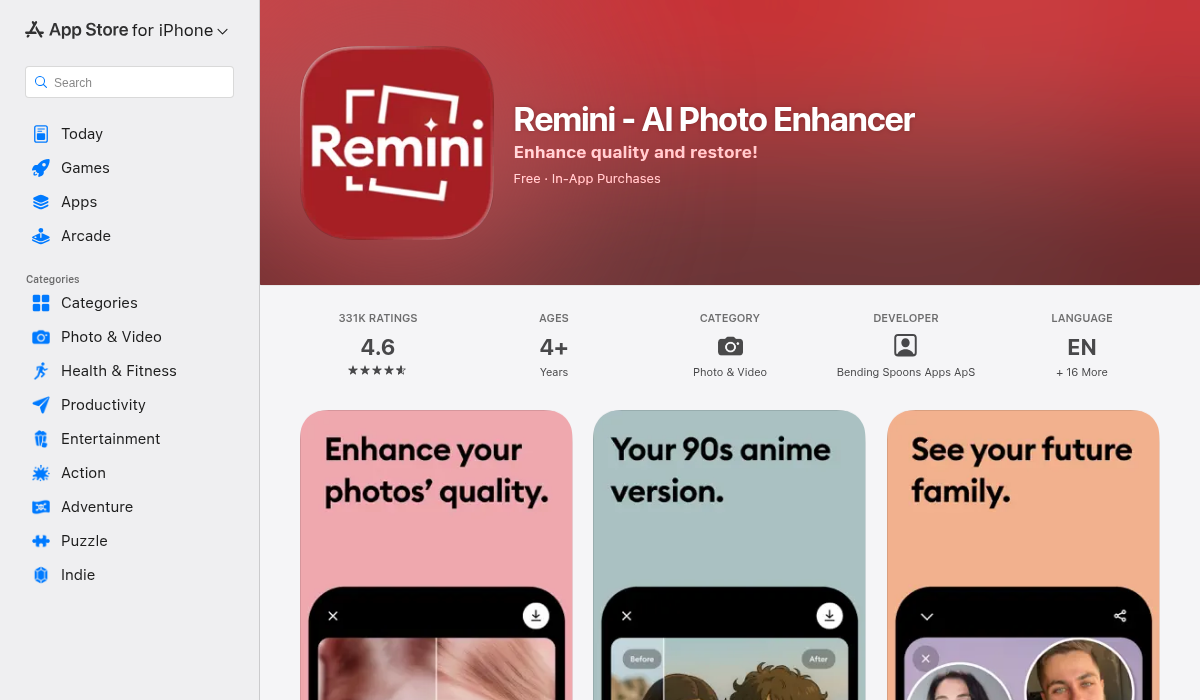
Remini is primarily known for face enhancement and upscaling, but it also offers colorization features. It's particularly good at making faces look sharp and detailed.
- ✅ Excellent face enhancement
- ✅ Upscaling built-in
- ✅ Easy to use
- ❌ Primarily face-focused
- ❌ Subscription required for most features
- ❌ Limited editing beyond enhancement
3. MyHeritage InColor
MyHeritage offers colorization as part of their photo enhancement suite. It's well-suited for genealogy purposes and integrates with their family tree platform.
- ✅ Good results for portraits
- ✅ Genealogy integration
- ✅ Animation features
- ❌ Requires MyHeritage account
- ❌ Best results need subscription
- ❌ Limited editing tools
4. AIPGEN – AI Photo Editor
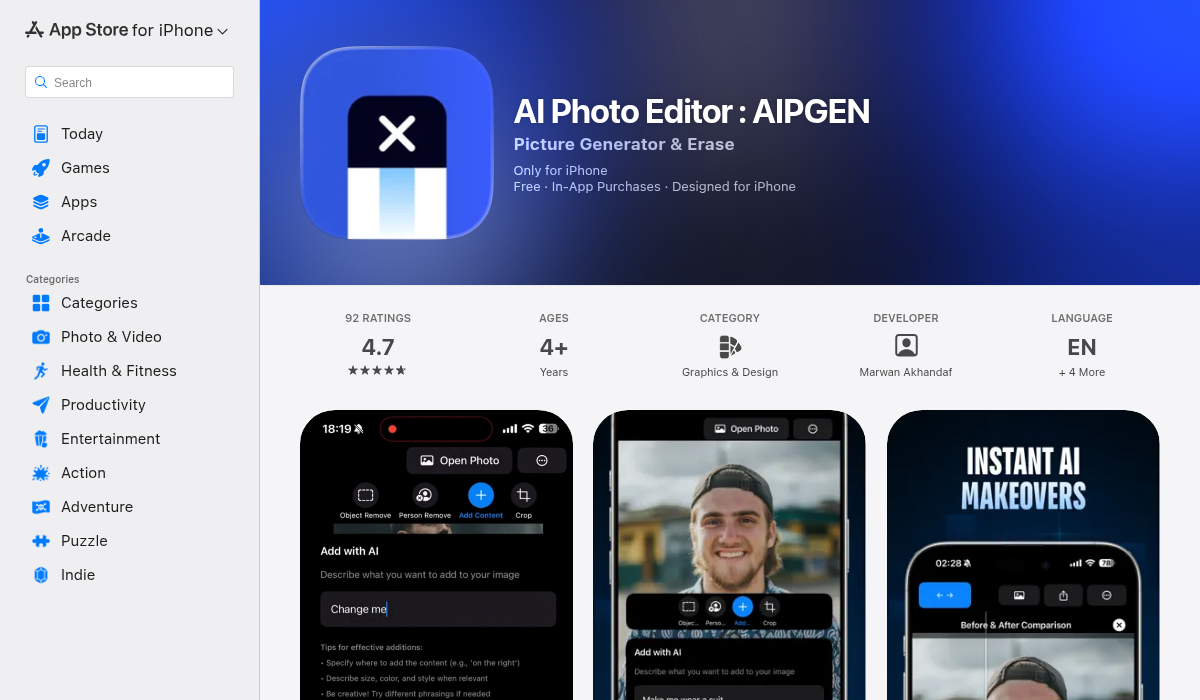
AIPGEN takes a different approach by offering full photo restoration alongside colorization. Instead of just adding color, it can repair scratches, fix damage, and enhance details — everything you need to bring old photos back to life.
The AI Photo Restoration feature specifically targets vintage photographs, automatically detecting and repairing common issues like fading, scratches, and discoloration before applying natural-looking colors.
- ✅ Full restoration (not just colorization)
- ✅ Scratch and damage repair
- ✅ 60+ AI editing templates
- ✅ Before/after comparison slider
- ✅ Object removal for unwanted elements
- ✅ Cross-platform (iOS and Android)
- ✅ My Photos gallery to save restorations
What makes AIPGEN particularly useful for old photos is the combination of features. You're not just colorizing — you're doing complete restoration. Remove that scratch across grandma's face, fix the faded corner, then add color. All in one app.
Tips for Best Colorization Results
- Start with the best scan possible — Higher resolution inputs give AI more information to work with. Scan at 600 DPI or higher if possible.
- Clean up damage first — Major scratches and tears can confuse colorization AI. Use restoration tools before colorizing.
- Check faces carefully — Skin tones are where colorization most often goes wrong. Look for unnatural tinting or inconsistencies.
- Consider historical accuracy — If you know what colors things actually were (uniforms, locations, etc.), look for tools that let you guide the process.
- Save the original — Always keep your unedited scans. AI gets better over time, and you may want to re-colorize later.
Common Colorization Mistakes to Avoid
Over-saturation
Some tools make colors too vibrant. Real life — especially in historical periods — had more muted tones. If the result looks like a modern Instagram filter, dial it back.
Inconsistent Skin Tones
Watch for faces that have different colors in different areas. Good colorization should show natural variation (slightly pinker cheeks, for example) not random patches.
Ignoring Context
AI might colorize a military uniform wrong or give someone purple hair. If you know what something should look like, choose tools that let you make corrections.
Forgetting the Background
Focus on faces is natural, but check the entire image. Weird sky colors or obviously wrong background elements can ruin an otherwise good colorization.
Beyond Colorization: Complete Photo Restoration
Colorization is often just one step in restoring old photographs. A complete restoration workflow might include:
- Scanning — High-resolution capture of the physical photo
- Damage repair — Fixing scratches, tears, and missing sections
- Enhancement — Improving sharpness and detail
- Colorization — Adding realistic colors
- Final touches — Adjusting brightness, contrast, and overall look
Apps like AIPGEN that handle multiple steps in one place save considerable time compared to bouncing between different tools.
Preserving Family History
Old photographs are irreplaceable connections to our past. They show us where we came from and who came before us. But physical photos fade, tear, and deteriorate over time.
Digital restoration — including colorization — isn't just about making photos look better. It's about preserving them for future generations. A restored digital copy can last forever, shared with family members around the world.
Many people discover photo restoration when they're scanning old albums for a family reunion or memorial. The emotional impact of seeing those images restored and colorized is profound.
The Bottom Line
AI photo colorization has reached the point where results genuinely impress. What used to take professional artists hours now happens in seconds, and the quality keeps improving.
For most people restoring old family photos, we recommend starting with AIPGEN — it combines restoration, repair, and colorization in one app, so you're not juggling multiple tools. The before/after slider lets you see exactly what changed, and the My Photos gallery keeps all your restorations organized.
Whatever tool you choose, don't let those old photos sit in a box any longer. The technology to bring them back to life is here, accessible, and surprisingly affordable. Your ancestors deserve to be seen in color.