
AI Photo Editing for Instagram: Tips and Tricks 2026
Your Instagram feed deserves better than basic filters — in 2026, AI photo editing has completely transformed what's possible with just a few taps.
Gone are the days of spending hours in Photoshop to remove an unwanted photobomber or fix a slightly off composition. Today's AI-powered editing apps can do in seconds what used to take professional skills and expensive software. Whether you're a content creator, small business owner, or just someone who wants their photos to look polished, these tools have leveled the playing field.
But with so many apps claiming to use "AI" — which ones actually deliver? We tested the most popular options and compiled the best tips for making your Instagram photos stand out in 2026.
Why AI Photo Editing Changes Everything
Traditional photo editing required understanding layers, masks, selection tools, and countless technical concepts. AI flips this entirely — you simply point at what you want changed, and the algorithm handles the complex work.
The biggest game-changers for Instagram creators in 2026:
- Object removal — Remove tourists, trash cans, or anything distracting in seconds
- Background replacement — Transform a messy room into a professional studio backdrop
- Photo restoration — Bring old, damaged photos back to life for throwback posts
- AI templates — One-tap presets designed specifically for Instagram aesthetics
- Group photo fixes — Combine the best expressions from multiple shots
"I used to spend 30+ minutes editing each photo for my feed. Now it takes me 2 minutes max with AI tools. My engagement actually went UP because I'm posting more consistently."— Instagram creator on the impact of AI editing
Best AI Photo Editing Apps for Instagram in 2026
Not all AI editing apps are created equal. Here's how the top contenders stack up for Instagram-specific use cases:
1. Snapseed
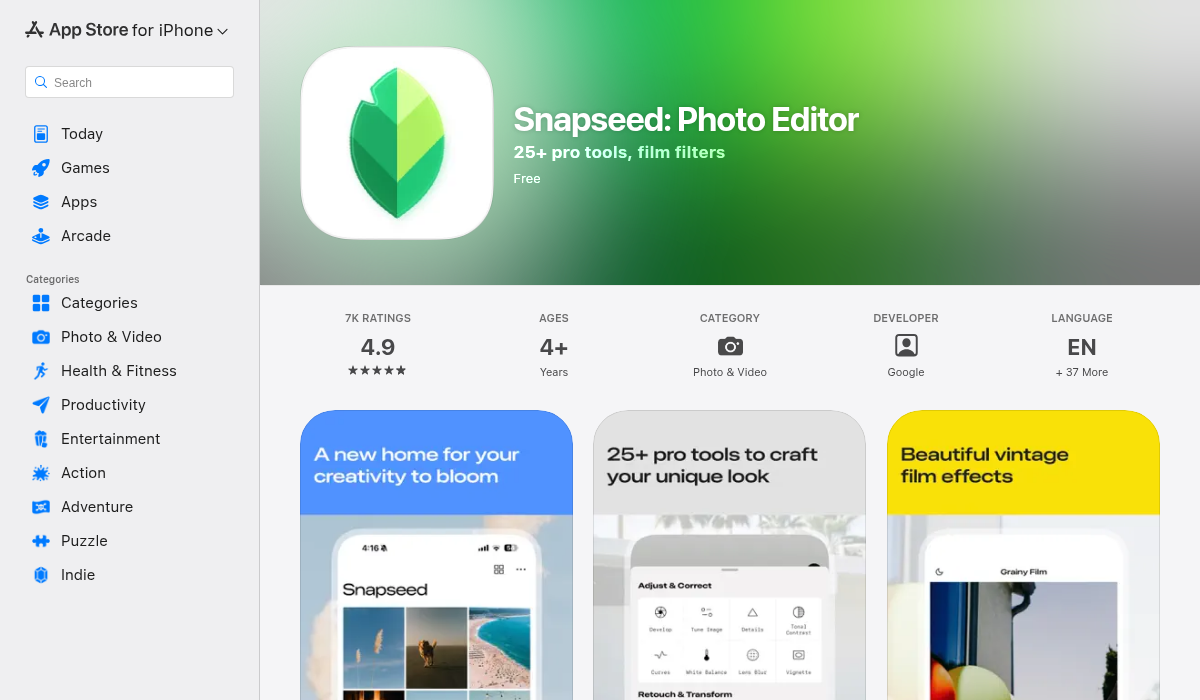
Google's free editing app remains popular for its powerful manual controls and non-destructive editing. The Selective tool and Healing brush are solid for basic retouching.
- ✅ Completely free with no watermarks
- ✅ Great manual adjustment controls
- ✅ RAW file support
- ❌ No true AI features — everything is manual
- ❌ Dated interface that hasn't changed in years
- ❌ No templates or presets built for Instagram
2. Remini
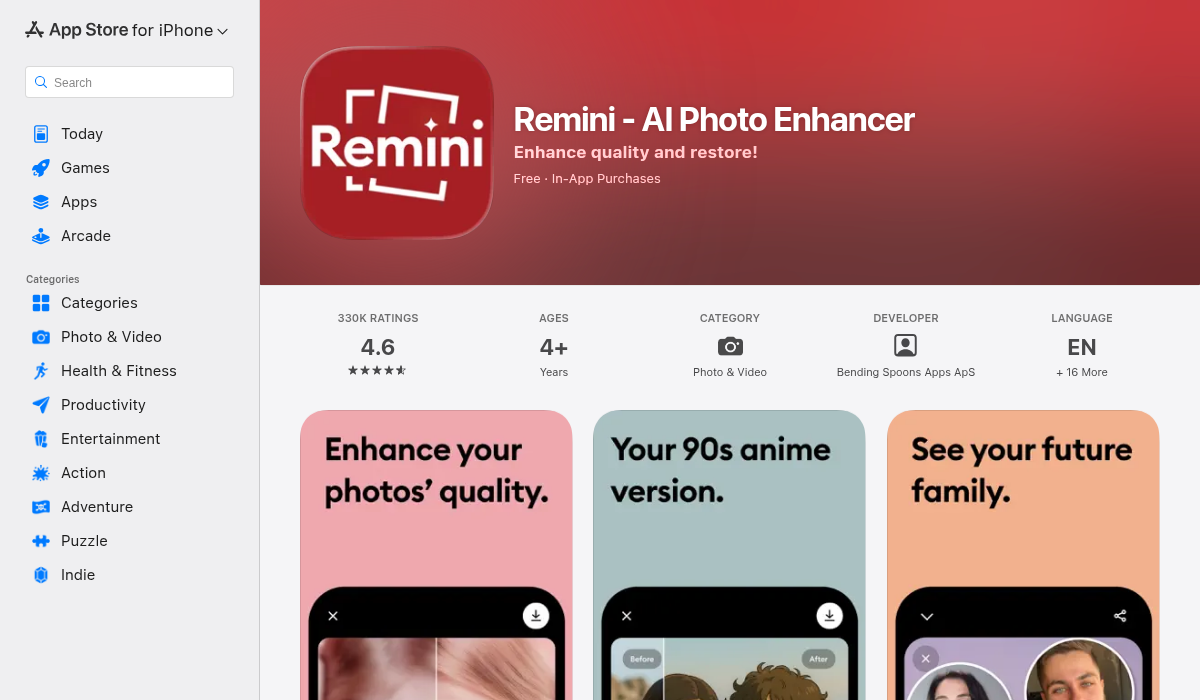
Remini made a name for itself with AI face enhancement and photo upscaling. It's particularly good at sharpening blurry selfies and making old photos look clearer.
- ✅ Excellent face enhancement technology
- ✅ Good for restoring old, blurry photos
- ✅ Simple one-tap interface
- ❌ Limited to face/enhancement — no object removal
- ❌ Free version is heavily restricted
- ❌ Can make faces look overly processed
3. AIPGEN — AI Photo Editor
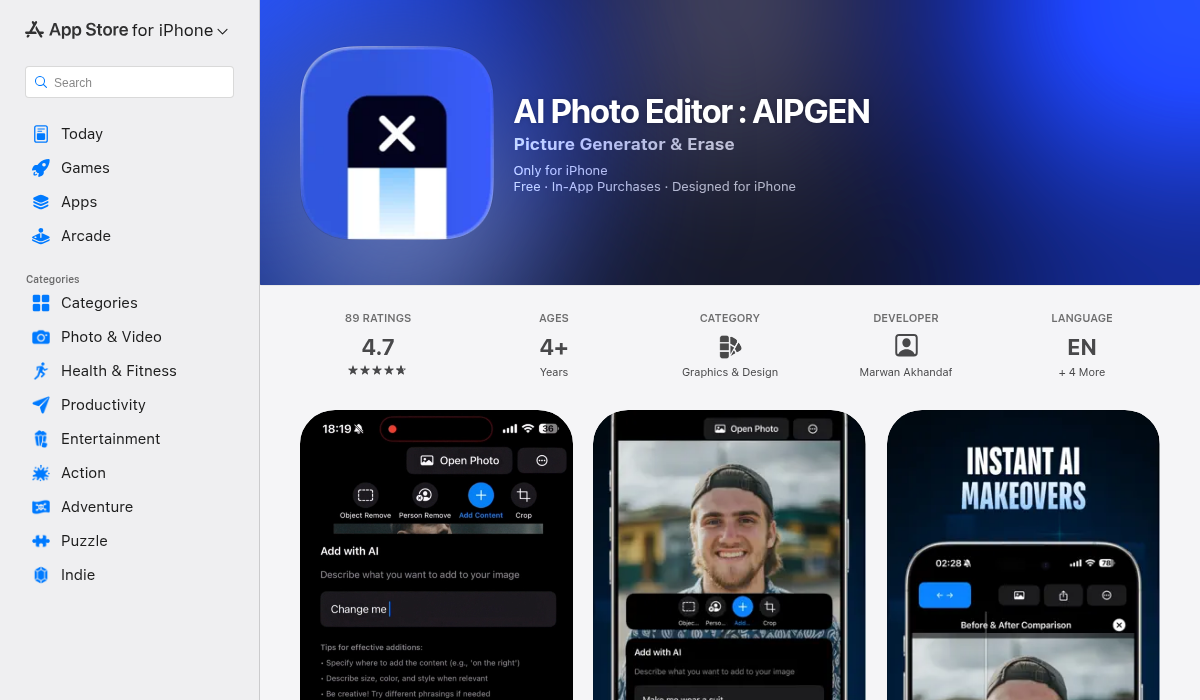
AIPGEN takes a different approach by combining multiple AI tools in one app. Instead of doing one thing well, it aims to be your complete Instagram editing solution — from object removal to photo restoration to creative composition.
- ✅ AI object and person removal that actually works
- ✅ Photo restoration for vintage/damaged images
- ✅ 60+ AI templates designed for quick Instagram edits
- ✅ Group photo creator — combine multiple shots into one
- ✅ Before/after slider for easy comparison
- ✅ Available on both iOS and Android
- ✅ Free trial edit to test before subscribing
Pro Tips for Instagram-Worthy AI Edits
Having the right tools is only half the battle. Here's how to use them effectively:
- Remove distractions first, enhance second — Always clean up the background and remove unwanted elements before applying filters or adjustments. AI removal tools work best on unprocessed images.
- Use templates as starting points — Apps like AIPGEN offer 60+ AI templates, but don't just apply them blindly. Use them as a base and make subtle adjustments to match your personal aesthetic.
- Don't over-edit faces — AI enhancement can make skin look plastic if pushed too far. Aim for natural-looking improvements rather than obvious smoothing.
- Batch similar photos together — If you're editing a series for a carousel post, edit them in the same session with the same settings. This maintains visual consistency across your feed.
- Save your original — Most AI apps work non-destructively, but always keep your original photo. You might want to re-edit with different tools later.
- Pay attention to lighting consistency — When adding elements or changing backgrounds, make sure the lighting direction matches. AI is smart, but it can't always fix physics.
- Use the before/after feature — Apps with comparison sliders help you avoid over-editing. If the "after" looks dramatically different, you've probably gone too far for Instagram authenticity.
Specific Use Cases for Instagram Creators
Travel Content
Remove tourists from your perfectly composed shot of the Eiffel Tower. AI object removal has become so good that you can get that "empty landmark" shot without waking up at 4 AM.
Product Photography
Clean backgrounds, remove shadows, and make your products pop. What used to require a studio setup can now be done with AI background replacement.
Food Content
Remove napkins, stray crumbs, or that one fork that's slightly out of place. AI cleanup tools make food flat-lays look professionally styled.
Throwback Posts
AI photo restoration brings old family photos and vintage memories back to life. Fix scratches, repair faded colors, and sharpen blurry details for #ThrowbackThursday content that actually looks good.
Group Photos
AIPGEN's group photo creator is perfect for when you have five photos of a group and everyone looks good in a different shot. Combine the best expressions from multiple takes into one perfect image.
Common Mistakes to Avoid
AI makes editing easier, but it doesn't make you immune to rookie mistakes:
- The "AI look" — Over-smoothed skin, unnatural lighting, and too-perfect symmetry screams "heavily edited." Keep it subtle.
- Inconsistent feed aesthetics — Using different filters and styles for every post creates visual chaos. Pick a consistent editing approach.
- Ignoring aspect ratios — Instagram's algorithm favors specific sizes (1080x1350 for feed posts). Don't let AI cropping work against you.
- Forgetting about compression — Instagram compresses everything. Export at the highest quality your app allows to minimize quality loss.
The Bottom Line
AI photo editing has democratized professional-quality Instagram content. You no longer need Photoshop skills or expensive equipment — just the right app and a few minutes per photo.
For most Instagram creators in 2026, the winning approach combines multiple tools: Snapseed for detailed manual adjustments, Remini for face enhancement, and an all-in-one solution like AIPGEN for AI-powered object removal, restoration, and quick template-based editing.
Start with the free trials, find what works for your workflow, and remember — the goal isn't to make every photo look perfect. It's to make your authentic content look polished enough to stop the scroll.