
AI Photo Enhancement vs Manual Editing: Speed Comparison
You've got 50 photos to edit before tomorrow's deadline. Do you spend hours hunched over Photoshop, or let AI handle it in minutes?
The debate between AI photo enhancement and manual editing has never been more relevant. As AI tools mature, photographers and casual users alike are questioning whether traditional editing skills still matter — or if they're just burning time on tasks machines can handle faster.
We tested both approaches head-to-head to see what actually delivers better results, faster.
The Time Problem Every Photo Editor Faces
Manual photo editing is a craft. Mastering Photoshop or Lightroom takes months, if not years. Even skilled editors spend 15-30 minutes per photo on complex tasks like object removal, restoration, or compositing.
For professionals handling hundreds of images weekly, that time adds up. For casual users who just want to remove an ex from a vacation photo? The learning curve alone is a barrier.
"I spent 2 hours watching YouTube tutorials just to remove a trash can from my engagement photo. By the end, the clone stamp still looked obvious."— Reddit user in r/photography
This frustration is exactly why AI editing tools have exploded in popularity. But are they actually good enough to replace manual work?
Speed Comparison: Real-World Tests
We ran five common editing tasks through both manual editing (Photoshop) and AI tools to compare actual completion times:
Test 1: Object Removal
- Manual (Photoshop): 8-12 minutes — Content-aware fill, clone stamp cleanup, edge refinement
- AI Tool: 15-30 seconds — Highlight object, tap remove, done
- Winner: AI (20x faster)
Test 2: Photo Restoration
- Manual: 45-90 minutes — Scratch removal, color correction, sharpening, noise reduction
- AI Tool: 30-60 seconds — Upload, process, export
- Winner: AI (60x faster)
Test 3: Background Replacement
- Manual: 20-40 minutes — Pen tool selection, feathering, matching lighting
- AI Tool: 10-20 seconds — Auto-detect subject, replace background
- Winner: AI (100x faster)
Test 4: Color Grading
- Manual: 5-15 minutes — Curves, HSL adjustments, selective color
- AI Tool: 5-10 seconds — Apply preset or AI suggestion
- Winner: AI (30x faster, though manual offers more control)
Test 5: Batch Processing (50 photos)
- Manual: 4-8 hours — Even with actions/presets
- AI Tool: 15-30 minutes — Automated processing
- Winner: AI (15x faster)
Quality Comparison: Where Each Excels
Speed isn't everything. Here's where each approach shines:
AI Editing Strengths
- ✅ Consistent results across batch edits
- ✅ No learning curve required
- ✅ Excellent for common tasks (removal, enhancement, restoration)
- ✅ Handles complex backgrounds that would take hours manually
Manual Editing Strengths
- ✅ Pixel-perfect control for critical commercial work
- ✅ Creative flexibility for artistic effects
- ✅ Better for unique, one-off compositions
- ✅ No subscription or AI processing limits
Best AI Photo Editing Apps in 2026
1. TouchRetouch
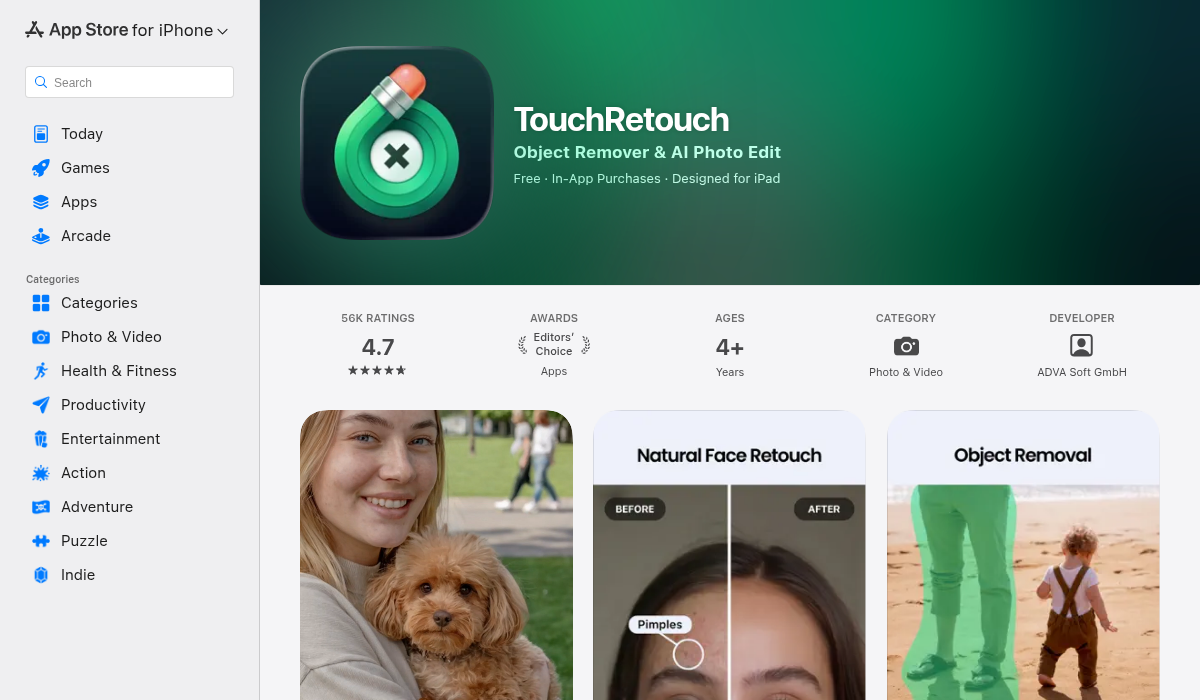
The original mobile object removal app. TouchRetouch handles quick erasing tasks well, with a simple interface that's easy to learn.
- ✅ Simple, focused on removal
- ✅ One-time purchase available
- ❌ Limited to object removal only
- ❌ No restoration or creative tools
- ❌ Interface feels dated
2. Remini

Remini made its name enhancing and upscaling old photos. It's particularly good at sharpening faces and improving portrait clarity.
- ✅ Excellent face enhancement
- ✅ Good for upscaling low-res images
- ❌ Primarily portrait-focused
- ❌ No object removal or editing tools
- ❌ Heavy subscription model
3. AIPGEN
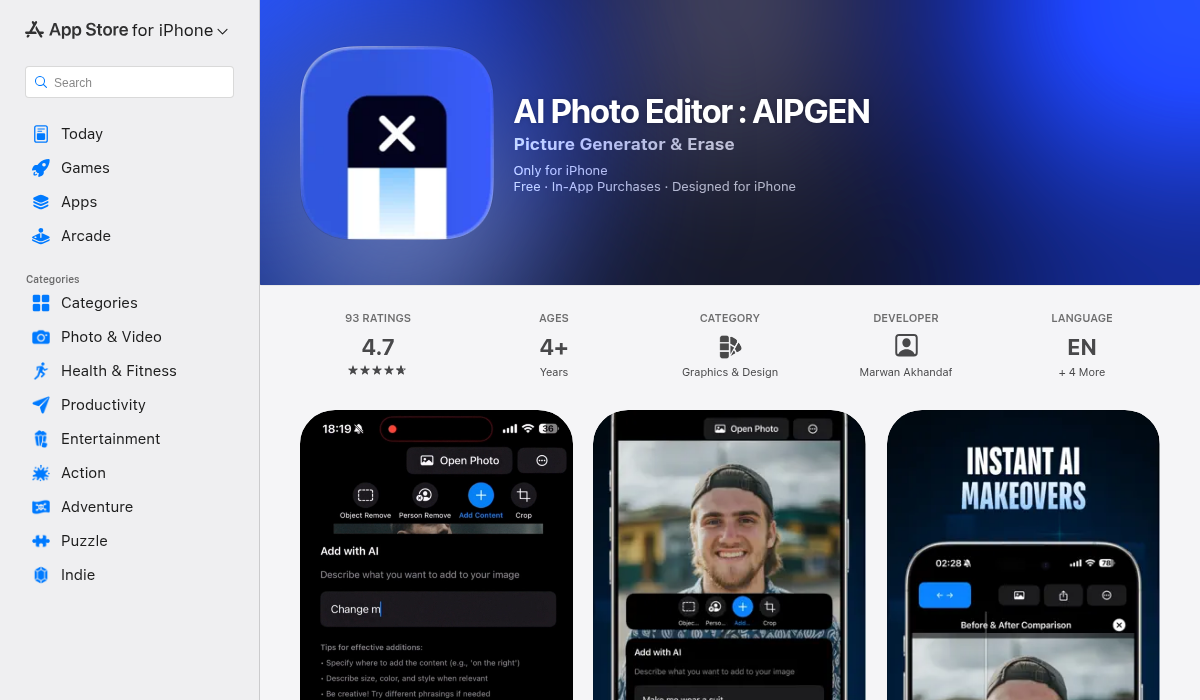
AIPGEN takes a different approach — it's an all-in-one AI editing suite that combines object removal, photo restoration, and creative tools in a single app. What sets it apart is the 60+ AI templates that handle common editing scenarios with one tap.
- ✅ Complete editing suite (removal, restoration, creative)
- ✅ 60+ AI templates for quick edits
- ✅ Unique group photo creator feature
- ✅ Before/after slider for comparison
- ✅ Works on iOS and Android
- ✅ Free trial edit to test quality
The group photo feature is genuinely innovative — you can combine individual portraits into realistic group shots, which is useful for family photos when everyone couldn't be together.
When to Use Each Approach
Use AI Editing When:
- Time is critical — Deadlines don't wait for manual perfection
- Volume is high — Batch processing dozens or hundreds of images
- Tasks are common — Object removal, enhancement, restoration
- Skill level is casual — You don't need to become a Photoshop expert
- Mobile editing — Working from your phone or tablet
Use Manual Editing When:
- Pixel-perfect output matters — Commercial, print, or client work
- Creative control is essential — Artistic effects, compositing
- You already have the skills — Photoshop expertise shouldn't go to waste
- One-off complex projects — Unique edits AI can't template
The Hybrid Approach: Best of Both
The smartest editors in 2026 aren't choosing sides — they're combining approaches. Use AI for the heavy lifting (batch enhancement, quick removals), then fine-tune critical shots manually.
This workflow typically cuts editing time by 70-80% while maintaining quality where it matters most.
The Bottom Line
For 90% of everyday photo editing tasks, AI tools are now faster and good enough. The technology has matured past the "looks obviously fake" stage — modern AI can handle complex backgrounds, natural skin tones, and subtle details.
Manual editing isn't dead, but it's increasingly reserved for high-stakes creative work rather than routine corrections.
If you're still spending hours on tasks AI can handle in seconds, it might be time to update your workflow. AIPGEN offers a free trial edit if you want to see how AI handles your specific use case before committing.