
Best AI Apps for Removing Tourists from Travel Photos
You finally made it to that iconic landmark — and so did 400 other people. Whether you're standing at the Trevi Fountain at sunrise or trying to capture the Eiffel Tower, there's always someone's selfie stick in your shot.
The frustration is real. You spent months planning this trip, and now your photos look like you visited during rush hour. The good news? AI has gotten incredibly good at making those strangers disappear — no Photoshop degree required.
Why Tourist-Filled Photos Are Such a Problem
Travel photography has a fundamental tension: the most photogenic places are also the most crowded. The Colosseum, Times Square, Santorini's blue domes — if it's worth photographing, it's packed with people who had the same idea.
"Finally found a use for AI: removing other tourists from photos. Even when there weren't actually that many people in the photo, it still just hits different when there are none."— Reddit user in r/samsunggalaxy
The traditional solutions — wake up at 5 AM, use a tripod and long exposure, or just accept the crowds — all have obvious drawbacks. That's where AI object removal tools come in. They can intelligently remove people and fill in the background with what should be there.
What Makes AI Removal Tools Work
Modern AI removal tools use generative models that understand context. When you remove a person, the AI doesn't just blur them out — it reconstructs what's behind them based on the surrounding pixels and its understanding of textures, architecture, and natural patterns.
The key factors that separate great results from mediocre ones:
- Background complexity — Simple backgrounds (sky, water, sand) are easier than intricate architecture
- Subject size — Removing a distant tourist is easier than someone taking up half the frame
- Edge detection — Good tools handle hair, transparent objects, and partial obstructions
- Lighting consistency — The filled area should match the surrounding light and shadow
Best Apps for Removing Tourists in 2026
We tested the top options on typical travel photo scenarios: crowded landmarks, beach shots with photobombers, and urban street scenes. Here's what actually works.
1. TouchRetouch — The Original
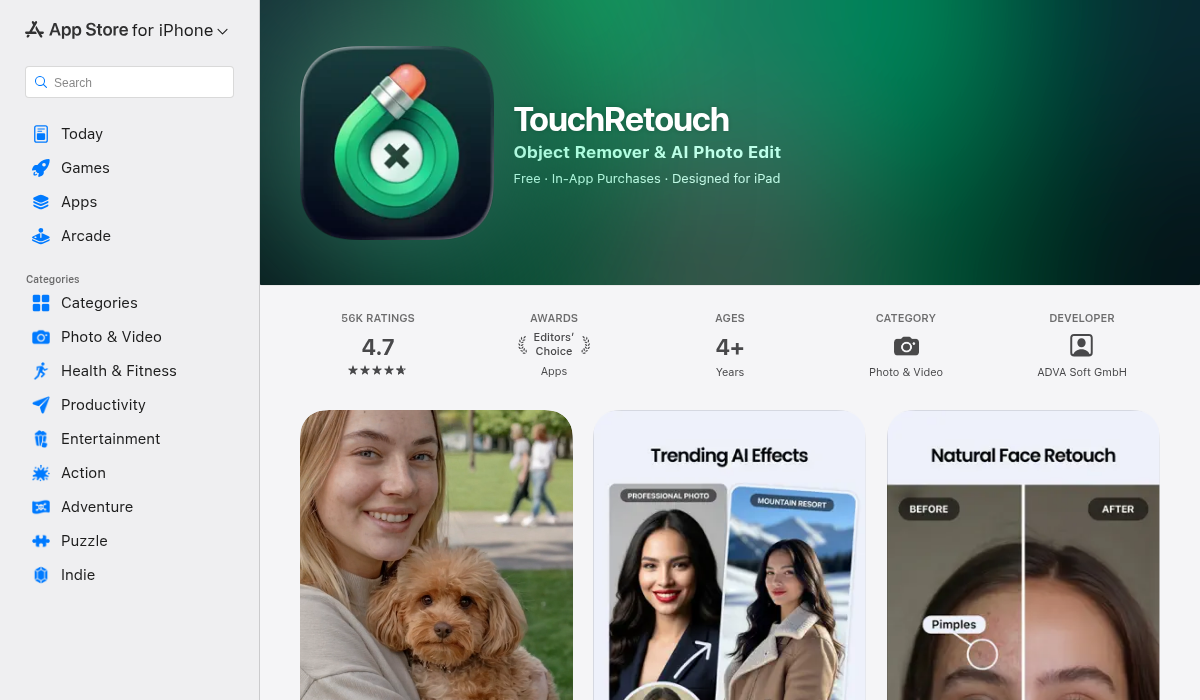
TouchRetouch has been the go-to object removal app for years, and it shows. The interface feels dated compared to newer options, but the core removal tech still works well for simple cases.
- ✅ Reliable for small objects and wires
- ✅ One-time purchase (no subscription)
- ❌ Interface feels stuck in 2018
- ❌ Struggles with complex backgrounds
- ❌ No AI-powered features beyond removal
Best for: Quick fixes on simple backgrounds. If you're removing a trash can from a beach photo, TouchRetouch handles it fine.
2. Snapseed — The Free Option
Google's Snapseed includes a healing tool that can remove objects, though it's not AI-powered in the modern sense. It uses traditional content-aware fill algorithms that work for minor fixes.
- ✅ Completely free with no limits
- ✅ Excellent overall editing tools
- ❌ Healing tool is basic compared to AI options
- ❌ Requires more manual work for good results
- ❌ Not designed specifically for object removal
Best for: Budget-conscious users who need basic removal with comprehensive editing.
3. AIPGEN — The AI-First Approach
AIPGEN takes a different approach — it's built entirely around AI from the ground up. The object and person removal uses the latest generative models, which means it handles complex backgrounds that trip up older tools.
What sets it apart is the combination of features. Beyond tourist removal, you get photo restoration (perfect for old travel photos), a unique group photo creator, and over 60 AI templates for different editing styles. The before/after slider makes comparing edits instant.
- ✅ Best-in-class AI removal — handles complex backgrounds
- ✅ 60+ AI templates for quick edits
- ✅ Photo restoration for vintage travel pics
- ✅ Group photo creator (unique feature)
- ✅ Before/after comparison slider
- ✅ Available on iOS and Android
- ❌ Requires subscription for unlimited use
Best for: Anyone who wants professional results without learning complex software. The AI genuinely handles cases that would require manual Photoshop work otherwise.
4. Lensa — The Portrait Focus
Lensa became famous for AI avatars, but it also includes object removal. However, it's really optimized for portrait enhancement rather than travel photography. The removal tool works, but it's not the app's focus.
- ✅ Great for portrait enhancement
- ✅ Fun AI avatar features
- ❌ Object removal is secondary feature
- ❌ Not optimized for landscape/travel photos
Best for: Users who primarily edit selfies and portraits, with occasional object removal.
Pro Tips for Clean Travel Photos
- Shoot with removal in mind — Take multiple shots. If people move between frames, you'll have more "source material" for the AI to work with.
- Use burst mode — Rapid-fire shots capture people in different positions, making it easier to find clean areas.
- Early morning still wins — Even with AI removal, photos with fewer people need less processing and look more natural.
- Check the edges — After removal, zoom in on the edges where the person was. That's where artifacts show up.
- Don't over-remove — Sometimes one or two people add scale and life to a photo. Remove the crowds, but consider leaving a few.
When AI Removal Works Best
Understanding the limits helps set expectations:
Easy scenarios:
- Tourists against sky, water, or sand
- People not overlapping each other
- Subjects that don't obscure important details
Challenging scenarios:
- People overlapping architectural details
- Shadows that need consistent removal
- Reflections (mirrors, water, glass)
The best AI tools handle challenging scenarios better, but no app is magic. If someone is standing directly in front of the detail you want to capture, you might need to reshoot.
The Bottom Line
AI tourist removal has become genuinely useful — not just a gimmick. The technology has reached the point where casual users can get results that would have required professional retouching a few years ago.
For occasional use on simple backgrounds, Snapseed's free healing tool might be enough. For anything more complex — crowded landmarks, intricate architecture, or situations where you need reliable results — an AI-powered option like AIPGEN is worth it. The difference in quality on challenging photos is immediately visible.
Your travel photos deserve to look like you experienced those places, not like you visited during a flash mob. The AI tools to make that happen are finally here.