
Best AI Video Generators 2026: Top Tools Tested & Compared
Creating professional videos used to require expensive software, hours of editing, and years of experience. In 2026, AI video generators have completely changed the game — turning text prompts and still images into stunning video content in minutes.
Whether you're a content creator looking to scale your YouTube channel, a marketer needing quick social media clips, or just someone who wants to bring their creative ideas to life, there's now an AI video tool that fits your needs. After testing over a dozen of the most popular options, we've narrowed it down to the best AI video generators you should actually consider in 2026.
Why AI Video Generation Matters Now
The shift happened faster than anyone expected. Just two years ago, AI-generated videos were janky, uncanny, and obviously artificial. Now? Tools like Google Veo 3 and OpenAI Sora are producing clips that make people in comment sections genuinely ask "is this real?"
For creators and businesses, this means:
- ✅ Faster production — what took days now takes minutes
- ✅ Lower costs — no need for expensive equipment or crews
- ✅ More experimentation — test ideas before committing resources
- ✅ Accessibility — anyone can create professional-looking content
"I have Claude generate my transcript, call ElevenLabs to generate my voice file, then take images and put them into RunwayML which generates 10-second clips. The whole workflow that used to take me a weekend now takes an hour."— Reddit user in r/AI_Agents
The Best AI Video Generators Compared
Not all AI video tools are created equal. Some excel at text-to-video generation, others focus on animating images, and some are built specifically for mobile creators. Here's our breakdown of the top options in 2026.
1. AIVGEN – Best Mobile AI Video Generator
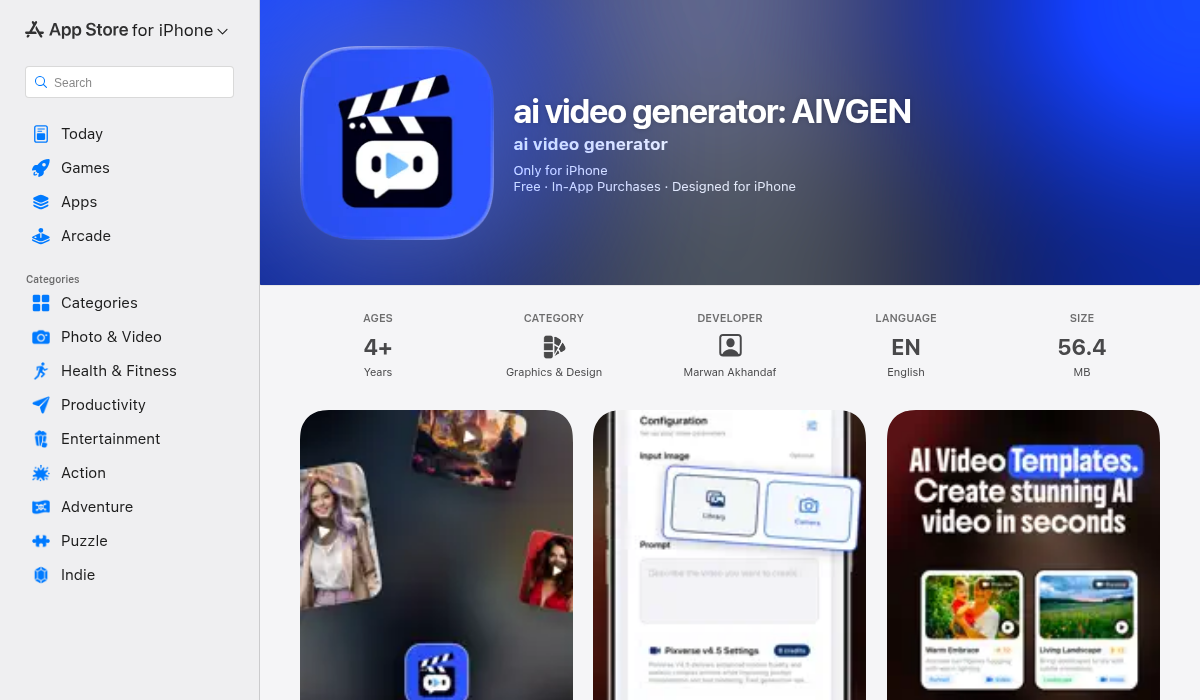
If you want the power of AI video generation without being tied to a desktop, AIVGEN is the standout choice. This iOS app brings nine different AI video generation models to your phone, letting you experiment with different styles and find what works best for your content.
What sets AIVGEN apart is its combination of flexibility and simplicity. You can start with text prompts, images, or both — and the app handles the heavy lifting. The smart templates help beginners get started quickly, while advanced users can dive into model selection and fine-tuning.
- ✅ 9 AI models — more variety than most desktop tools
- ✅ Background processing — queue videos and let them render while you do other things
- ✅ Text and image inputs — flexible starting points for any project
- ✅ Credit-based pricing — pay for what you use, no wasteful subscriptions
- ✅ High-quality output — production-ready videos from your phone
For mobile-first creators, TikTok producers, or anyone who wants to generate videos on the go, AIVGEN delivers desktop-quality results in a pocket-sized package.
2. Google Veo 3 – Best for End-to-End Production
Google's Veo 3 has become the benchmark for AI video quality in 2026. The model produces remarkably realistic scenes with smooth motion and — this is the game-changer — native audio generation with near-perfect lip sync.
You can literally write dialogue for characters in your video, and Veo will generate matching voices and sync them to the characters' lips. This moves AI video from "cool tech demo" to "actually usable production tool."
- ✅ High-quality realistic output
- ✅ Native audio and voice generation
- ✅ Lip-sync technology
- ❌ Expensive ($20-250/month)
- ❌ Watermarks on lower tiers
- ❌ Web-only — no mobile app
3. Runway – Best for Creative Professionals
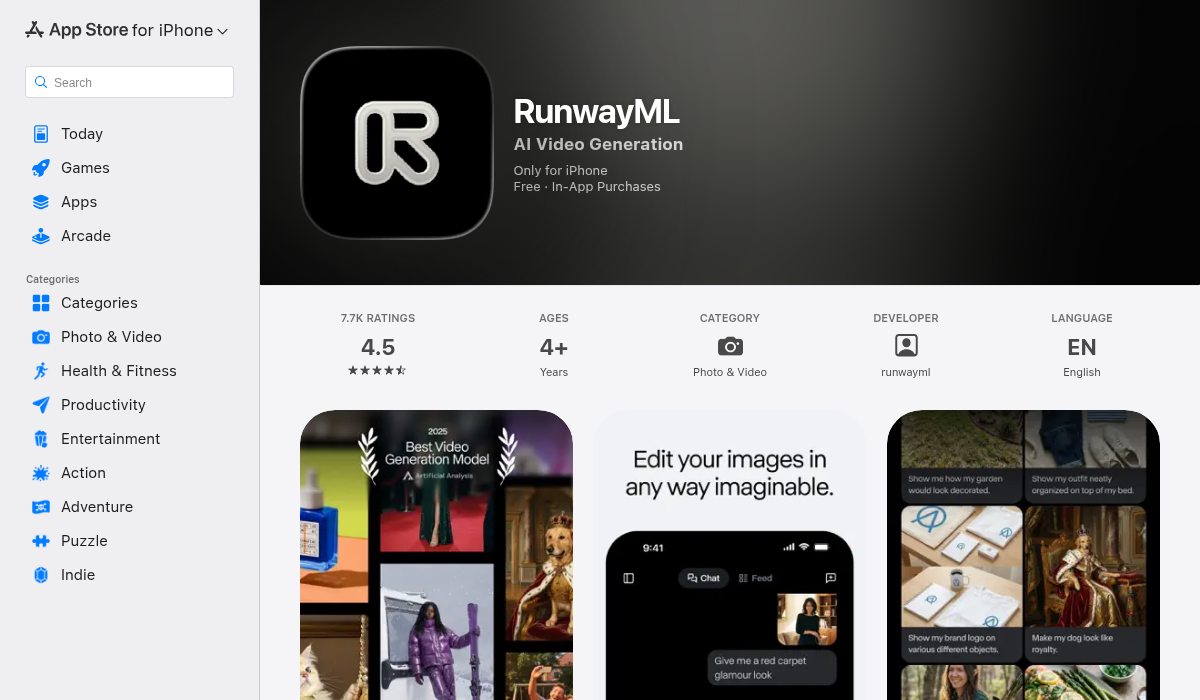
Runway has been in the AI video space longer than most, and it shows. Their latest Aleph model enables incredible edits — you can change camera angles, weather conditions, or props after the video is generated. It's like having a virtual film set you can modify at will.
The platform is packed with tools beyond just video generation: image creation, audio tools, motion tracking, and more. It's a creative professional's playground.
- ✅ Extremely creative outputs
- ✅ Advanced editing capabilities
- ✅ Great for brainstorming and iteration
- ✅ Free tier available (125 credits)
- ❌ Steeper learning curve
- ❌ No native audio generation
4. OpenAI Sora – Best for Social Content
If you've heard of AI video, you've probably heard of Sora. OpenAI's flagship video model gained massive attention and recently launched its second generation with audio support and — interestingly — its own social media app for sharing AI-generated videos.
Sora excels at fun, creative, sometimes outlandish content. It's particularly good at realistic prompts, though this has raised some deepfake concerns that OpenAI is actively addressing.
- ✅ Excellent audio and video quality
- ✅ Free to use
- ✅ Built-in sharing community
- ✅ Strong prompt adherence
- ❌ Deepfake potential concerns
- ❌ Primarily web-based
5. HeyGen – Best for Avatar Videos
Need a talking head video without being on camera yourself? HeyGen specializes in AI avatars that can deliver your script naturally. The real standout feature is interactive avatars that can respond in real-time based on a knowledge base you define.
This makes HeyGen particularly valuable for business use cases: training videos, customer support, product demos, and more.
- ✅ Natural-looking avatars
- ✅ Multi-language support
- ✅ Interactive response capability
- ✅ Good for business content
- ❌ Less creative than generative tools
- ❌ Interactive features require paid plans
6. Adobe Firefly – Best for Commercial Use
Adobe Firefly stands alone in one crucial way: everything you create is guaranteed to be commercially safe. Adobe trained their models exclusively on licensed content, so you can use Firefly-generated videos in professional work without copyright concerns.
The integration with Photoshop and other Adobe tools is seamless, making it ideal for existing Adobe users. However, there's no native audio — you'll need to add sound separately.
- ✅ Commercially safe outputs
- ✅ Integrated with Adobe suite
- ✅ Lots of hands-on controls
- ❌ No native audio generation
- ❌ Requires Adobe subscription
How to Choose the Right AI Video Generator
With so many options, here's a quick guide to picking the right tool for your needs:
For mobile creators and on-the-go production: AIVGEN gives you the most flexibility with multiple AI models and the convenience of creating anywhere.
For highest quality output: Google Veo 3 produces the most realistic results, especially with its audio and lip-sync capabilities.
For creative experimentation: Runway's tools let you iterate and modify generated content in ways other platforms can't match.
For business and commercial work: Adobe Firefly ensures you won't run into copyright issues with your content.
For budget-conscious creators: OpenAI Sora offers free access to quality video generation, though with some limitations.
Pro Tips for Better AI Videos
- Be specific with prompts — "A golden retriever running through autumn leaves in slow motion, cinematic lighting" beats "dog video"
- Start with images when possible — AI models handle image-to-video more consistently than pure text-to-video
- Use the right model for the job — realistic scenes need different models than animated or stylized content
- Iterate quickly — generate multiple versions and combine the best parts rather than trying to perfect one generation
- Add audio separately if needed — tools like ElevenLabs can enhance videos that don't have native audio support
The Bottom Line
AI video generation has matured remarkably in 2026. The tools that seemed like toys just two years ago are now legitimate production options for creators and businesses alike.
For most people, the choice comes down to platform and use case. Desktop users with budgets for quality will love Google Veo 3. Creative professionals will appreciate Runway's depth. And mobile creators who want power and flexibility in their pocket should check out AIVGEN — it's the best way to generate AI videos without being tied to a computer.
The technology will only keep improving. What matters now is getting hands-on experience with these tools so you're ready to create when inspiration strikes.