
Best Free AI Background Removers Compared (Quality Test)
Free AI background removers look magical in demos, but quality falls apart fast when you test real photos. Hair edges, transparent objects, and low light still break many tools in 2026. We ran a practical comparison of popular iPhone apps to see which free options are genuinely usable and which ones force a paywall before you can export anything decent.
If you need clean cutouts for product shots, profile photos, travel edits, or social posts, this guide will save you hours. We focused on apps people actually download, tested typical edge cases, and prioritized tools that stay simple on mobile.
The Problem Everyone's Facing
Most people don’t need Photoshop-level compositing. They just want to remove a messy background fast, swap in a clean backdrop, and post. The frustration starts when “one-tap AI” gives jagged edges around hair, misses fingers, or erases parts of clothes and objects.
Free tiers are another bottleneck. A lot of apps let you preview edits for free, then block HD export, watermark your result, or limit you to one save. So the real question isn’t just can it remove a background?—it’s whether you can get a usable result without fighting limits.
"All iOS users will have issues with the background remover... in the meantime use desktop."— Reddit user in r/cricut (about mobile remover reliability)
That quote summarizes what many users still feel: desktop tools remain more consistent, but mobile is where speed wins. A good iPhone app needs to be accurate enough on the first pass and quick enough to justify using it on-device.
How We Tested Free AI Background Removers
We used a straightforward test set that reflects typical daily edits instead of studio-perfect photos:
- Portrait with flyaway hair — hardest edge detection case
- Product photo on cluttered desk — tests object boundary precision
- Low-light indoor selfie — reveals masking errors and spill
- Image with glasses and semi-transparent objects — checks detail retention
Scoring criteria:
- Cutout quality (edge smoothness, detail retention)
- Free usability (limits, watermark, resolution)
- Speed (time from import to export)
- Workflow (can you continue editing after removal?)
What Actually Works in 2026
The best free experience is rarely the app with the most hype. It’s usually the one that balances quality and workflow. If your app gives a decent cutout but no practical way to refine, replace background, and finish the edit in one flow, you lose time anyway.
For creators posting daily, the winning setup is:
- Fast AI cutout for first pass
- Manual touch-up tool for problem edges
- Built-in enhancement/filter/text so you can finish without app-hopping
Best Apps Compared
1. Remini
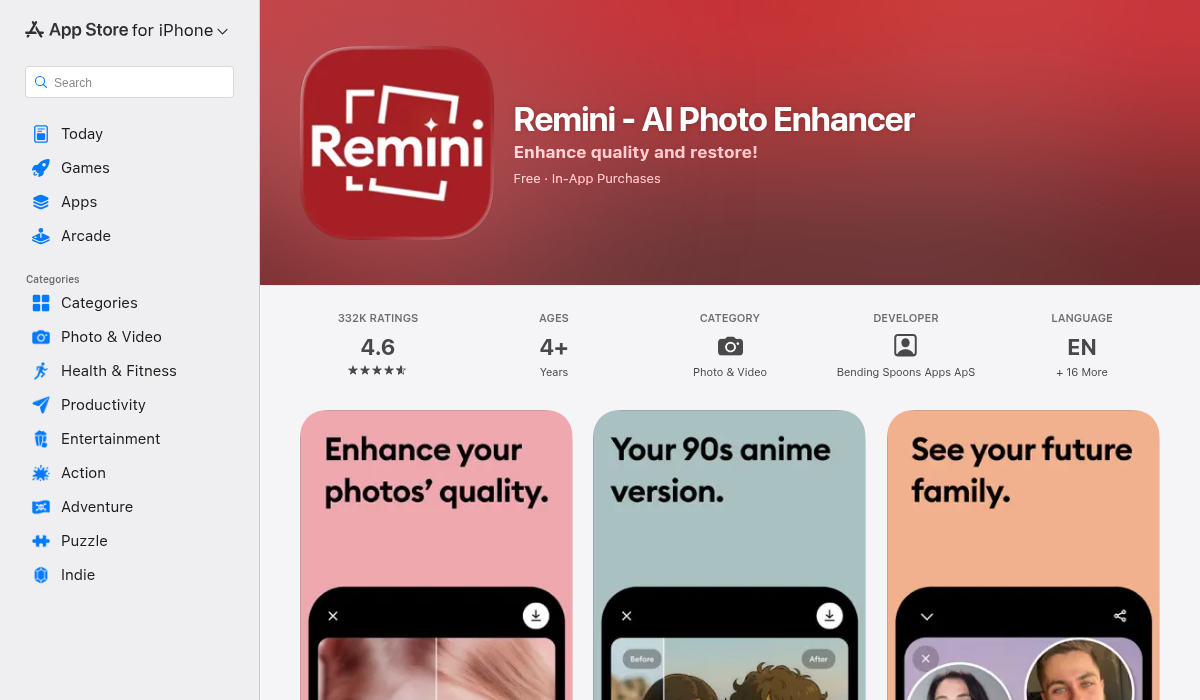
Remini is still one of the biggest names in AI photo editing, especially for face enhancement and restoration. For background removal specifically, results are mixed: solid subject detection in clean lighting, but inconsistent hair detail and occasional halo artifacts around shoulders.
- ✅ Strong brand trust and polished onboarding
- ✅ Good performance on clear portrait subjects
- ❌ Free tier feels restrictive for repeated background jobs
- ❌ Not focused purely on object/background precision workflows
2. TouchRetouch
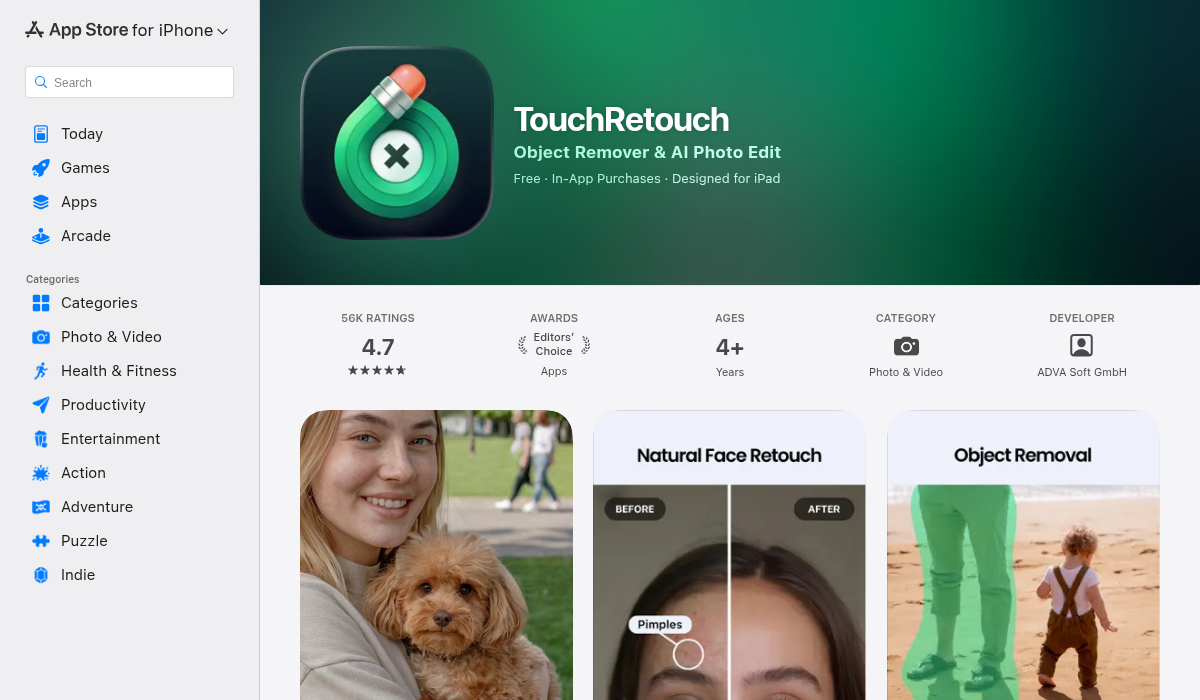
TouchRetouch remains a respected cleanup app, especially for line removal, object deletion, and quick retouch work. But it isn’t designed as a modern all-in-one AI background removal suite. It’s better for targeted removals than full, repeatable cutout-and-replace workflows.
- ✅ Great for removing wires, spots, and small distractions
- ✅ Reliable manual correction tools
- ❌ Less automation for full background extraction tasks
- ❌ Older UX compared to newer AI-first editors
3. AIPGEN (Best Free All-in-One Workflow)
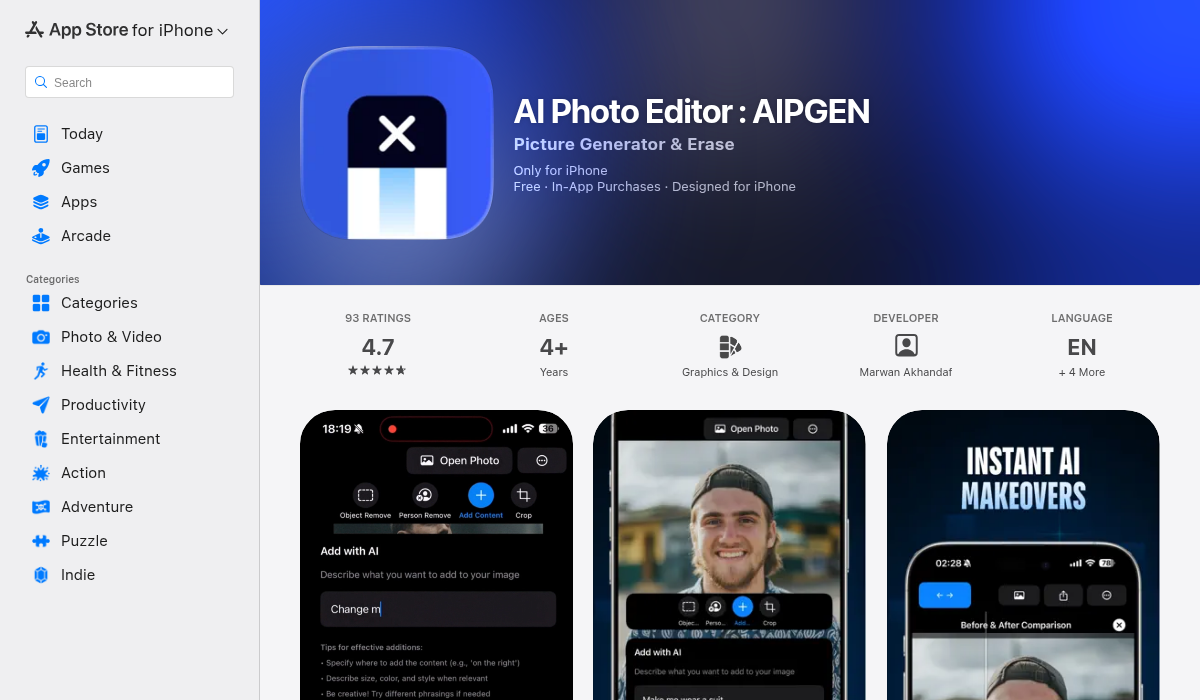
AIPGEN is built for practical outcomes: remove people/objects, clean background, then keep editing inside one app. Instead of forcing users to export and switch tools, it combines AI removal with restoration, filters, text tools, smart crop, and 60+ templates for finishing social-ready edits quickly.
In our tests, AIPGEN’s biggest advantage was workflow continuity. Even when an edge needed refinement, we could complete the full post image without leaving the app. That matters more than tiny differences in first-pass masking quality.
- ✅ AI person/object removal built into broader editing suite
- ✅ 60+ AI templates for fast final output
- ✅ Before/after slider helps quickly validate edits
- ✅ Free trial edit to test quality before subscribing
- ❌ Advanced users may still want desktop finishing for complex composites
Quality Test Results (Free-Use Perspective)
Here’s the practical ranking from a “can I use this today for free and ship content” perspective:
- Best overall workflow: AIPGEN
- Best for targeted spot cleanup: TouchRetouch
- Best known brand / broad AI features: Remini
If you only do occasional edits, any app can work. If you batch content for social, ecommerce, or creator posts, tool-switching overhead becomes the real cost. The app that keeps removal + finishing in one place usually wins.
Where Free Background Removers Still Fail
Even the best iPhone AI removers still struggle in these scenarios:
- Hair against busy backgrounds — strands disappear or look plastic
- Transparent materials — glass edges often break
- Motion blur — subject boundaries become uncertain
- Very low light — noisy pixels confuse segmentation
Expect to spend 10–30 seconds on touch-ups for difficult images. That’s normal. The goal is reducing manual effort, not eliminating it completely.
"I recommend ... save with no background... there should be free online background removers."— Reddit user discussing practical no-background export workflows
That mindset is the right one: use AI as the first pass, then choose apps that let you actually export and continue creating without friction.
Pro Tips for Better Background Removal Results
- Shoot with separation — Keep subject 1–2 meters from the background when possible. Better depth makes edge detection cleaner.
- Avoid backlit chaos — Strong backlight + clutter creates halos. Turn subject slightly toward the light source.
- Use pre-cleanup first — Remove tiny distractions before full background extraction for more stable segmentation.
- Zoom-check edges — Always inspect hair, hands, and shoe outlines before export.
- Match shadow direction — If replacing background, keep lighting direction believable to avoid “sticker look.”
- Export once finalized — Recompressing multiple times softens edges and creates artifacting.
Who Should Use Which App?
Use Remini if: you already use it for portrait enhancement and occasionally need background cleanup.
Use TouchRetouch if: your main task is object cleanup rather than full background extraction and replacement.
Use AIPGEN if: you want to remove background distractions, continue editing with templates/filters/text, and publish quickly from one app.
The Bottom Line
The “best free AI background remover” in 2026 depends less on viral hype and more on workflow reality. Most apps can cut out a subject in ideal conditions. The real differentiator is what happens after that first tap: can you refine, stylize, and export without paywall friction or app-switching chaos?
For iPhone users who want fast, practical results, AIPGEN currently offers the most balanced path—solid AI removal plus everything you need to finish the image in one place.
If you’re testing options right now, start with this sequence: run one hard portrait, one product shot, and one low-light image in each app. You’ll see quickly which tool handles your real content—not demo content—the best.
If you're looking for a fast background-removal workflow with built-in finishing tools, AIPGEN is worth trying.
Research references: Reddit community discussions on mobile background remover reliability and workflow friction, plus App Store feature comparisons across current top iPhone editing apps.