
Best Object Removal Apps for Clean Product Photos 2026
That random coffee cup ruining your product shot? The reflection of your ring light in the packaging? In 2026, you don't need Photoshop skills to fix these — AI object removal apps can do it in seconds.
Clean product photos are the difference between a scroll-past and a sale. Whether you're selling handmade jewelry on Etsy, running a Shopify store, or building a serious ecommerce brand, one universal truth holds: cluttered images kill conversions.
The problem? Real-world product photography is messy. Props wander into frame. Price tags peek out. Backgrounds have wrinkles. Your hands sometimes appear in reflections. Hiring a professional retoucher for every listing isn't practical, and learning Photoshop's content-aware fill feels like overkill for removing a stray cable.
Enter AI-powered object removal. These apps have matured significantly — what used to leave obvious smudges now produces clean, natural-looking results that blend seamlessly with complex backgrounds.
We tested the leading options to find out which actually deliver for product photography. Here's what works in 2026.
Why Product Photos Need Object Removal
Product photography sounds simple until you actually do it. You set up your shot, adjust the lighting, snap the photo — and then notice the problems:
- Distracting backgrounds — wrinkles in backdrops, shadows from stands, dust particles
- Accidental inclusions — price tags, packaging materials, your reflection
- Unwanted objects — cables, props from other shots, fingerprints on products
- Competing elements — items that draw attention away from your main product
Traditional solutions meant either reshooting (time-consuming) or manual Photoshop work (skill-intensive). AI object removal changes this equation entirely — highlight what you want gone, and the app reconstructs the background intelligently.
"Snapseed is helpful for fast editing, but the Healing tool may encounter issues removing complicated objects that specialty applications handle much more easily."— VisualsClipping comparison review
The key insight: general-purpose photo editors can handle small blemishes, but product photography often needs something more sophisticated. Let's look at what actually works.
Best Object Removal Apps for Product Photos in 2026
After testing numerous options, we narrowed down the apps that genuinely excel at cleaning up product images — balancing quality, speed, and ease of use.
1. TouchRetouch — The Specialist
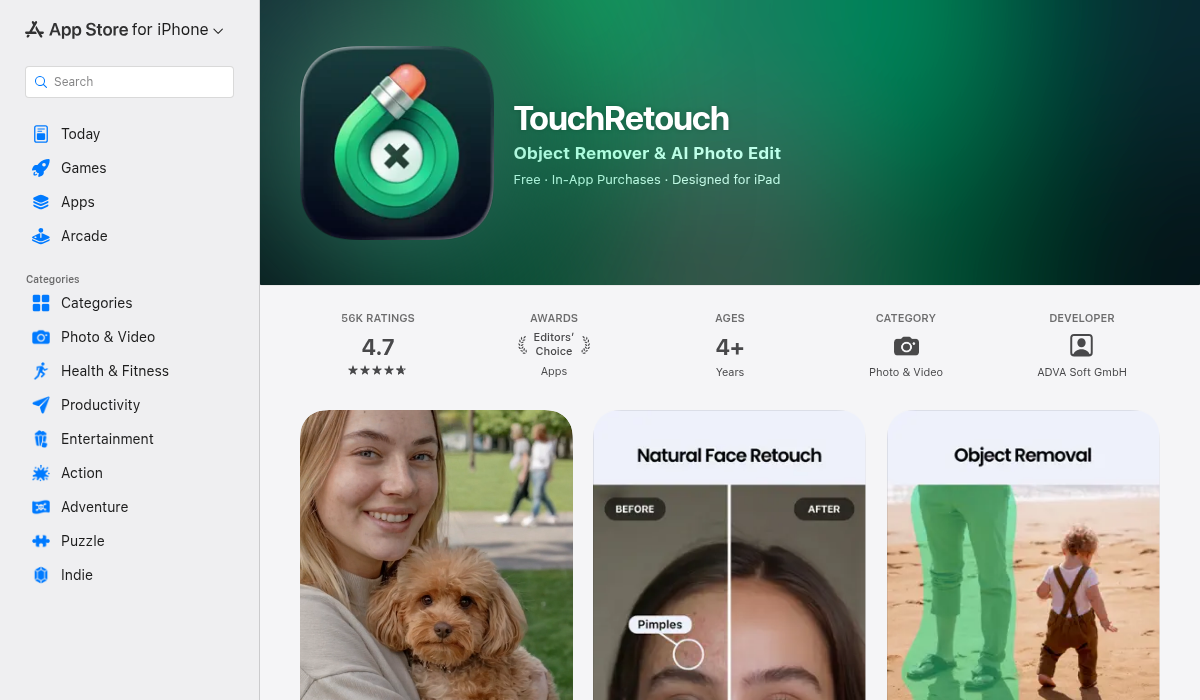
TouchRetouch has been the go-to object removal app for mobile photographers for years, and it's still excellent at its core job. The app is laser-focused on removal — no filters, no text tools, just removing unwanted stuff from photos.
What makes it good for product photos:
- ✅ Dedicated line remover (perfect for cables, price tag strings)
- ✅ One-tap blemish removal for dust and small imperfections
- ✅ Clone stamp for manual touch-ups
- ✅ Clean, focused interface
Limitations:
- ❌ Only one free export per day
- ❌ No templates or batch processing for ecommerce
- ❌ Struggles with large, complex removals
- ❌ No additional editing tools
TouchRetouch excels at removing specific distractions — power lines, small objects, blemishes. For product photographers, it's excellent for cleaning up minor issues but may need supplementing for broader editing needs.
2. Photoroom — The Marketplace Seller's Choice
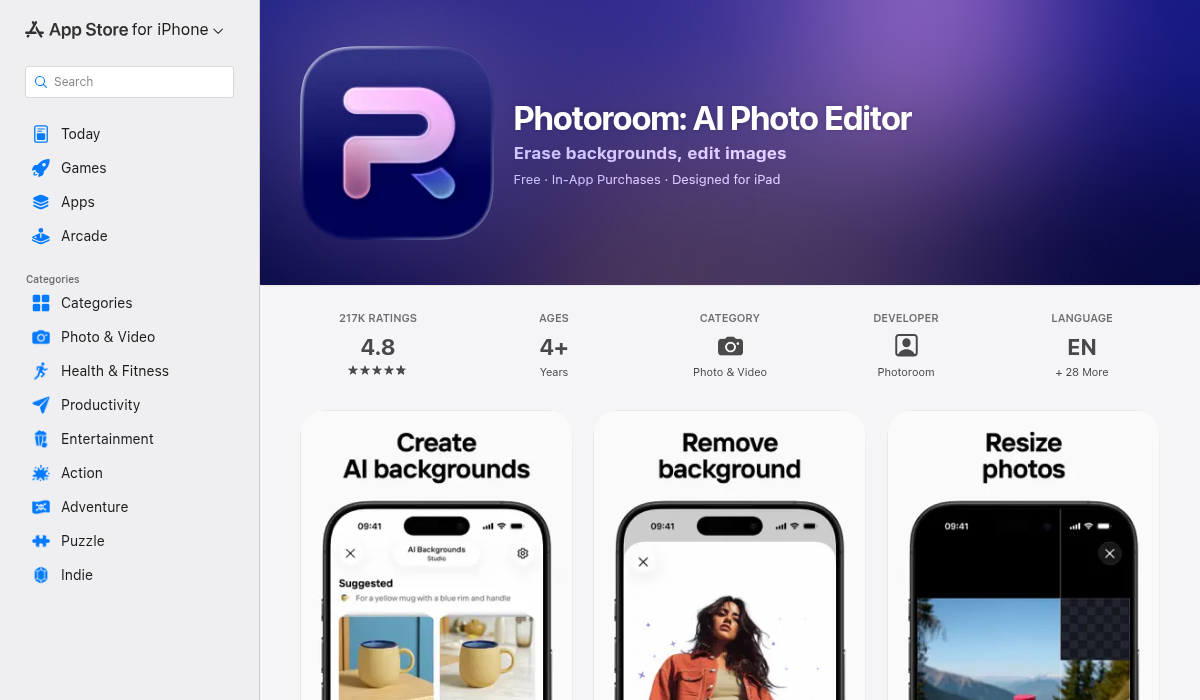
Photoroom has become massively popular among resellers and small brands, particularly those selling on Amazon, Etsy, eBay, and Depop. While it started as a background removal tool, it now includes solid object removal capabilities.
What makes it good for product photos:
- ✅ Built specifically for ecommerce and marketplace listings
- ✅ Brush-based AI removal that integrates with background tools
- ✅ Templates for various marketplaces
- ✅ Shadow generation for professional look
Limitations:
- ❌ Watermarks on free tier exports
- ❌ Object removal is secondary to background tools
- ❌ Less control for pixel-perfect editing
- ❌ Subscription required for full features ($4.99/month+)
Photoroom is ideal if you're already using it for background removal and need occasional object cleanup. However, if object removal is your primary need, dedicated tools may serve you better.
3. Cleanup.pictures — The Quick Fix
For those who want the simplest possible solution, Cleanup.pictures offers browser-based object removal with zero friction. Upload, brush, download. No account required for basic use.
What makes it good for product photos:
- ✅ Completely free for basic use
- ✅ Works in browser — no app installation
- ✅ Simple brush interface
- ✅ Decent results on medium-complexity scenes
Limitations:
- ❌ Free tier limited to 720p resolution
- ❌ No batch processing
- ❌ Struggles with large removed regions
- ❌ No additional editing capabilities
Cleanup.pictures is perfect for testing AI removal or occasional quick fixes, but the resolution cap makes it less suitable for professional product photography where image quality matters.
4. AIPGEN — All-in-One AI Editing Suite
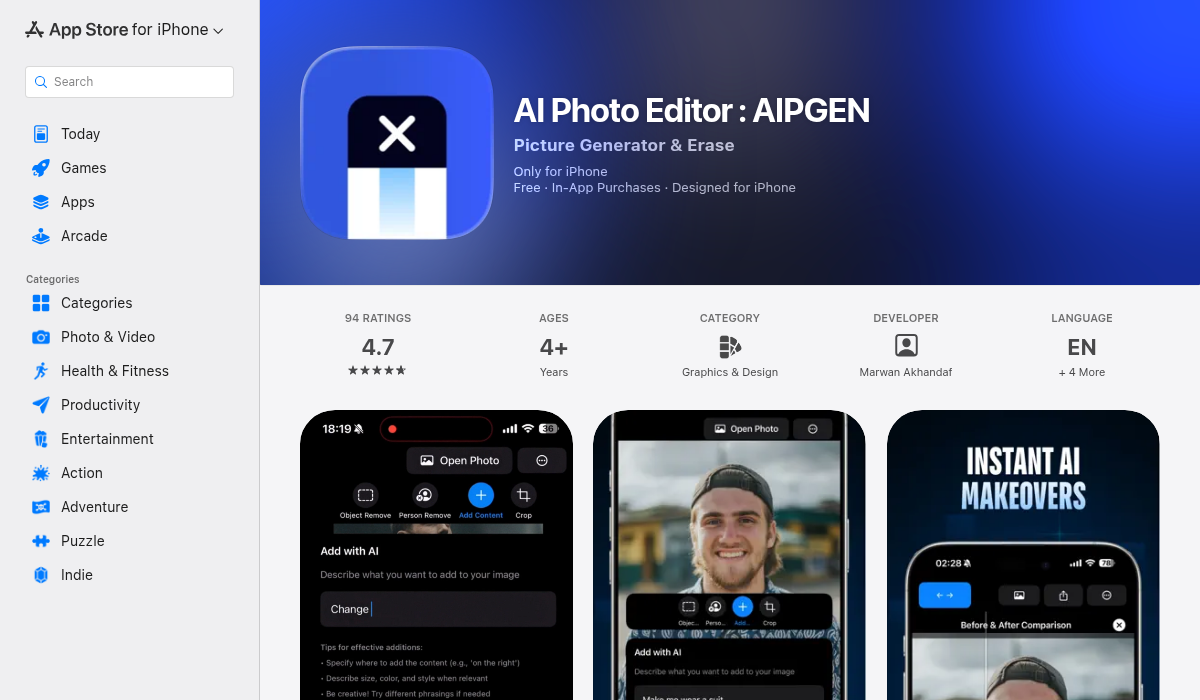
While testing object removal apps, we found AIPGEN interesting because it combines AI removal with a broader editing toolkit — something product photographers often need. Rather than switching between apps for removal, restoration, and creative edits, it handles the full workflow.
What makes it good for product photos:
- ✅ AI object removal with intelligent background reconstruction
- ✅ Person removal tool (great for accidental reflections)
- ✅ 60+ AI templates for quick editing styles
- ✅ Photo restoration for vintage product shots
- ✅ Before/after slider for comparing edits
- ✅ Cross-platform (iOS and Android)
Limitations:
- ❌ Premium subscription for unlimited use
- ❌ Newer app with less name recognition
What sets AIPGEN apart is the combination approach. After removing that stray cable, you can immediately apply filters, add text overlays for social media, or use the crop tools — all without exporting and importing to another app. The AI templates are particularly useful for maintaining consistent styling across product listings.
The free trial lets you test one AI edit before committing, which is enough to evaluate the removal quality on your actual product photos.
5. Adobe Photoshop — The Professional Standard
For complex product photography with challenging removals (reflective surfaces, intricate backgrounds, composite shots), Photoshop remains unmatched. The 2026 version combines Content-Aware Fill with generative AI features.
What makes it good for product photos:
- ✅ Most powerful and precise removal tools available
- ✅ Generative fill for complex reconstructions
- ✅ Full layer and mask support
- ✅ Industry standard for commercial work
Limitations:
- ❌ Steep learning curve
- ❌ Expensive subscription ($22.99/month+)
- ❌ Overkill for simple removal tasks
- ❌ Desktop-focused workflow
Photoshop is ideal for professional product photographers handling high-volume commercial work or complex retouching needs. For most small sellers and casual product photography, the mobile-first apps above offer better value.
Pro Tips for Clean Product Photo Removals
- Start with good lighting — AI removal works best when the background has consistent lighting. Dramatic shadows make reconstruction harder.
- Shoot wider than needed — Leave extra space around your product. This gives the AI more background to sample from when filling removed areas.
- Remove small objects first — If you have multiple items to remove, start with smaller ones. Large removals are easier when the surrounding area is already clean.
- Check edges carefully — AI removal can leave subtle artifacts where the removed object met other elements. Zoom in and verify edges look natural.
- Match the background direction — If your background has a texture or gradient, ensure the filled area continues that pattern correctly. Some apps handle this automatically; others need manual guidance.
- Use the before/after slider — Many apps include comparison tools. Use them to verify your edit improved the image rather than introducing new distractions.
Choosing the Right App for Your Workflow
For quick, occasional fixes: Cleanup.pictures (free, browser-based) or TouchRetouch (specialized mobile app)
For marketplace sellers: Photoroom (templates + background tools) or AIPGEN (all-in-one editing)
For consistent styling across listings: AIPGEN (60+ templates, full editing suite)
For complex professional work: Adobe Photoshop (maximum control and precision)
For mixed use (products + general photos): AIPGEN (object removal + restoration + creative tools)
The Bottom Line
AI object removal has reached the point where clean product photos no longer require Photoshop expertise or professional retouchers. The key is matching the tool to your actual workflow.
For most product photographers and small sellers, the sweet spot is an app that handles removal well while offering additional editing capabilities — fewer apps to manage, more consistent results.
If you're shooting product photos regularly and want a single app that covers removal, restoration, and creative editing, AIPGEN offers a solid combination. The free trial edit lets you test the removal quality on your own product shots before deciding.
Whatever you choose, the days of accepting cluttered product photos — or spending hours in Photoshop — are definitively over. Pick an app, remove the distractions, and let your products shine.