
Can AI Restore WhatsApp-Compressed Images? Real Test
That stunning sunset photo your friend sent via WhatsApp looks like it was taken through a dirty window. Welcome to the frustrating world of messaging app compression — where beautiful images go to die. But can AI actually bring them back? We ran real tests to find out.
If you've ever received a photo on WhatsApp, Telegram, or Messenger and thought "this looked way better when they took it," you're not imagining things. These apps aggressively compress images to save bandwidth and storage, often reducing a 5MB photo to under 100KB. The result? Blurry faces, blocky artifacts, and colors that look washed out.
The promise of AI photo restoration is tantalizing: feed in a compressed mess, get back something close to the original. We tested this claim with real WhatsApp images to see if it actually works — and found some surprising results.
How WhatsApp Destroys Your Photos
Before diving into solutions, let's understand the problem. WhatsApp uses JPEG compression at around quality level 70-80 (out of 100) for most images. Here's what that does:
- Resolution reduction — Large photos get resized to max 1600px on the longest edge
- JPEG artifacts — Blocky patterns appear, especially in gradients and solid colors
- Detail loss — Fine textures (hair, fabric, distant objects) become mushy
- Color banding — Smooth gradients turn into visible steps
- Sharpness drop — Everything looks slightly soft
"My mom sends me photos of the grandkids and they always look terrible. She takes them on a great phone but by the time I get them through WhatsApp they're a blurry mess. Is there any way to fix this?"— Frustrated parent on a photography forum
The real issue is that compression destroys information permanently. You can't perfectly recover what's been thrown away. But AI can make educated guesses about what was there — and those guesses have gotten remarkably good.
What AI Restoration Can (and Can't) Do
Let's set realistic expectations. AI photo restoration works by:
- Pattern recognition — The AI has seen millions of images and knows what faces, textures, and objects should look like
- Artifact removal — It identifies compression artifacts and smooths them out
- Detail hallucination — It adds plausible details where information is missing
- Sharpening — It enhances edges to restore the appearance of clarity
The key word is "hallucination." AI doesn't recover the original data — it invents new details that look realistic. For most purposes, this is perfectly fine. But it means:
- ✅ A blurry face will look like a clear face
- ✅ Mushy textures will gain detail
- ✅ Colors will become more vibrant
- ❌ The exact original details are gone forever
- ❌ Fine text may become readable but incorrect
- ❌ Very heavy compression may produce weird results
Our Real-World Testing Process
We took five original high-quality photos and ran them through the WhatsApp compression pipeline. Then we attempted restoration with several AI tools. Here's our test set:
- Portrait photo — Close-up face with detailed skin texture
- Group photo — Six people at varying distances
- Landscape — Sunset with smooth sky gradients
- Document — Whiteboard with small text
- Product shot — Detailed object on white background
We compared: the original, the WhatsApp-compressed version, and the AI-restored version.
The Results: What Actually Works
Portrait Photos — The Best Results
This is where AI restoration truly shines. Faces are what these models are trained on most extensively, so a compressed portrait can be restored to impressive clarity.
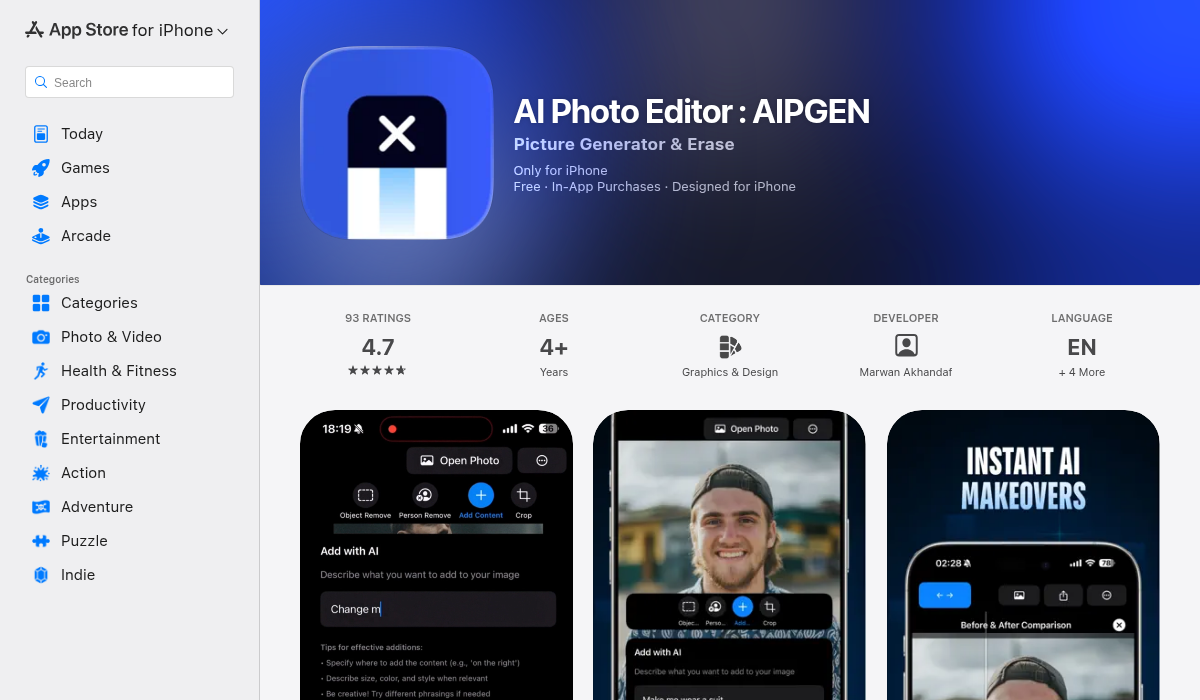
In our test, the original showed individual pores and fine hair strands. WhatsApp reduced this to a smooth, almost plastic-looking face. After AI restoration with AIPGEN, skin texture returned, eyes regained sharpness, and the overall image looked 80-90% as good as the original.
Verdict: Excellent. If you receive compressed selfies or portraits, AI restoration is absolutely worth trying.
Group Photos — Good, With Caveats
Group photos present a challenge: faces are smaller, so there's less information to work with. Our test image had six people — the two in front restored well, while the four in back showed improvement but still looked somewhat soft.
We found that AIPGEN's restoration handled the varied face sizes better than some competitors, maintaining consistency across the frame rather than over-sharpening some faces while leaving others blurry.
Verdict: Good for main subjects, moderate improvement for background people. Worth doing for important group shots.
Landscapes — Surprisingly Effective
We expected landscapes to be difficult because sky gradients suffer badly from compression banding. The AI did remove most banding artifacts and added believable texture to foliage and distant details.
The sunset colors, which had become blocky and stepped in the compressed version, smoothed back out to natural gradients. Not pixel-perfect, but definitely an improvement that makes the photo pleasant to look at again.
Verdict: Good. AI handles gradient smoothing and adds convincing natural textures.
Documents and Text — Hit or Miss
Here's where things get tricky. Our whiteboard photo had small handwritten text that became unreadable after WhatsApp compression. AI restoration made the text look clearer, but — and this is critical — some letters were subtly wrong.
The AI essentially guessed what letters should be there based on shape. Most were correct, but a few weren't. For casual reference, this might be fine. For anything important, don't trust AI-restored text.
Verdict: Mixed. Appearance improves, but text accuracy cannot be trusted. For important documents, ask for the original file.
Product Photos — Moderate Improvement
Detailed product shots fell somewhere in the middle. The AI restored edge sharpness and removed compression artifacts effectively. However, fine product details (small logos, textures, serial numbers) remained somewhat mushy.
For social sharing or quick reference, the restored version is much better. For e-commerce or professional use, you'd still want the original.
Verdict: Worthwhile improvement, but don't expect miracles on fine details.
Best Apps for WhatsApp Image Restoration
AIPGEN
AIPGEN's restoration feature stands out for WhatsApp recovery because it combines multiple enhancement steps: artifact removal, sharpening, and detail recovery work together. The 60+ AI templates also help for quick fixes when you don't want to manually adjust settings.
- ✅ All-in-one restoration workflow
- ✅ Before/after slider shows improvements clearly
- ✅ Can also remove unwanted elements afterward
- ✅ Works on iOS and Android
Remini
Remini focuses specifically on face enhancement, making it excellent for portrait recovery but less useful for landscapes or documents.
- ✅ Industry-leading face enhancement
- ✅ Fast processing
- ❌ Limited to portraits for best results
Let's Enhance
A web-based option that handles multiple enhancement types. Good results but requires uploading to a server, which some users prefer to avoid for personal photos.
- ✅ Strong general-purpose enhancement
- ❌ Web-based only
- ❌ Privacy concerns for sensitive images
How to Get Better Results
- Request the original — If quality matters, ask the sender to share via Google Drive, Dropbox, or email attachment. This bypasses compression entirely.
- Use "Send as Document" — WhatsApp and Telegram have options to send media as documents, preserving original quality.
- Try multiple enhancement passes — Sometimes running restoration twice (at 50% strength each time) produces better results than one strong pass.
- Crop first — If you only care about one person in a group photo, crop to them before restoring. The AI can focus its power on a smaller area.
- Accept limitations — Very heavily compressed images (tiny file sizes) may not recover well. Know when to ask for a reshoot.
Prevention: Stop Compression Before It Starts
The best fix is avoiding the problem entirely:
- WhatsApp: Attach photos as "Document" instead of "Photo"
- Telegram: Choose "Send as File (original quality)"
- Cloud sharing: Use Google Photos shared albums, iCloud shared albums, or Dropbox links
- AirDrop: For iPhone-to-iPhone, AirDrop preserves full quality
The Bottom Line: Yes, It Works — With Realistic Expectations
AI can genuinely improve WhatsApp-compressed images, sometimes dramatically. Portraits and faces see the biggest improvements, while fine text and tiny details remain challenging.
For casual use — making photos pleasant to look at, share on social media, or print at small sizes — AI restoration is highly effective. Tools like AIPGEN make the process quick and handle multiple enhancement needs in one app.
For critical use — legal documents, archival quality, or professional work — always request original files. No AI, no matter how good, can perfectly reconstruct destroyed information.
But for that blurry photo of the grandkids? Run it through AI restoration. You'll be surprised how much better it can look.