
Google Photos Magic Editor vs AIPGEN: Which Is Better?
Google Photos Magic Editor promised to revolutionize mobile photo editing—but after months of real-world use, photographers are discovering its limitations.
When Google launched Magic Editor as part of its AI-powered photo tools, it seemed like the ultimate solution: remove objects, swap backgrounds, and reposition subjects right from your phone. The reality? It's powerful but comes with frustrating restrictions that have many users looking for alternatives. Let's break down exactly how it compares to AIPGEN, a dedicated AI photo editing app that's been gaining serious traction in 2026.
Why People Are Looking Beyond Magic Editor
Magic Editor is genuinely impressive technology. Google's generative AI can do things that seemed impossible a few years ago—moving people around in photos, changing skies, even adding elements that weren't there. But here's what the marketing doesn't tell you:
- Paywall barrier: Unless you own a Pixel phone, Magic Editor requires a Google One subscription (starting at $2.99/month)
- Edit limits: Even paying subscribers get monthly caps on AI edits
- Unpredictable results: Generative AI can "hallucinate" details that look unnatural
- No restoration features: Can't fix old, damaged, or faded photos
- Android-centric: iPhone users get a stripped-down experience
"I love Magic Editor when it works, but half my edits come out looking weird. The AI adds fingers where there shouldn't be any, or the background looks painterly instead of real."— User discussion on r/googlephotos
The core issue is that Magic Editor tries to be generative—creating new content—rather than focusing on clean removal and restoration. That's great for creative experiments, but frustrating when you just want to remove your ex from a vacation photo without the background turning into an AI fever dream.
Google Photos Magic Editor: The Full Breakdown
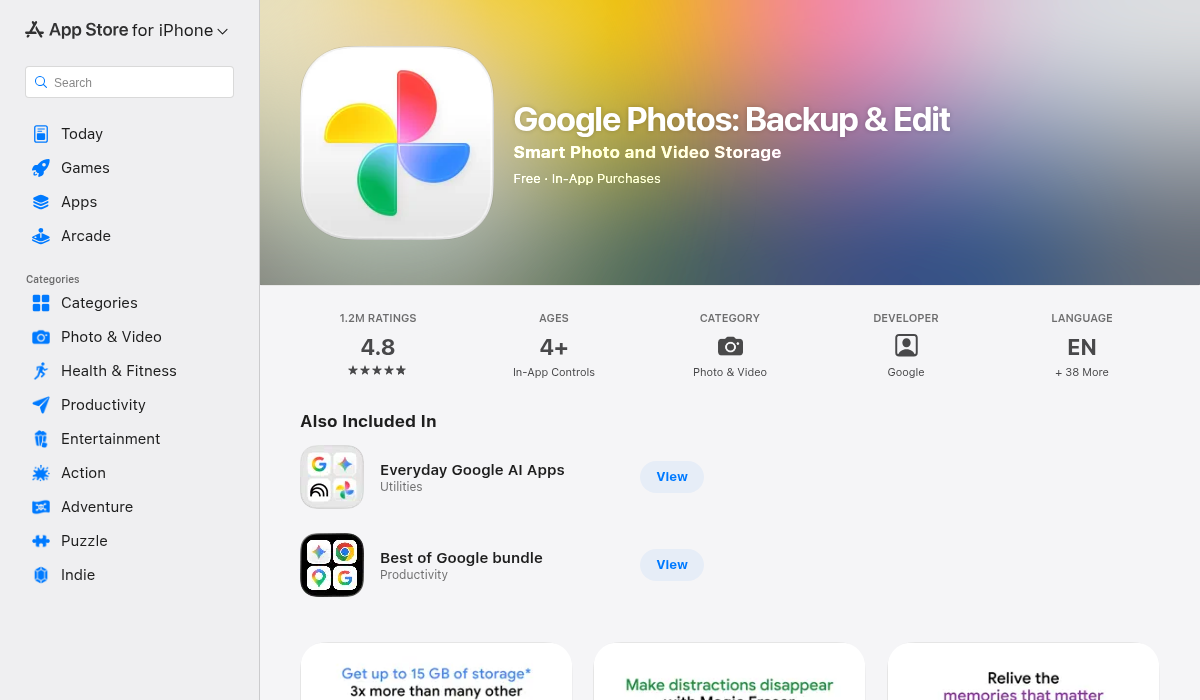
What Magic Editor Does Well
- ✅ Subject repositioning: Move people or objects to different spots in the frame
- ✅ Sky replacement: Swap overcast skies for golden hour vibes
- ✅ Background changes: Completely transform your photo's setting
- ✅ Object removal: Erase unwanted elements with AI fill
- ✅ Deep Google integration: Works seamlessly with your existing Google Photos library
Where It Falls Short
- ❌ Subscription required: $2.99-$9.99/month for Google One (non-Pixel users)
- ❌ Monthly edit limits: Run out of AI edits, wait until next month
- ❌ Inconsistent quality: Results vary wildly—sometimes perfect, sometimes bizarre
- ❌ No photo restoration: Can't repair old, scratched, or faded photos
- ❌ No templates: Every edit starts from scratch
- ❌ Over-reliance on generation: Tends to create new content rather than cleanly restore
AIPGEN: The Focused Alternative
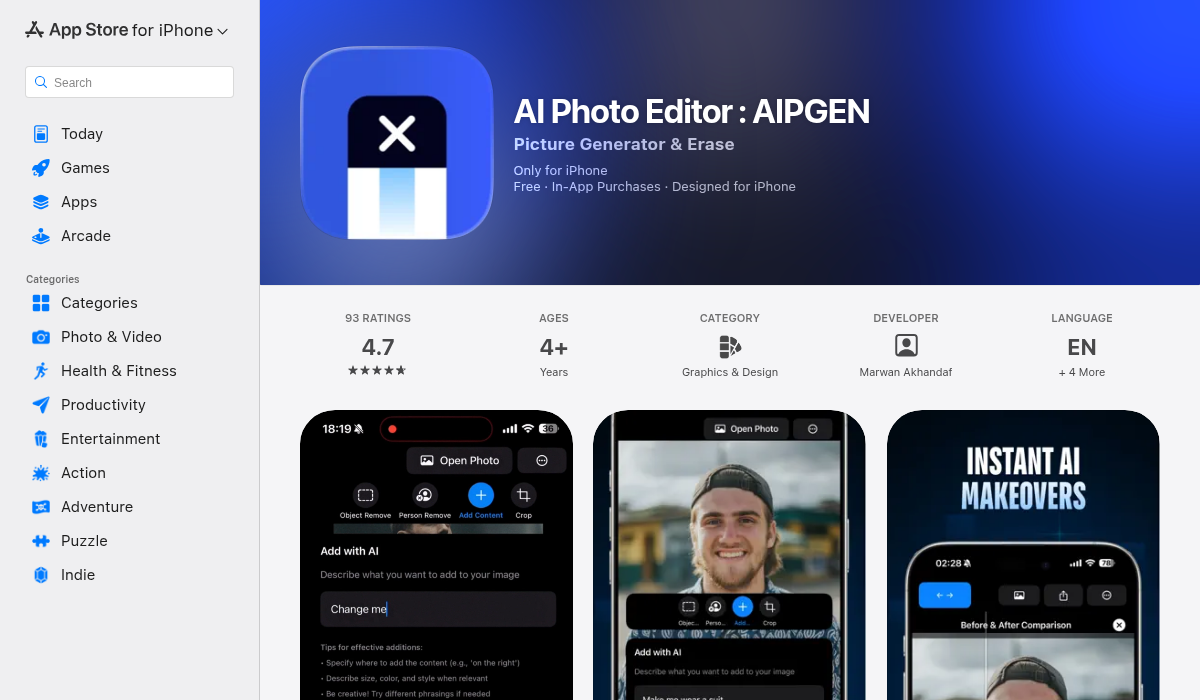
AIPGEN takes a different approach. Instead of trying to be a generative AI playground, it focuses on what most people actually need: clean object removal, photo restoration, and practical editing tools. It's the difference between a Swiss Army knife and a precision scalpel.
Core Features
- ✅ AI Object Removal: Highlight anything—people, text, distractions—and watch it vanish seamlessly
- ✅ Photo Restoration: Bring old, scratched, faded photos back to life (Magic Editor can't do this)
- ✅ 60+ AI Templates: Quick-apply editing styles instead of starting from scratch every time
- ✅ Group Photo Creator: Combine individual portraits into realistic group shots—a unique feature
- ✅ Before/After Slider: Interactive comparison to see exactly what changed
- ✅ Cross-platform: Full experience on both iOS and Android
- ✅ No monthly edit limits: Premium subscribers get unlimited AI edits
What Sets It Apart
The biggest difference is philosophy. Magic Editor wants to reimagine your photos—sometimes adding AI-generated content you didn't ask for. AIPGEN focuses on fixing photos: removing what shouldn't be there, restoring what time has damaged, and making practical edits that look natural.
That photo restoration feature alone is a game-changer for anyone with old family photos. Scans of decades-old prints with scratches, color fade, and blur can be dramatically improved—something Magic Editor simply doesn't offer.
Head-to-Head Comparison
Let's cut through the marketing and compare what actually matters:
Object Removal
Magic Editor: Good but inconsistent. Works great on simple backgrounds, struggles with complex scenes. May add AI-generated artifacts.
AIPGEN: Clean, focused removal. Fills backgrounds naturally without obvious AI hallucinations. More reliable for straightforward "just remove this person" edits.
Photo Restoration
Magic Editor: Not available. Google Photos has some basic enhancement, but can't repair scratches, fix fading, or restore old photos.
AIPGEN: Full AI restoration suite. Repairs scratches, fixes discoloration, sharpens blur—perfect for vintage family photos.
Pricing
Magic Editor: Requires Google One ($2.99-$9.99/month) unless you have a Pixel. Monthly AI edit limits apply.
AIPGEN: Free trial with one AI edit. Premium unlocks unlimited edits and all templates.
Templates
Magic Editor: None. Every edit is manual.
AIPGEN: 60+ AI templates for quick edits across different styles.
Platform Experience
Magic Editor: Best on Android/Pixel. iPhone users get limited functionality.
AIPGEN: Full feature parity across iOS and Android. Localized in 5 languages.
When to Use Each App
Choose Magic Editor If:
- You already pay for Google One
- You want to completely reimagine photos (sky replacement, repositioning)
- You have a Pixel phone (it's free)
- You're okay with inconsistent results and edit limits
Choose AIPGEN If:
- You need reliable, clean object/person removal
- You have old photos to restore
- You want templates for faster editing
- You need group photo creation from individual shots
- You're on iPhone and want the full experience
- You don't want monthly edit caps
Pro Tips for Better AI Photo Edits
- Start with the best source image — AI works better with high-resolution, well-lit photos. A blurry source means blurry results.
- Remove before restoring — If you need to both remove objects and restore quality, do removal first. Restoration can sharpen artifacts if you go the other way.
- Use the before/after slider — Apps like AIPGEN include comparison tools. Use them to check for subtle AI artifacts before saving.
- Don't over-edit — Multiple AI passes compound errors. Plan your edits and try to achieve results in fewer steps.
- Save originals — Always keep your unedited photos. AI is powerful but not always perfect—you might want to try again later.
The Bottom Line
Google Photos Magic Editor is genuinely impressive technology, but it's built for creative experimentation rather than practical photo fixing. The paywall, edit limits, and inconsistent results frustrate users who just want to clean up their photos without the AI going rogue.
AIPGEN fills a different niche: focused, reliable AI editing for the tasks most people actually need. Object removal that works. Photo restoration that Magic Editor can't touch. Templates that speed up your workflow. And no monthly edit caps to worry about.
For Pixel owners who want to play with generative AI, Magic Editor is worth exploring—it's already included. But for everyone else, especially iPhone users or anyone with old photos to restore, AIPGEN is the smarter choice. Try the free edit and see for yourself.