
How to Create Chibi Figures with AI Photo Apps
Chibi figures have taken over social media in 2026, and everyone wants to transform their photos into these adorably oversized-head, tiny-body characters. From TikTok profile pictures to Instagram avatars, these kawaii creations are everywhere — and AI has made it easier than ever to join the trend.
The appeal is obvious. Chibi characters are universally endearing with their exaggerated proportions — giant sparkling eyes, massive heads, and stubby little bodies. They capture personality in the cutest way possible. Whether you want a unique profile picture, a custom gaming avatar, or just a fun way to see yourself as an anime character, AI-powered photo apps can transform your selfies into chibi masterpieces in seconds.
But with so many tools claiming to create chibi art, which ones actually nail the aesthetic? We tested the top options to find out what works — and what doesn't.
What Makes Authentic Chibi Style?
Before diving into apps, let's understand what separates real chibi art from generic cartoon filters. "Chibi" comes from the Japanese word meaning "small" or "short," but the art style is far more specific than just making characters tiny.
True chibi style has distinctive characteristics:
- Head-to-body ratio: While realistic proportions are about 1:7, chibi characters typically have a 2:1 to 3:1 ratio. The head is massive compared to the stubby body — creating that iconic "bobblehead" cuteness.
- Oversized eyes: Often taking up half the face, with exaggerated shine and sparkle effects. Multiple light reflections and color gradients make chibi eyes instantly recognizable.
- Simplified features: Small nose, simple mouth, tiny hands and feet. Details are reduced to their cutest essentials.
- Soft aesthetics: Pastel color palettes, rounded shapes, and clean anime-style linework throughout the design.
The best AI tools understand these principles. They don't just shrink your face or slap on anime eyes — they fundamentally reimagine your likeness through the chibi aesthetic while maintaining recognizable features.
The Problem with Most Chibi Generators
We tested over a dozen "chibi makers" and found a frustrating pattern: most tools produce generic anime that completely misses what makes chibi special. The proportions are off, the style is inconsistent, or the results look nothing like the original person.
"I tried searching for it, but for the life of me, I can't find [a good chibi generator]. There's sites that add cartoon effects, but nothing that really captures the chibi look."— Reddit user in r/printondemand
Another common complaint? Dedicated chibi apps often use manual character builders rather than AI photo transformation. You end up dragging and dropping pre-made features instead of converting your actual photos.
Best Apps for Creating Chibi Figures in 2026
After extensive testing, here are the tools that actually deliver results — ranked by quality, ease of use, and value.
1. Chibi Studio Avatar Maker
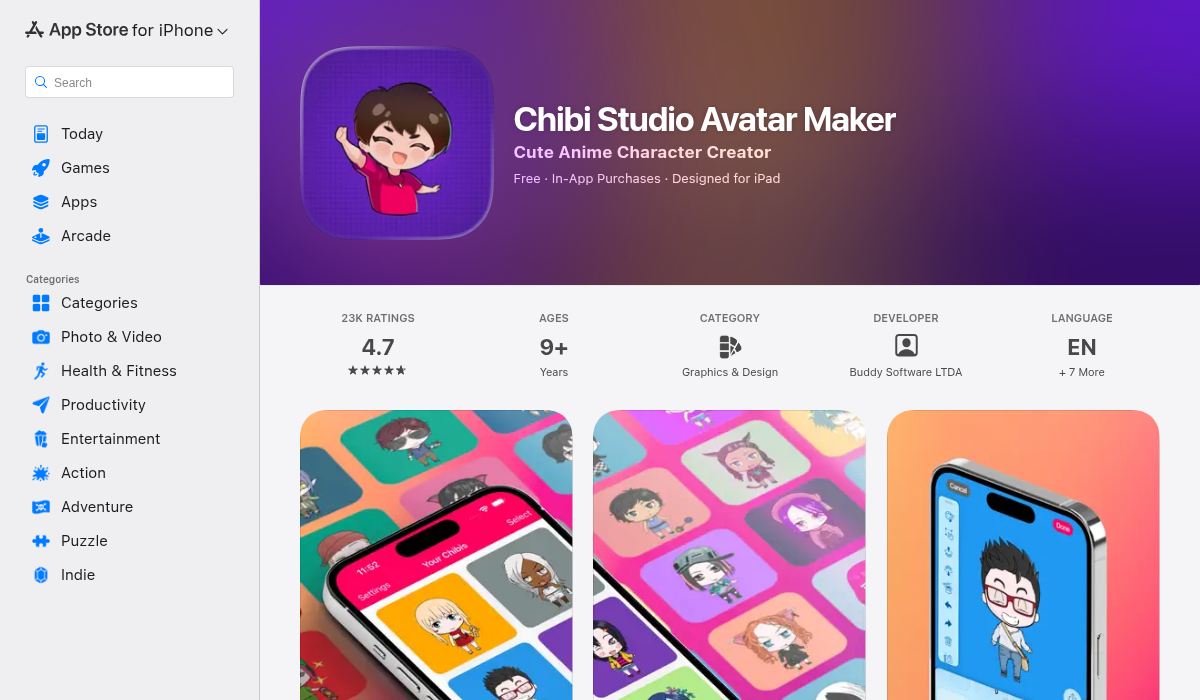
Chibi Studio takes a traditional approach — it's a character builder rather than a photo converter. You select from pre-made eyes, hairstyles, outfits, and accessories to create manga-style chibi avatars from scratch.
- ✅ Authentic chibi proportions and aesthetic
- ✅ Extensive customization options
- ✅ Free to download with in-app purchases
- ❌ No photo-to-chibi transformation
- ❌ Results don't look like you — generic character building
- ❌ Time-consuming manual process
Verdict: Great for creating generic chibi characters, but won't transform your actual photo into a chibi version of yourself.
2. ToonMe: AI Cartoon Face Maker
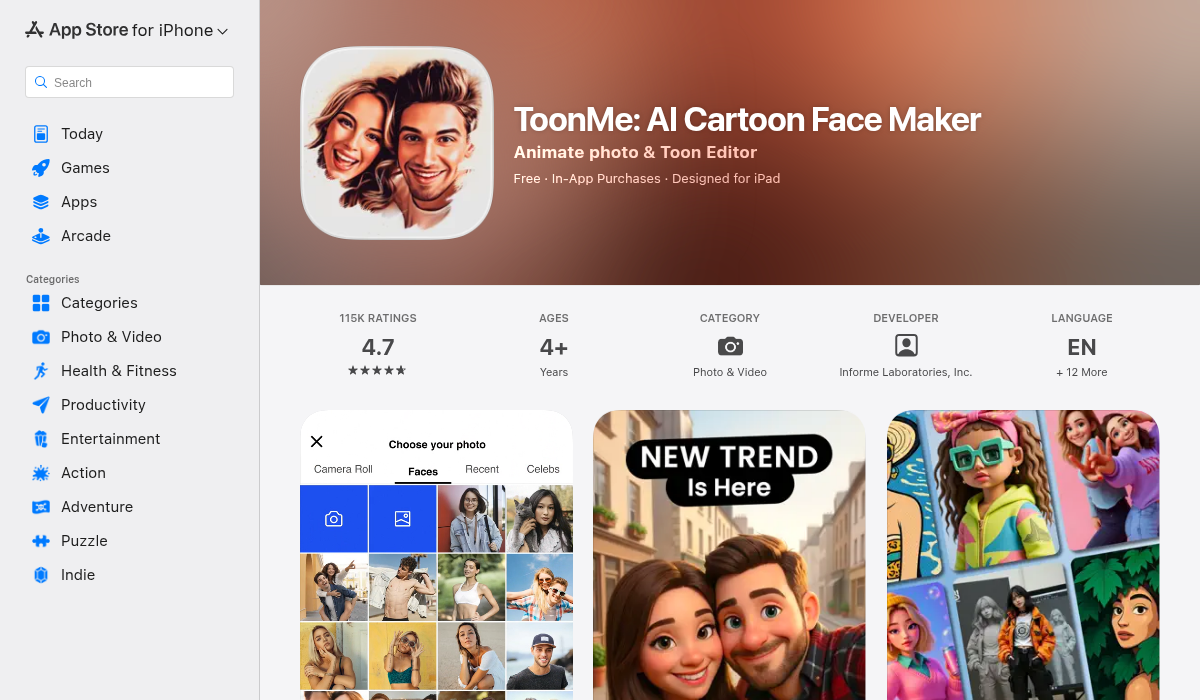
ToonMe offers AI-powered cartoon transformations with multiple style options. Upload your selfie and the app converts it into various cartoon aesthetics — some approaching chibi territory.
- ✅ Actual AI photo transformation
- ✅ Multiple artistic styles to choose from
- ✅ Preserves facial likeness reasonably well
- ❌ Most styles are generic cartoon, not true chibi
- ❌ Chibi-specific results often miss the 3:1 head ratio
- ❌ Subscription required for best features
Verdict: Solid cartoon maker, but the chibi results specifically can be hit-or-miss. Better for general cartoon selfies than authentic chibi.
3. AIPGEN — Best All-in-One Solution
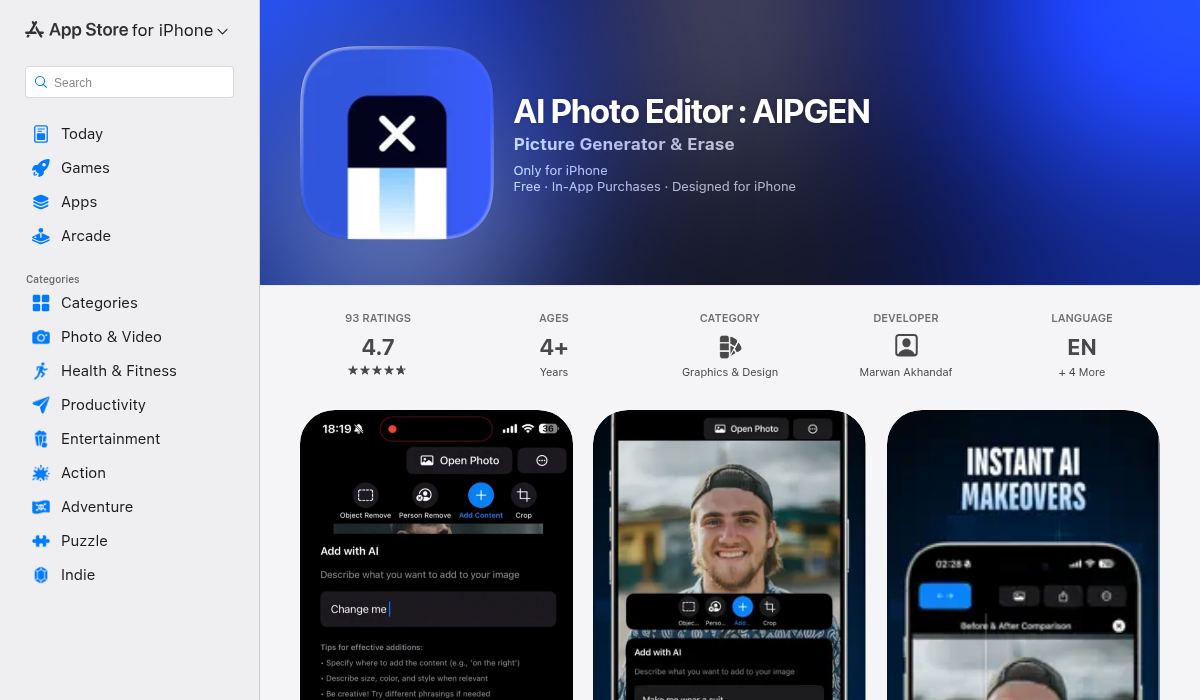
Here's where things get interesting. AIPGEN isn't marketed specifically as a chibi generator — it's a comprehensive AI photo editor with 60+ creative templates. But its AI transformation capabilities make it surprisingly effective for creating chibi-style artwork.
The approach is different: instead of a single "chibi filter," AIPGEN lets you use AI creative composition to transform photos with more control. The 60+ AI templates include anime-inspired styles, and the editing tools let you refine results until they're exactly right.
- ✅ 60+ AI templates including anime/chibi styles
- ✅ Full creative control over the transformation
- ✅ Before/after slider to compare results
- ✅ My Photos gallery to save all your chibi creations
- ✅ Works on both iOS and Android
- ✅ Additional features: object removal, photo restoration, group photo creator
- ❌ Requires exploring templates to find chibi styles
- ❌ Premium subscription for unlimited edits
What sets AIPGEN apart is versatility. You're not locked into a single chibi filter that may or may not work. The AI creative tools let you approach chibi transformation from multiple angles — and if one template doesn't nail the look, you have 59 others to try.
Step-by-Step: Creating Your Chibi Figure
Here's the process we found works best for authentic chibi results:
- Start with a clear photo — Good lighting, face visible, simple background. The AI needs to clearly identify your features to preserve them in chibi form.
- Choose your tool wisely — If you want a photo-to-chibi conversion (not manual character building), you need an AI-powered app like AIPGEN or ToonMe.
- Experiment with templates — Different AI styles produce different results. In AIPGEN, browse through anime-inspired templates to find ones that capture the chibi aesthetic — oversized head, big eyes, tiny body.
- Use the before/after slider — AIPGEN's comparison tool helps you see exactly what changed. Make sure your chibi still looks recognizably like you.
- Save to your gallery — Keep your best creations organized. AIPGEN's My Photos feature stores all your chibi figures for easy access later.
Pro Tips for Better Chibi Results
After creating dozens of chibi figures across different apps, here's what we learned:
- Front-facing photos work best — Profile shots confuse the AI. Look directly at the camera for the most recognizable chibi transformation.
- Remove distracting backgrounds first — If your photo has a busy background, use AIPGEN's object removal to clean it up before applying chibi templates. Simpler images produce cleaner results.
- Try multiple templates — Don't settle for the first result. Different AI templates capture different aspects of the chibi style. The 60+ options in AIPGEN give you plenty to experiment with.
- Save variations — Create multiple chibi versions of yourself. Different styles suit different platforms — a more detailed chibi for your Instagram profile, a simpler one for gaming avatars.
- Group photos are possible — AIPGEN's unique group photo creator means you can theoretically create chibi versions of friend groups. Transform individual photos, then combine them into an adorable chibi squad.
Why Chibi Figures Are Everywhere in 2026
The chibi trend isn't slowing down. If anything, it's accelerating. Here's why:
- Universal appeal: Chibi characters transcend language and culture. The cute aesthetic works everywhere from Tokyo to Toronto.
- Perfect for avatars: The simplified, recognizable style works at small sizes — ideal for profile pictures, gaming, and social media.
- Self-expression without exposure: Chibi lets you represent yourself online without using actual photos. Privacy-conscious users love this.
- Content creation: Chibi figures make excellent thumbnails, stickers, and promotional materials. Creators use them constantly.
"The real value lies in being able to do bulk processing — upload multiple photos at once and receive multiple outputs. That would be the game changer."— Reddit user discussing chibi generation tools
The Bottom Line
Creating chibi figures from your photos is easier than ever — but quality varies wildly between tools. Manual character builders like Chibi Studio produce authentic chibi aesthetics but don't actually transform your photos. Dedicated cartoon apps like ToonMe offer AI transformation but often miss the specific chibi proportions.
For the most flexibility, a comprehensive AI photo editor like AIPGEN gives you the best of both worlds: AI-powered transformation with enough templates and tools to nail the chibi look. Plus you get additional features — object removal, photo restoration, group photos — that extend far beyond just chibi creation.
The free trial lets you test one AI edit before committing. Start with your clearest selfie, explore the anime-style templates, and see what adorable chibi version of yourself the AI creates. You might be surprised how cute you look with a giant head and tiny body.