
How to Create Polaroid Effects with AI Apps 2026
The AI Polaroid trend exploded across TikTok and Instagram in late 2025 — and it's still going strong in 2026. Whether you want that nostalgic instant camera look, the viral white curtain aesthetic, or a creative way to reimagine your photos, AI-powered apps have made it surprisingly easy to achieve stunning Polaroid effects without spending a fortune on actual film.
We tested the top apps claiming to deliver authentic Polaroid effects. Some nail the vintage aesthetic perfectly, while others fall flat. Here's what actually works — and which apps are worth your time in 2026.
Why the Polaroid AI Trend Took Over Social Media
The AI Polaroid trend started with a simple concept: using AI image generators to create Polaroid-style photos with a twist. People began creating images of themselves hugging their younger selves, meeting celebrities, or simply adding that warm, nostalgic instant camera aesthetic to everyday shots.
What made it viral was the authenticity. Good Polaroid effects don't just slap a white border on your photo — they replicate the soft focus, the slight blur, the flash lighting, and that unmistakable vintage color grading that made instant film so beloved.
"I love how my Instax mini pictures turn out, but I'm kinda broke to buy films and want to turn some of the pictures I took on my phone to polaroid-like for printing."— Reddit user in r/AskPhotography
This sentiment captures exactly why AI Polaroid apps have become so popular. Real instant film costs around $1 per shot. With the right app, you can achieve nearly identical results for free — and with much more creative control.
What Makes a Great Polaroid Effect
Before diving into specific apps, it's worth understanding what separates a convincing Polaroid effect from a cheap filter. Authentic Polaroid photos have distinct characteristics:
- Soft, slightly washed colors — Real instant film doesn't produce crisp, saturated images like digital cameras
- Subtle blur and grain — The imperfection is part of the charm
- Flash lighting artifacts — That distinctive brightness from indoor flash photography
- White border frame — The iconic Polaroid look, especially the wider bottom border
- Warm color temperature — Most vintage Polaroids lean toward amber and yellow tones
The best AI apps don't just add these effects — they understand context and apply them naturally based on your photo's existing lighting and composition.
Best Apps for Polaroid Effects in 2026
1. Dedicated AI Polaroid Apps
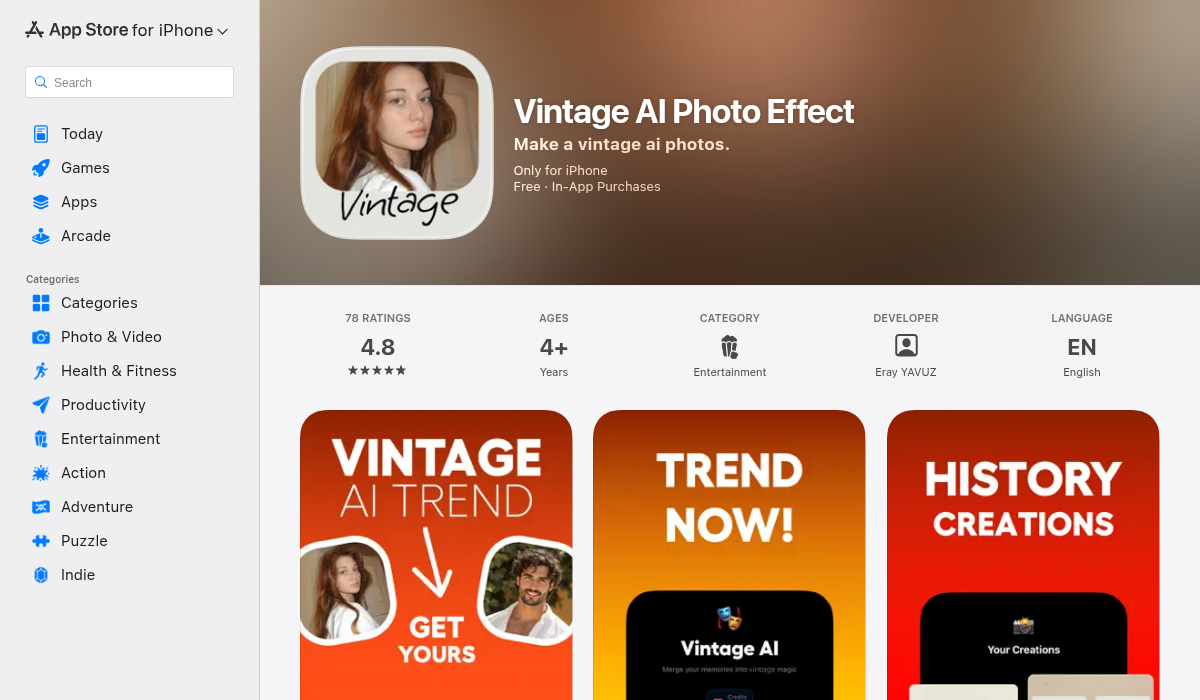
Apps like AI Polaroid Photo Effect and Pose AI emerged specifically to capitalize on the TikTok trend. These single-purpose apps do one thing: combine two photos into a Polaroid-style composition with the viral white curtain background.
The appeal is simplicity. Load two photos, tap generate, and get a clean result ready for social media. For the specific "hugging your younger self" or "meeting a celebrity" Polaroid trend, these apps work great.
- ✅ Dead simple — literally two taps
- ✅ Optimized for the viral trend format
- ❌ Limited to one very specific effect
- ❌ No customization or other editing tools
- ❌ Subscription model for what's essentially one feature
2. PhotoDirector
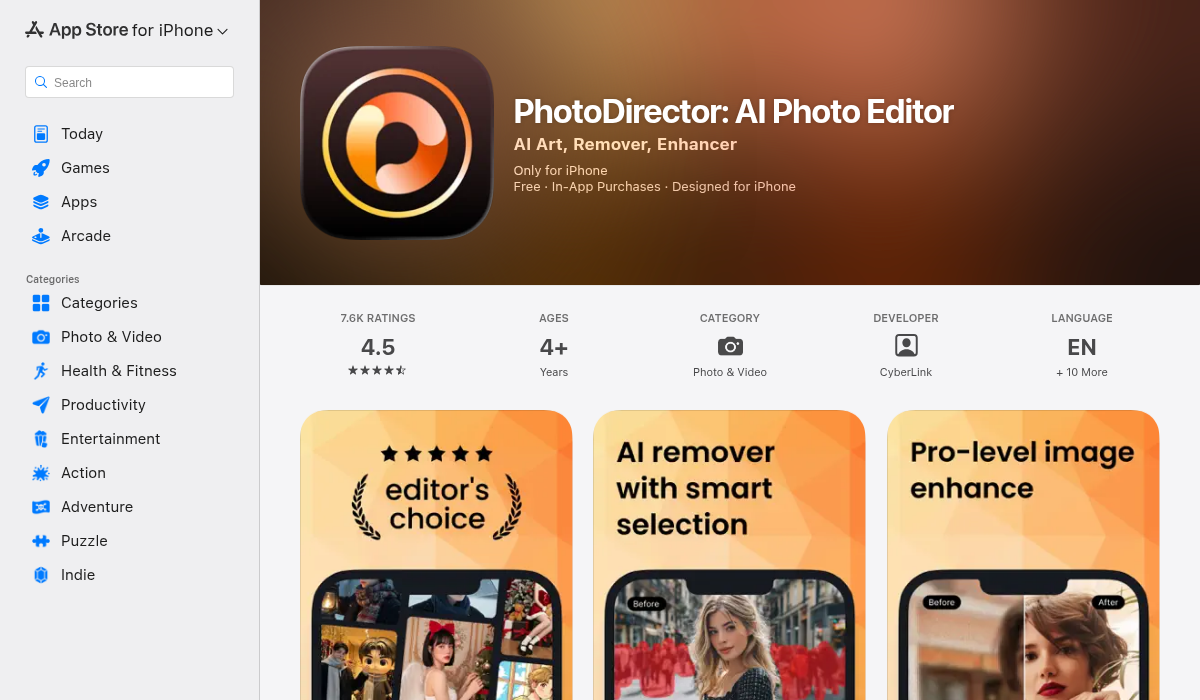
PhotoDirector by CyberLink is a full-featured photo editor that includes Polaroid frame templates. It's been around for years and offers a more traditional approach: select your photo, choose a Polaroid template, and apply.
The Polaroid effects are decent, but they feel more like overlays than intelligent transformations. You're essentially putting your digital photo inside a Polaroid-shaped frame rather than actually mimicking the instant film aesthetic.
- ✅ Full photo editing suite included
- ✅ Multiple Polaroid frame options
- ✅ Works offline
- ❌ Polaroid effects feel like basic overlays
- ❌ Doesn't replicate actual Polaroid film characteristics
- ❌ Cluttered interface with feature overload
3. Using AI Generators (Gemini, ChatGPT)
The original TikTok Polaroid trend actually used Google Gemini and similar AI image generators. By uploading photos and using specific prompts, you can get impressive results — but there's a learning curve.
The typical prompt asks the AI to place subjects in a Polaroid-style photo with white curtain backgrounds, soft blur, and flash lighting. Results vary wildly depending on your prompt skills and the source photos.
- ✅ Most creative control
- ✅ Can combine people who never met
- ✅ Free tiers available
- ❌ Inconsistent results
- ❌ Requires prompt engineering knowledge
- ❌ Can distort faces if not careful
4. AIPGEN — The All-in-One Approach
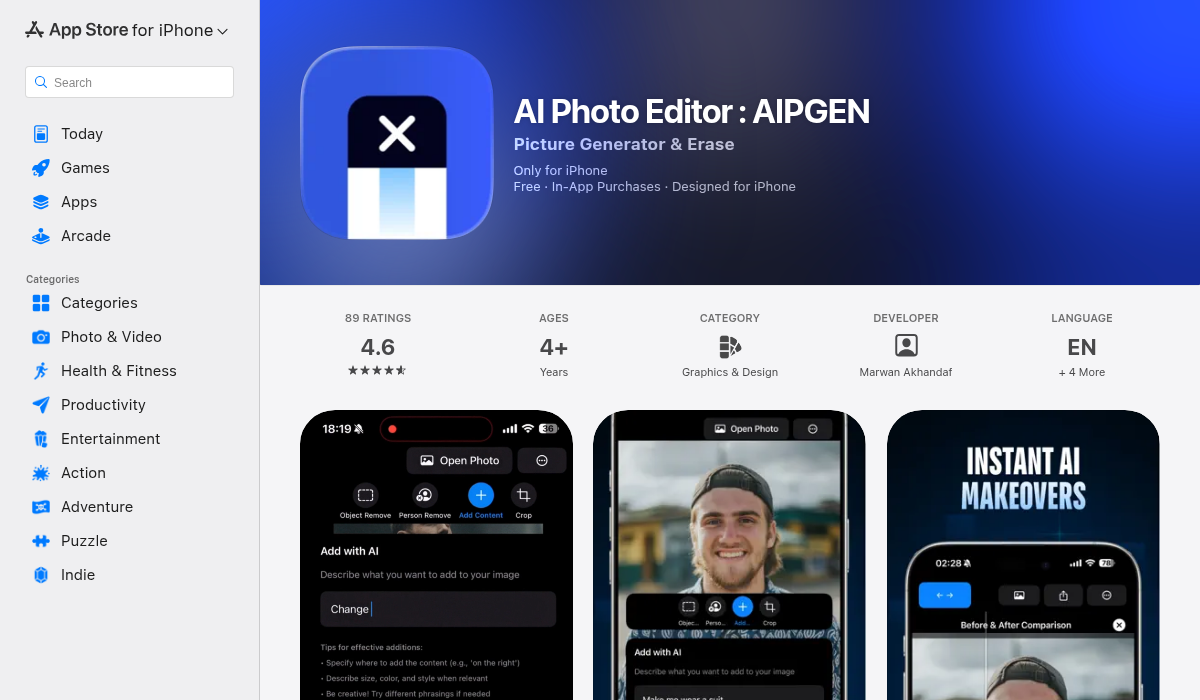
While AIPGEN isn't specifically a Polaroid app, it offers something the others don't: a complete AI editing workflow that can enhance your Polaroid-style photos before or after applying effects.
Here's why this matters. The best Polaroid photos start with clean source images. AIPGEN's AI object removal can eliminate distracting backgrounds or unwanted people. The photo restoration feature can add that vintage film grain and warm color grading. And the 60+ AI templates include vintage and retro styles that complement Polaroid aesthetics perfectly.
For the viral "group Polaroid" trend, AIPGEN's unique Group Photo Creator lets you combine individual portraits into realistic group shots — perfect for creating those nostalgic "squad photo" Polaroids that look like they were taken at a party in 1999.
- ✅ AI object removal for clean backgrounds
- ✅ Photo restoration adds authentic vintage look
- ✅ 60+ AI templates for creative effects
- ✅ Group Photo Creator for combining portraits
- ✅ Before/after slider to compare edits
- ✅ Cross-platform (iOS and Android)
- ❌ Not a dedicated Polaroid app
- ❌ Requires combining features for full effect
How to Create the Perfect Polaroid Effect
After testing dozens of approaches, here's the workflow that consistently produces the best results:
Step 1: Prepare Your Source Photo
The viral Polaroid trend works best with photos that have clean backgrounds and good lighting on the subjects. If your photo has distracting elements, use an AI removal tool first. This is where apps like AIPGEN shine — remove tourists from your travel photo, eliminate that random arm in the corner, or clean up a cluttered background.
Step 2: Add Vintage Character
Real Polaroids don't look like crisp iPhone photos. Before applying any frame, consider using AI restoration or vintage filters to add:
- Subtle film grain
- Warm color temperature shift
- Slight vignette around edges
- Reduced contrast and saturation
Step 3: Apply the Frame
Now apply your Polaroid frame — whether through a dedicated Polaroid app, a photo editor template, or manual editing. The key is matching the frame style to your photo's era. Classic Polaroid frames have a wider bottom border, while Instax-style frames are more uniform.
Step 4: Final Adjustments
The difference between good and great is in the details. Add a subtle drop shadow behind the Polaroid to make it look like it's sitting on a surface. Consider adding slight rotation — real Polaroids are never perfectly straight. Some apps can add realistic light leaks or flash reflections for extra authenticity.
Pro Tips for Social Media
- Stack multiple Polaroids — The scattered Polaroid aesthetic with overlapping photos looks incredible on Instagram grids
- Use consistent filters — Keep your Polaroid series cohesive by using the same vintage filter across all photos
- Write on the frame — Real Polaroids often have handwritten dates or notes. Some apps let you add text in handwriting fonts
- Print them — Services like Printful can turn your digital Polaroid creations into actual physical prints
- Animate for TikTok — The transition from normal photo to Polaroid reveal is a classic format that still performs well
The Verdict: Which App Should You Use?
The best app depends on what you're trying to achieve:
For the viral TikTok trend (two people in one Polaroid): Dedicated apps like AI Polaroid Photo Effect are fastest, though AI generators give more control.
For authentic vintage Polaroid aesthetics: Start with AIPGEN's restoration and templates to add real film character, then apply a frame with any editor.
For quick social media posts: PhotoDirector's templates work fine if you just need a basic Polaroid frame without the full vintage treatment.
For maximum creative control: Combine multiple tools — use an AI editor for cleanup and vintage effects, then apply frames separately.
The Bottom Line
The AI Polaroid trend has evolved from a simple TikTok gimmick into a legitimate creative tool for nostalgic photography. Whether you're recreating memories, jumping on viral trends, or just love the instant camera aesthetic, there's never been more ways to achieve that look.
The key insight from our testing: the best Polaroid effects don't come from one-tap filters. They come from understanding what makes instant film special — the imperfections, the warmth, the authenticity — and using AI tools to replicate those characteristics thoughtfully.
If you're looking for an all-in-one solution that handles photo cleanup, vintage effects, and creative editing, AIPGEN is worth trying. The free trial gives you a taste of what AI photo editing can do, and the 60+ templates make experimenting with different looks effortless.