
How to Fix Blurry Photos with AI: Best Apps Compared (2026)
That perfect moment — captured, but slightly out of focus. We've all been there. A once-in-a-lifetime shot ruined by camera shake, missed autofocus, or just moving too fast. The good news? AI has completely transformed what's possible with blurry photos in 2026.
Gone are the days when a blurry photo meant hitting delete. Modern AI tools can now reconstruct details that seem impossible to recover, sharpening edges, enhancing textures, and breathing new life into photos you thought were lost forever. But not all AI sharpening tools are created equal — and knowing which one to use can mean the difference between a salvaged memory and a pixelated mess.
Why Photos End Up Blurry (And Why That's Okay Now)
Blur happens for a lot of reasons. Camera shake when your hands aren't perfectly steady. Motion blur when your subject moves faster than your shutter speed. Missed focus when autofocus locks onto the wrong thing. And sometimes, older photos were just taken with lower-quality cameras that couldn't capture sharp details.
Traditionally, photographers considered a blurry shot a missed shot — straight to the trash bin. Even Photoshop's sharpening tools could only do so much, often creating harsh edges and unnatural artifacts.
"Most consider a blurry shot to be a missed shot and delete it. Topaz AI suite can improve somewhat otherwise marginal photographs, but it's still limited."— Reddit user in r/photography
But AI has changed the game. Instead of just sharpening edges (which creates that crunchy, over-processed look), modern AI actually reconstructs missing detail by understanding what should be there. It's trained on millions of sharp images, so it can intelligently fill in the gaps.
What AI Can (And Can't) Fix
Let's set realistic expectations. AI image enhancement has come a long way, but it's not magic:
AI works great for:
- ✅ Slight motion blur or camera shake
- ✅ Soft focus from missed autofocus
- ✅ Old, low-resolution photos
- ✅ Scanned prints with softness
- ✅ Screenshots and compressed images
AI struggles with:
- ❌ Extreme motion blur (subject is a streak)
- ❌ Completely out-of-focus backgrounds meant to be blurry
- ❌ Heavily compressed images with visible artifacts
The rule of thumb: if you can still make out what's in the photo, AI can probably improve it significantly. If it's a complete blur, even the best AI will struggle.
Best AI Tools to Fix Blurry Photos in 2026
We tested several popular options to see what actually works. Here's what we found:
1. Remini — The Popular Face Enhancer
Remini has become nearly synonymous with AI photo enhancement, particularly for faces. It's what many people reach for first when they want to fix blurry selfies or old family photos.
What it does well:
- ✅ Excellent at enhancing faces specifically
- ✅ Works well on old, low-quality photos
- ✅ Simple one-tap interface
Where it falls short:
- ❌ Can make faces look artificial or "AI-generated"
- ❌ Less effective on landscapes, objects, and non-face content
- ❌ Limited editing beyond enhancement
- ❌ Subscription can be pricey for occasional use
Remini is best if your main goal is enhancing portraits and faces. For general photo sharpening or more complex edits, you'll want something more versatile.
2. Snapseed — The Free Classic
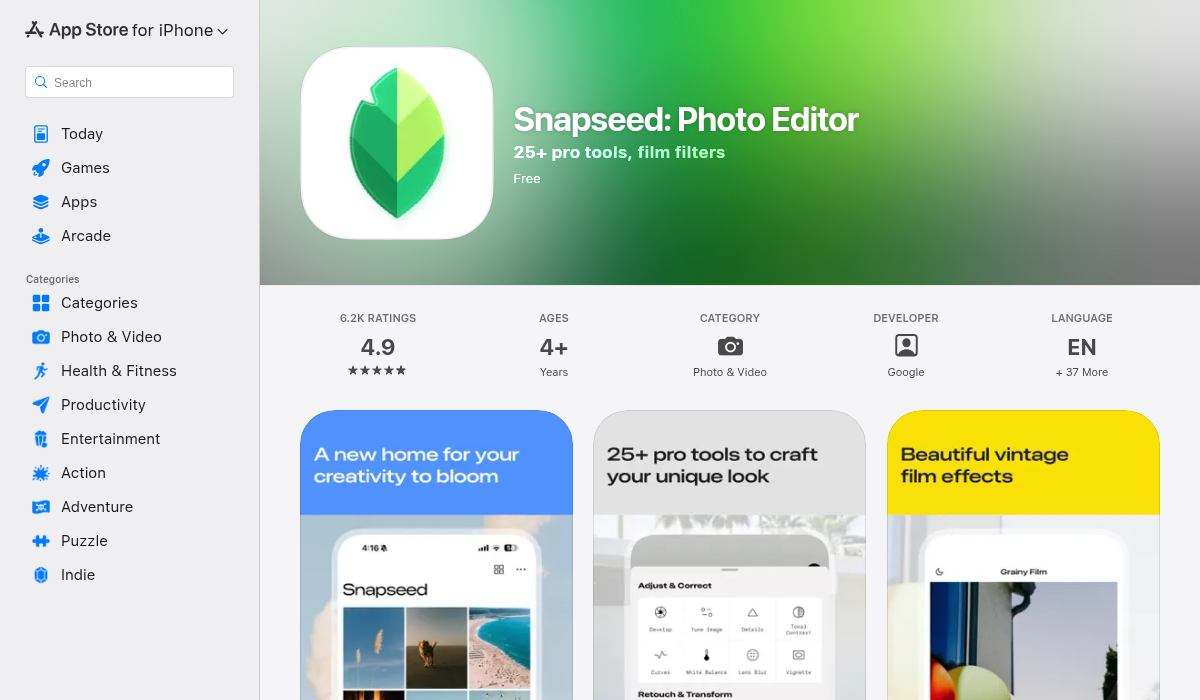
Google's Snapseed is completely free and has been a go-to mobile editing app for years. It offers a sharpening tool, but it's important to understand what that means in 2026.
What it does well:
- ✅ Completely free, no subscriptions
- ✅ Full-featured photo editor
- ✅ Good for general sharpening
Where it falls short:
- ❌ Traditional sharpening, not AI-powered reconstruction
- ❌ Can create halos and artifacts if over-applied
- ❌ Won't recover truly blurry details
- ❌ Interface feels dated compared to newer apps
Snapseed's sharpening is great for slightly soft images, but it's essentially edge enhancement — not the AI-powered detail reconstruction that modern tools offer. Use it for quick tweaks, not major blur correction.
3. AIPGEN — The All-in-One AI Editor
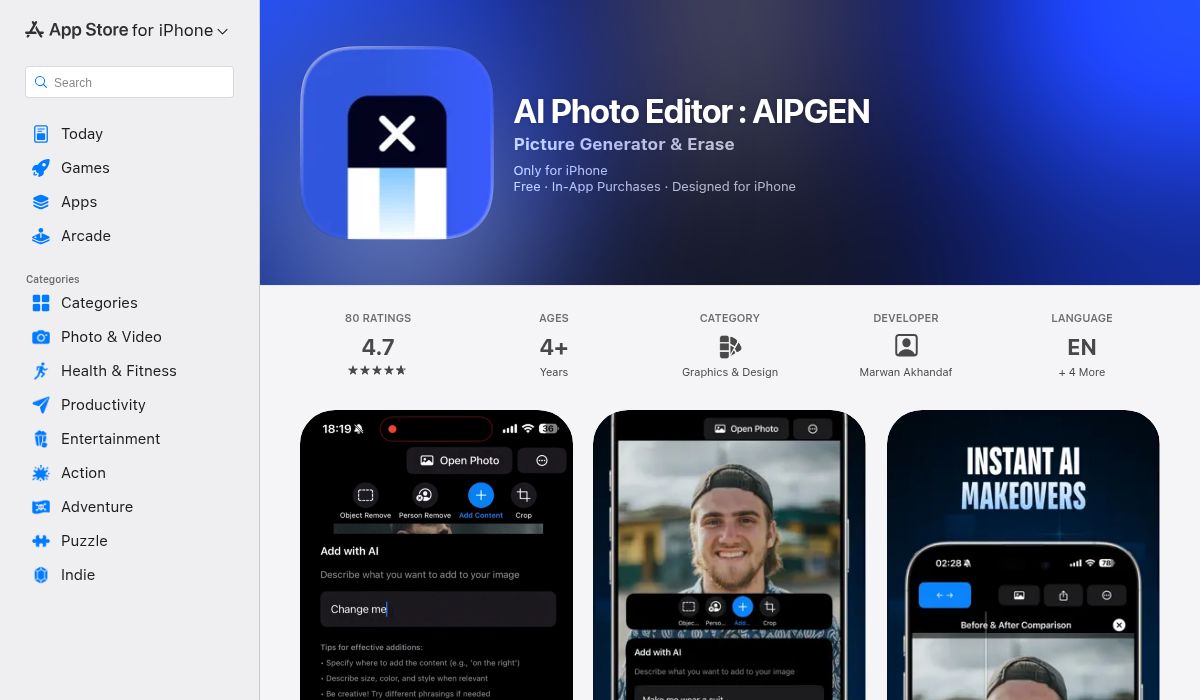
AIPGEN takes a different approach — instead of being just a sharpening tool, it's a complete AI-powered photo editor with restoration as a core feature. What caught our attention is how it handles not just blur, but the entire photo restoration process.
What it does well:
- ✅ AI Photo Restoration that repairs scratches, fixes discoloration, AND sharpens blur
- ✅ Object and person removal for cleaning up shots
- ✅ 60+ AI templates for quick edits
- ✅ Before/after slider to compare results
- ✅ Works on iOS and Android
- ✅ Free trial edit before subscribing
Where it falls short:
- ❌ Subscription model (though free trial available)
- ❌ Might be overkill if you only need sharpening
The Photo Restoration feature is particularly impressive for old family photos — it doesn't just sharpen, but repairs damage, corrects color fading, and enhances details in a way that feels natural rather than over-processed. The before/after slider is great for seeing exactly what changed.
If you're looking for one app that handles blur, restoration, object removal, and creative editing, AIPGEN covers all the bases. It's also available on Google Play for Android users.
4. Topaz Sharpen AI — The Desktop Powerhouse
For desktop users willing to invest, Topaz Sharpen AI is often mentioned as the gold standard for serious photographers. It's a dedicated desktop application with three different AI models for different types of blur.
What it does well:
- ✅ Professional-grade results
- ✅ Separate models for motion blur, out-of-focus, and softness
- ✅ Integrates with Lightroom and Photoshop
Where it falls short:
- ❌ Desktop only — no mobile app
- ❌ Expensive one-time purchase ($79+)
- ❌ Steep learning curve
- ❌ Requires decent hardware to run smoothly
Topaz is excellent if you're processing hundreds of photos from a professional shoot and need maximum control. For casual users fixing occasional blurry memories on their phone, it's overkill.
Pro Tips for Fixing Blurry Photos
- Start with the highest quality version — If you have the original file, use that instead of a screenshot or compressed version. AI works better with more data to work with.
- Don't stack multiple sharpening passes — Running a photo through multiple sharpening tools usually makes it worse, not better. Pick one tool and stick with it.
- Use the before/after comparison — Many AI tools (including AIPGEN) have a slider to compare. Use it to make sure the enhancement looks natural and not over-processed.
- Address other issues too — Blur often comes with other problems like color fading in old photos. Tools that handle restoration holistically (fixing color, scratches, AND blur together) usually produce more natural results.
- Accept that some blur adds character — Not every photo needs to be tack-sharp. Slight softness in old family photos can actually feel more authentic than an artificially sharpened version.
The Bottom Line
AI photo sharpening has moved from "slightly better than nothing" to "genuinely impressive" in the past few years. For most people fixing blurry phone photos or restoring old family pictures, a mobile app is more than sufficient.
Our recommendation:
- For faces and portraits: Remini still leads
- For free basic sharpening: Snapseed works fine
- For all-around photo restoration and editing: AIPGEN offers the best value with AI restoration, object removal, and 60+ templates
- For professional desktop work: Topaz Sharpen AI is worth the investment
The best part? Most of these tools offer free trials, so you can test them on your specific blurry photos before committing. Don't throw away those almost-perfect shots — AI can probably save them.