
How to Remove Watermarks from Photos with AI (2026 Guide)
You've found the perfect photo online, but there's a massive watermark right across the middle of it. Maybe it's a stock photo you want for personal reference, an old family picture someone digitized with a dated editor, or your own photo that got watermarked by accident. Whatever the situation, AI-powered tools have completely changed how we approach watermark removal in 2026.
The good news? You no longer need professional Photoshop skills or hours of tedious clone-stamp work. Modern AI can analyze an image, understand what's behind the watermark, and intelligently reconstruct those hidden pixels — often in just a few seconds. But not all tools are created equal, and the results can vary dramatically.
The Frustration is Real
If you've ever tried to remove a watermark manually, you know the pain. Traditional methods involve painstaking work with clone tools, healing brushes, and content-aware fill that often leaves obvious traces. Even worse, complex watermarks that overlap faces or important details can seem impossible to fix.
"I have tried unwatermark.ai and find that it is better than both watermarkremover.io (leaves some watermarks) and dewatermark.ai (low image quality)."— Reddit user in r/ChatGPT
This Reddit comment captures a common experience: jumping between different tools, finding that some leave artifacts while others degrade image quality. The landscape of watermark removal tools is crowded, but quality varies enormously.
How AI Watermark Removal Actually Works
Modern AI watermark removal uses a technique called inpainting. The AI doesn't just erase the watermark — it needs to understand what should be there instead. This involves:
- Detection — The AI identifies where the watermark is located, even when it's semi-transparent or complex
- Context analysis — It examines surrounding pixels to understand textures, colors, and patterns
- Reconstruction — The AI generates new pixels that seamlessly blend with the rest of the image
- Refinement — Advanced tools apply additional processing to ensure natural-looking results
The difference between good and bad tools comes down to how well they handle step 3. Cheap or outdated algorithms often leave blurry patches, color mismatches, or obvious "smearing" where the watermark used to be.
Best Apps for Removing Watermarks in 2026
We tested several popular options to see which actually delivers clean results without destroying image quality. Here's what we found:
1. TouchRetouch
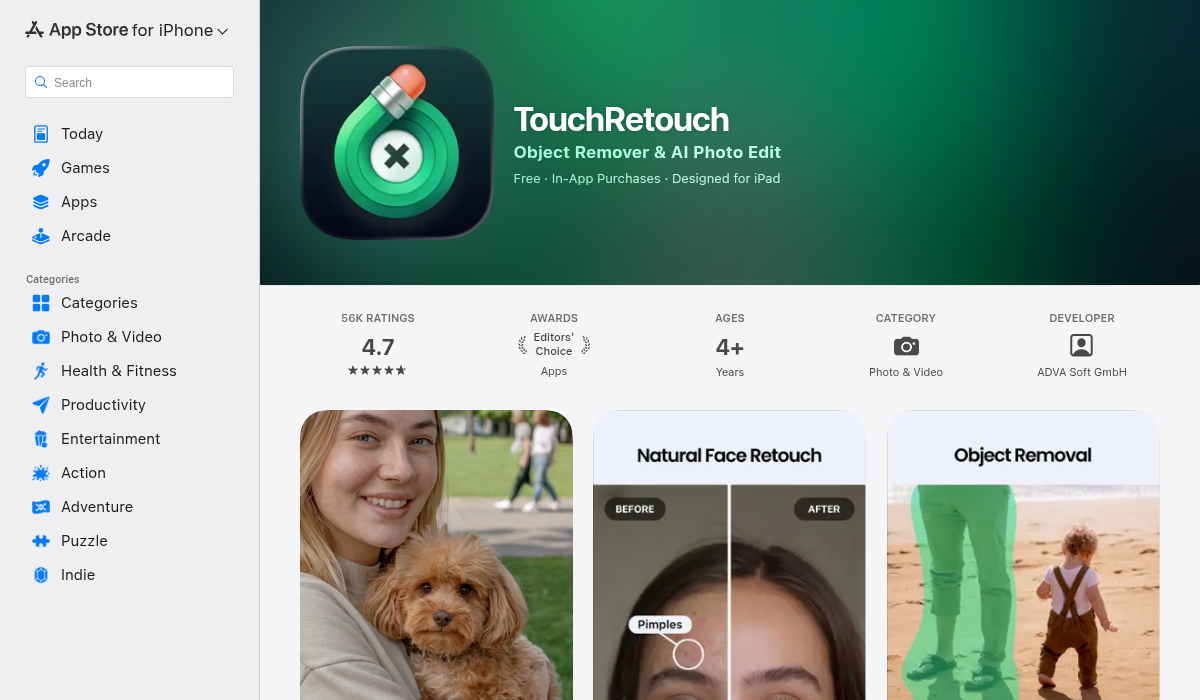
TouchRetouch has been around for years and remains popular for object removal. It uses line-based selection tools that work well for simple watermarks, especially text-based ones positioned in corners.
- ✅ Simple interface with line and brush tools
- ✅ Good for removing text watermarks in plain areas
- ❌ Struggles with complex, semi-transparent watermarks
- ❌ UI feels dated compared to newer options
- ❌ Limited AI reconstruction — relies more on traditional clone methods
2. Snapseed
Google's free photo editor includes a healing tool that can handle small watermarks. It's a solid choice for basic edits, but watermark removal isn't its specialty.
- ✅ Completely free with no subscriptions
- ✅ Excellent for general photo editing
- ❌ Healing tool is basic — not AI-powered
- ❌ Large or complex watermarks leave visible artifacts
- ❌ Better suited for blemish removal than watermarks
3. AIPGEN — AI Photo Editor

AIPGEN takes a different approach with its AI-powered object removal tool. Rather than just cloning nearby pixels, it uses advanced inpainting to genuinely reconstruct what's behind the watermark. The results are notably cleaner, especially on complex backgrounds.
- ✅ True AI inpainting that reconstructs hidden content
- ✅ Handles semi-transparent and complex watermarks well
- ✅ Before/after slider to preview results instantly
- ✅ 60+ AI templates for additional editing
- ✅ Works on iOS and Android
- ✅ Free trial edit to test before subscribing
What sets AIPGEN apart is how it handles the tricky cases. When a watermark crosses over a face or detailed texture, cheaper tools leave obvious smudging. AIPGEN's AI understands context — it knows what skin texture should look like, how fabric patterns continue, and how backgrounds should blend.
Pro Tips for Better Results
Regardless of which tool you choose, these techniques will improve your watermark removal success:
- Start with the highest resolution available — More pixels give the AI more information to work with. If you can find a larger version of the image, use that
- Select just the watermark, not extra background — The more precise your selection, the less the AI has to guess. Tight selections around the watermark yield cleaner results
- Work in sections for large watermarks — If a watermark spans across different textures (like half on sky, half on buildings), remove each section separately for better context matching
- Use the before/after comparison — Always check results at 100% zoom. Some artifacts only become visible when you look closely
- Try multiple tools on tough cases — If one tool struggles with a particular image, another might handle it better. Different AI models have different strengths
When Watermark Removal Gets Complicated
Some watermarks are designed to be difficult to remove. Professional stock photo sites use sophisticated watermarks that:
- Cover critical parts of the image (faces, focal points)
- Use varying transparency levels
- Include repeated patterns across the entire image
- Embed invisible tracking data
For these cases, even the best AI tools will struggle. The most effective approach is often to find an alternative image or purchase the license. That said, for personal watermarks, accidental watermarks from editing software, or simple corner marks, AI removal works remarkably well in 2026.
The Bottom Line
Watermark removal has evolved from a tedious manual process to something AI can handle in seconds. For occasional use with simple watermarks, free tools like Snapseed can get the job done. But for cleaner results on complex images — especially when watermarks overlap important details — dedicated AI tools make a real difference.
If you're dealing with stubborn watermarks that other tools can't handle cleanly, AIPGEN is worth trying. The free trial edit lets you test it on your actual image before committing to anything.