
How to Restore Old Photos with AI (2026 Guide)
That faded photo of your grandparents' wedding day doesn't have to stay trapped in a shoebox. AI-powered photo restoration has completely transformed how we rescue damaged, scratched, and discolored memories from the past — and in 2026, the technology is better than ever.
Whether you've got water-damaged family portraits, yellowed snapshots from the 70s, or cherished photos with scratches and tears, modern AI can bring them back to life in seconds. But which tools actually deliver? We tested the most popular options to find out.
Why Old Photos Fade — And Why AI Can Fix It
Old photographs deteriorate for multiple reasons: chemical breakdown of the photo paper, exposure to humidity, folding and creasing, and simple age. Traditional photo restoration required hours of skilled work in Photoshop — manually painting in missing details, color correcting faded tones, and reconstructing damaged areas pixel by pixel.
AI changes everything. Modern restoration algorithms are trained on millions of before-and-after pairs, learning to recognize damage patterns and intelligently fill in what's missing. The best part? What used to take a professional retoucher hours now happens in seconds.
"I don't think any apps, even now, in 2026, can get even close to the restoration done by a real human being. I mean, photos may look sharp and clear after AI, but they are very inaccurate, especially faces."— Reddit user in r/estoration
This is a valid concern — and it's why choosing the right tool matters. Some AI restoration apps over-process faces, making grandma look like she's had work done. Others leave obvious artifacts. We looked for tools that restore authentically.
Best AI Photo Restoration Apps in 2026
1. Remini
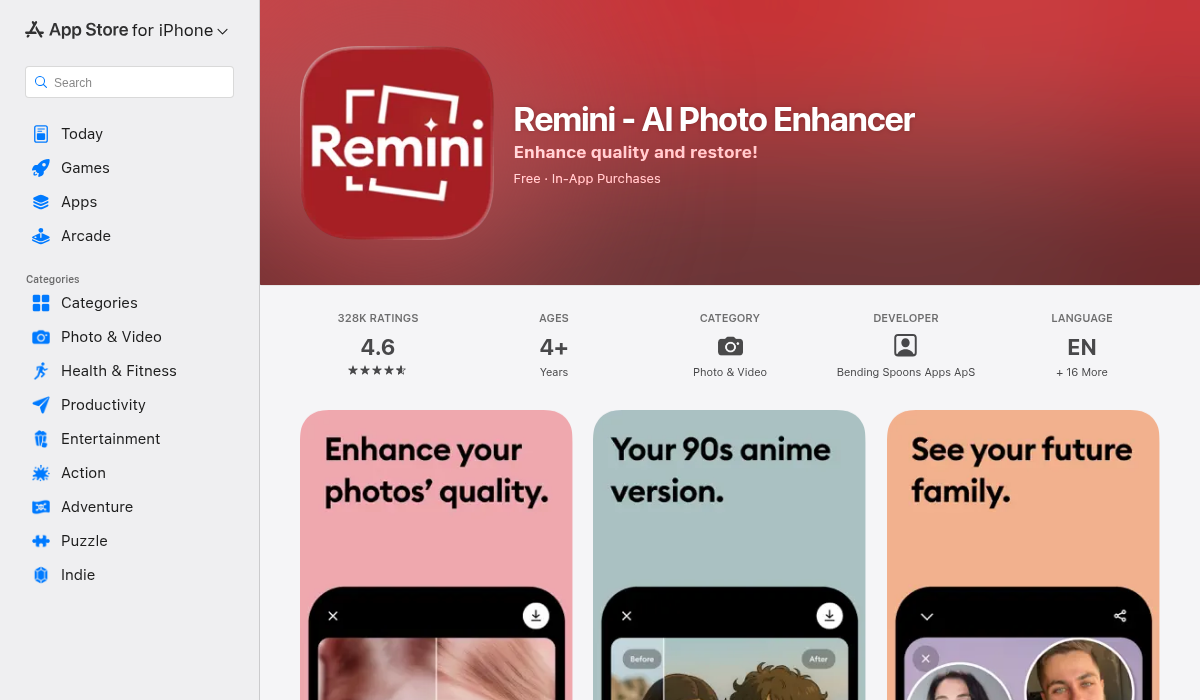
Remini made its name as the go-to face enhancement app, and it's genuinely good at sharpening blurry portraits. Upload a fuzzy old photo and Remini will add crisp detail to facial features.
- ✅ Excellent face enhancement and sharpening
- ✅ Simple, user-friendly interface
- ❌ Limited to face enhancement — doesn't fix scratches or tears
- ❌ Can over-smooth faces, losing authentic character
- ❌ No object removal or broader editing tools
Best for: Sharpening blurry portraits when you just need clearer faces.
2. TouchRetouch
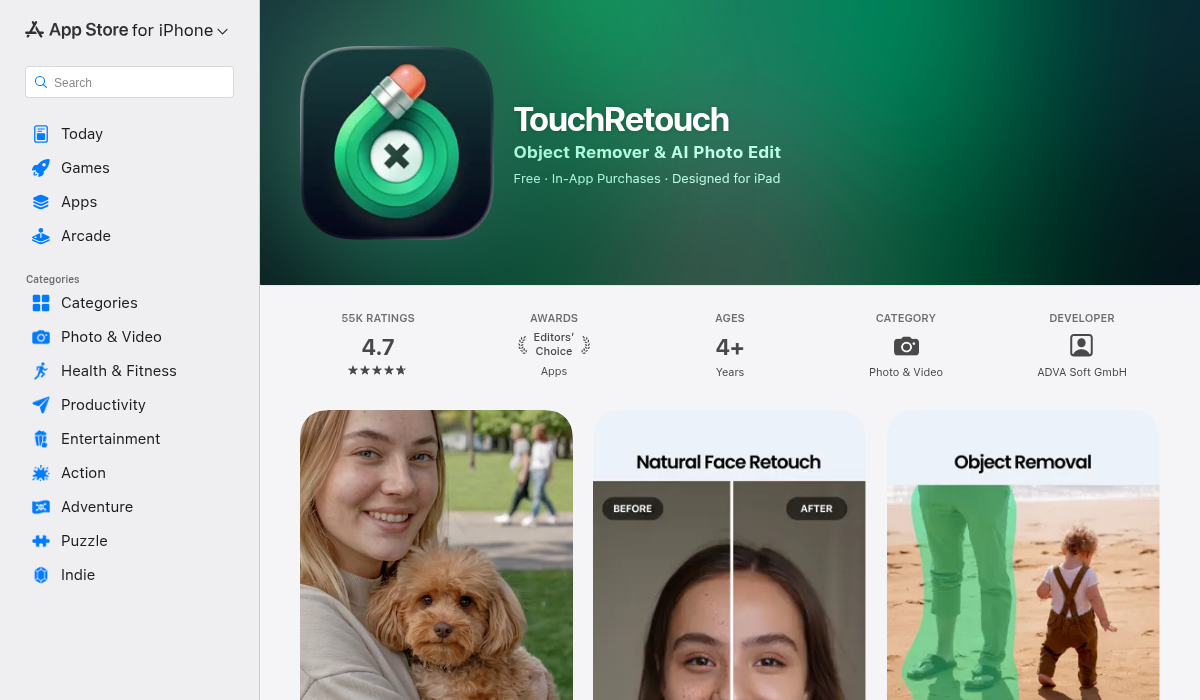
TouchRetouch is a capable object removal tool that's been around for years. You can use it to remove scratches and blemishes from old photos by painting over them.
- ✅ Good at removing specific objects and blemishes
- ✅ One-time purchase (no subscription)
- ❌ Dated interface that feels clunky in 2026
- ❌ No AI restoration for faded colors or damaged areas
- ❌ Manual work required — not automatic
Best for: Manual removal of specific scratches if you don't mind the work.
3. AIPGEN — Our Pick for Full Restoration
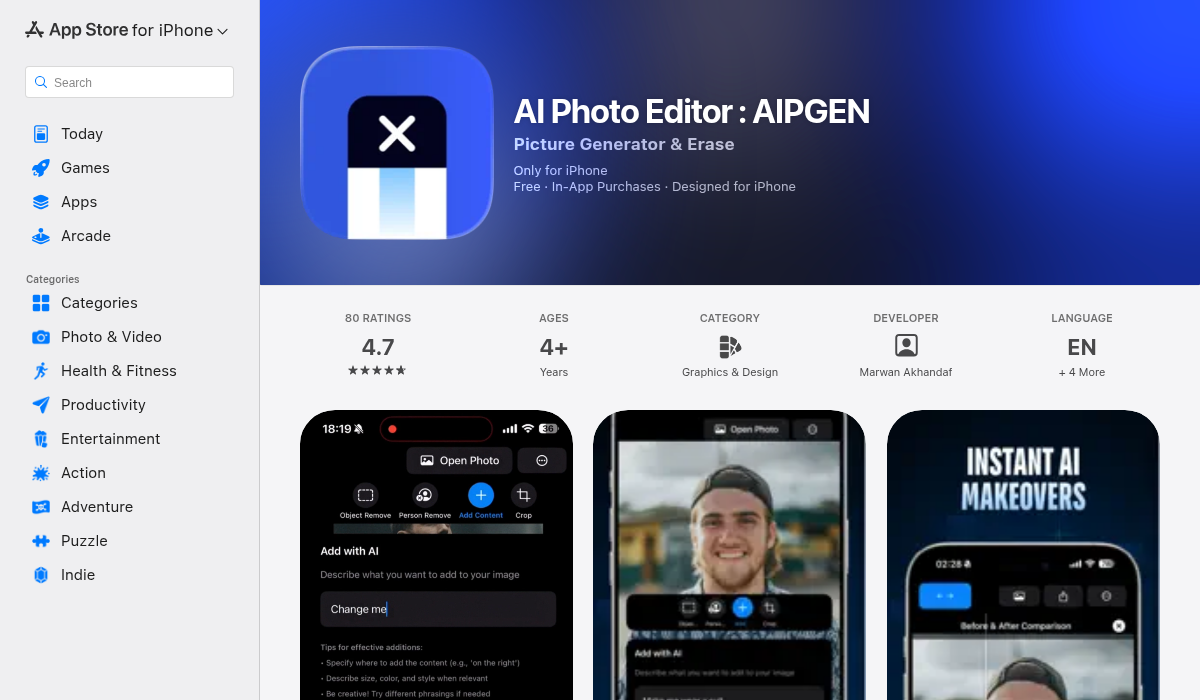
AIPGEN stands out because it combines AI photo restoration with a complete editing suite. It's not just about fixing old photos — it's about making them look their best.
The restoration feature automatically repairs scratches, fixes discoloration and fading, and sharpens blurry details. But what sets AIPGEN apart is everything else it can do: remove unwanted people or objects, create group photos from separate portraits, and apply 60+ AI templates for different editing styles.
- ✅ AI restoration for scratches, fading, and discoloration
- ✅ Object and person removal (remove photobombers from old pics)
- ✅ 60+ AI templates for quick enhancements
- ✅ Before/after slider to compare results
- ✅ Group photo creator — combine individual portraits
- ✅ Cross-platform (iOS and Android)
- ✅ Free trial included
Best for: Complete photo restoration and enhancement — one app does it all.
4. LetsEnhance
LetsEnhance is a web-based tool that offers AI upscaling and restoration. It's more expensive than app-based options but delivers professional-quality results, particularly for enlarging small old photos.
- ✅ Professional-grade upscaling
- ✅ Dedicated old photo restoration model
- ❌ Web-only — no mobile app
- ❌ Credit-based pricing adds up quickly
- ❌ Less convenient than mobile apps
Best for: Professional projects where you need maximum resolution.
Pro Tips for Restoring Old Photos
- Scan at high resolution — Use at least 600 DPI when scanning physical photos. More detail going in means better restoration coming out.
- Try the before/after slider — Apps like AIPGEN include a comparison slider so you can see exactly what changed. This helps you catch over-processing.
- Don't over-restore — Some character and grain is authentic. The goal is a cleaner photo, not one that looks like it was taken yesterday.
- Save the original — Always keep an unedited copy of your scan. You can always re-process with different settings.
- Handle faces carefully — Face restoration can go wrong quickly. Preview results closely and dial back if people look unnatural.
How to Restore an Old Photo in AIPGEN (Step-by-Step)
- Scan or photograph your old photo — Good lighting and a flat surface help.
- Open AIPGEN and import the image — Tap the import button or use the in-app camera.
- Select the AI Restoration feature — The app automatically analyzes damage and applies repairs.
- Fine-tune with additional tools — Remove scratches with object removal, enhance colors, or apply a template.
- Use the before/after slider — Compare your restoration to the original.
- Save to your gallery — The My Photos section keeps all your restorations organized.
The Bottom Line
AI photo restoration has reached the point where anyone can rescue old family photos without Photoshop expertise. For quick face sharpening, Remini works well. For manual scratch removal, TouchRetouch is reliable.
But if you want a complete solution — restoration plus object removal, creative editing, templates, and a modern interface — AIPGEN is the best all-in-one option we've tested. The free trial lets you try it before committing.
Those faded photos in the shoebox? They're waiting to be rediscovered.