
How to Restore Old Polaroid Photos with AI
That faded Polaroid buried in a shoebox might hold your only photo of grandma's smile — and AI can bring it back to life in seconds.
Polaroid photos have a unique charm that digital images just can't replicate. The instant gratification, the distinctive white borders, those warm vintage tones — they captured moments that felt more tangible than any JPEG ever could. But time hasn't been kind to these chemical-based prints. Decades of exposure to light, humidity, and temperature fluctuations have left countless Polaroids faded, scratched, or damaged beyond recognition.
The good news? 2026's AI photo restoration technology has finally caught up with the unique challenges Polaroids present. What once required expensive professional restoration or hours of meticulous Photoshop work can now be accomplished in under a minute — often with better results than manual editing could achieve.
Why Polaroid Photos Degrade Differently Than Regular Prints
Before diving into the restoration process, it helps to understand why your Polaroids look the way they do. Unlike traditional photographs developed in a darkroom, Polaroid images contain all the developing chemicals right in the print itself. These chemicals continue to react over time, causing:
- Color shifting — Polaroids often take on a yellow, magenta, or cyan cast as different dye layers fade at different rates
- Contrast loss — The once-rich blacks become murky grays while highlights wash out
- Physical damage — The chemical layers can crack, peel, or develop silver mirroring (that metallic sheen on older prints)
- Fingerprints and smudges — Oils from handling get permanently embedded in the soft emulsion
Traditional editing software struggles with these issues because they're fundamentally different from regular photo degradation. AI restoration models trained specifically on damaged vintage photos can recognize and correct these Polaroid-specific problems in ways generic enhancement tools simply can't.
The Challenges Users Face With Polaroid Restoration
If you've searched online for Polaroid restoration solutions, you've probably encountered some frustrating dead ends. Desktop software like Photoshop requires significant expertise to get decent results — and most tutorials assume you're working with a mildly faded photo, not the severely damaged prints many of us actually have.
"I have an old Polaroid of my grandmother — it's badly faded with some scratches. Is this even fixable or should I just accept it's gone forever?"— Reddit user in r/estoration
The responses in these communities often recommend AI tools, but with a caveat: results vary wildly depending on which app you use and how severely damaged the original is. We tested the leading options to find what actually works for real-world Polaroid restoration in 2026.
What to Do Before You Start: Digitizing Your Polaroids
AI can only work with the data you give it. A poorly scanned Polaroid will produce poor results no matter how advanced the restoration algorithm. Here's how to maximize your chances of success:
- Use a flatbed scanner at 600 DPI minimum — Higher resolution means more data for the AI to work with. 1200 DPI is even better for severely damaged photos
- Save as PNG, not JPEG — JPEG compression can introduce artifacts that AI might try to "preserve" during restoration
- Clean the scanner glass and Polaroid surface — Use a microfiber cloth to remove dust that would become permanent features in your scan
- Don't pre-edit the scan — Let the AI work with the original data. Auto-contrast and sharpening features can actually make restoration harder
No scanner? Smartphone camera apps like Photomyne can work in a pinch, but you'll lose significant detail compared to a proper scan. Many libraries and print shops offer free or cheap scanning services if you don't have access to a scanner.
Best AI Apps for Polaroid Restoration in 2026
We tested multiple tools on the same set of damaged Polaroids — including faded prints, scratched surfaces, and photos with severe color shifting. Here's how the top contenders performed.
1. Remini
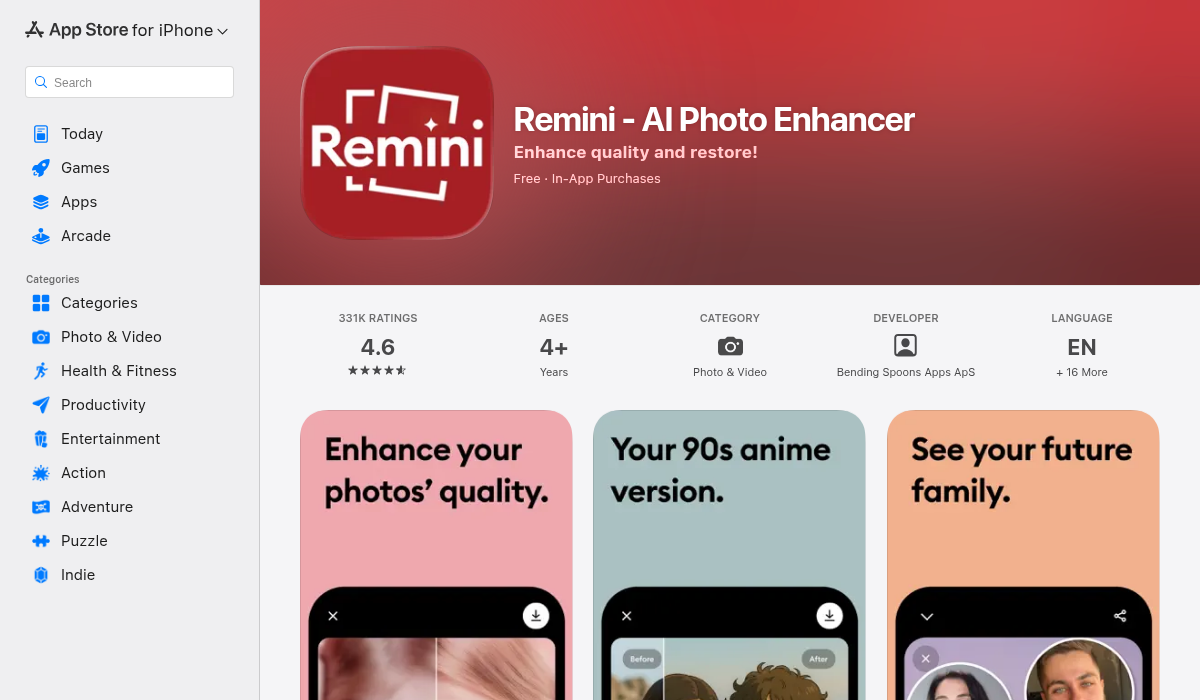
Remini has earned its reputation as the go-to face enhancement app, and its restoration features have improved significantly over the past year. It excels at recovering facial details — if your Polaroid is a portrait, Remini can often recover remarkably sharp features from surprisingly blurry originals.
- ✅ Excellent face reconstruction and enhancement
- ✅ Good at reducing noise and grain
- ✅ Fast processing on mobile
- ❌ Can make faces look slightly "AI-generated" on heavy enhancement
- ❌ Less effective on non-portrait photos (landscapes, group shots)
- ❌ Doesn't handle scratches or physical damage as well as color issues
Remini works well if your main concern is a faded face, but it's not a complete restoration solution for badly damaged Polaroids with multiple types of damage.
2. AIPGEN
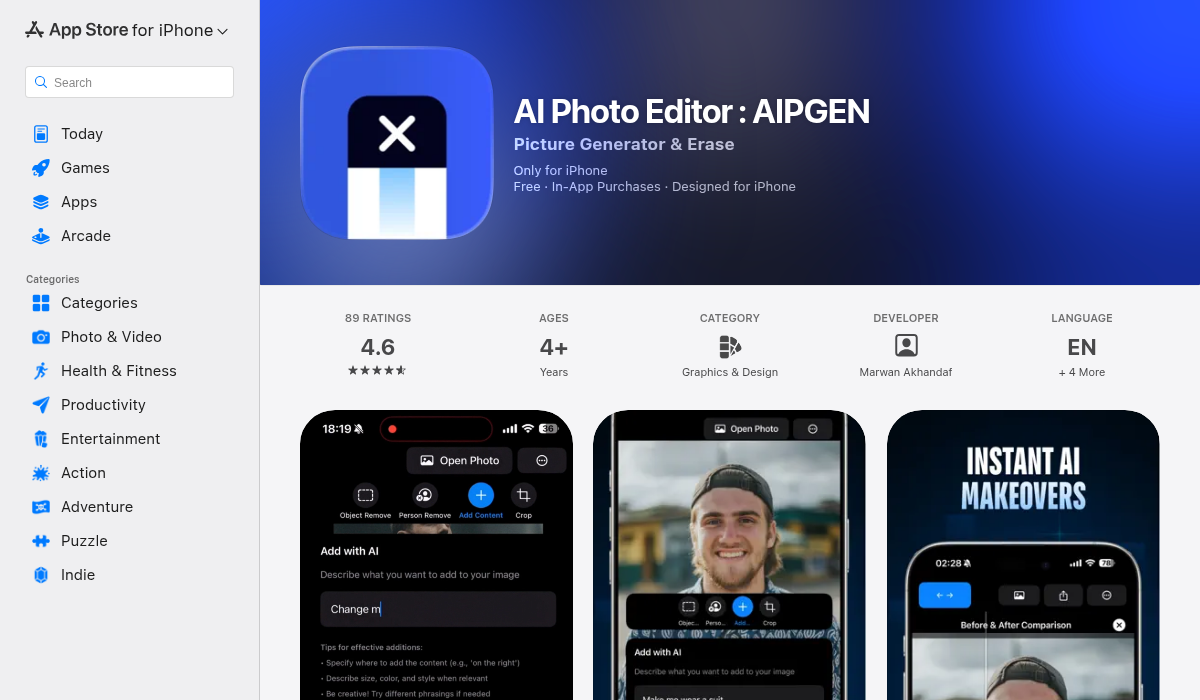
AIPGEN takes a different approach with its dedicated restoration feature. Rather than just enhancing faces, it's trained to recognize and repair the full spectrum of photo damage — including the specific types of degradation that affect Polaroids. The results on our test images were consistently impressive across different damage types.
- ✅ Comprehensive restoration — handles fading, scratches, and discoloration
- ✅ Before/after slider to compare changes instantly
- ✅ 60+ AI templates for additional creative editing after restoration
- ✅ Built-in object removal to clean up damaged areas
- ✅ Works on portraits AND non-portrait photos equally well
- ✅ Cross-platform (iOS and Android)
What impressed us most was AIPGEN's ability to correct Polaroid-specific color shifting without over-saturating the result. Many AI tools go too heavy on color correction, producing results that look more "enhanced" than "restored." AIPGEN maintains the authentic feel of the original while fixing the actual damage.
The object removal feature is particularly useful for Polaroids with physical damage. Scratches, stains, and even finger smudges can be selected and removed while the AI reconstructs the underlying image — something most pure "enhancement" apps can't do.
3. LetsEnhance
LetsEnhance offers a web-based solution with a dedicated "Old Photo" model. It's convenient for quick fixes without installing an app, and the results are solid for mild to moderate damage. The subscription model ($9/month) makes sense for batch processing multiple photos, but feels expensive for occasional use.
- ✅ No app installation required — works in browser
- ✅ Good at recovering sharpness and detail
- ✅ Batch processing for multiple photos
- ❌ Web-only — no mobile app
- ❌ Limited free tier (10 credits)
- ❌ No built-in scratch/damage removal
4. MyHeritage
MyHeritage's photo restoration is bundled with their genealogy platform, which makes it ideal if you're restoring family photos as part of a larger family history project. The colorization feature can add realistic color to black-and-white Polaroids, though results vary.
- ✅ Good restoration quality for portraits
- ✅ Colorization feature for B&W photos
- ✅ Integrates with family tree features
- ❌ Requires MyHeritage account
- ❌ Limited features outside genealogy context
- ❌ Can't remove scratches or physical damage
Step-by-Step: Restoring a Damaged Polaroid
Here's the workflow that produced the best results in our testing:
- Scan your Polaroid at 600+ DPI — Save as PNG with no compression
- Use restoration first — Load the scan into AIPGEN or your preferred tool and run the restoration feature. This corrects fading, color shifting, and recovers lost detail
- Remove physical damage — If your Polaroid has scratches or stains, use the object removal tool to clean these up. This works best after restoration when the AI has more detail to work with
- Fine-tune color if needed — Sometimes restoration overcorrects. A subtle filter adjustment can bring back the warm, vintage feel Polaroids are known for
- Compare before and after — Use the slider feature to ensure you haven't lost important original characteristics in the restoration process
For severely damaged photos, you may need to run restoration multiple times or combine tools. We found that using AIPGEN's restoration followed by selective object removal produced the cleanest results on our worst-case test images.
Pro Tips for Best Results
- Start with the least damaged copy — If you have multiple prints of the same photo, scan all of them. Sometimes damage appears in different places on each print
- Don't over-restore — A photo that looks too perfect can feel less authentic than one with slight imperfections. Preserve some character
- Save intermediate stages — Export after each major edit step so you can backtrack if a later change doesn't work
- Consider the viewing context — A restoration meant for large printing needs more work than one for social media sharing
- Back up your originals — Keep the raw scans separate from your restored versions. AI technology keeps improving, and you may want to re-restore in the future
When AI Isn't Enough: Professional Restoration
AI restoration has limits. If your Polaroid is physically torn, missing sections, or damaged beyond the point where any image data remains, you'll need human intervention. Professional photo restoration services can reconstruct missing elements using context clues and artistic judgment that AI hasn't quite mastered yet.
That said, even professionals increasingly use AI as the first step in their workflow. Running your damaged photo through an AI tool before consulting a professional can often reduce their workload — and your bill.
The Bottom Line
Polaroid restoration has never been more accessible. What once required expensive software, professional training, or costly restoration services can now be accomplished on your phone in minutes. The technology has reached the point where truly impressive results are possible even on severely damaged prints.
For most users, we'd recommend starting with AIPGEN — its combination of restoration, object removal, and creative tools covers the full spectrum of Polaroid damage types. The free trial edit lets you test results before committing, and the cross-platform availability means you can work from whatever device is convenient.
That shoebox of faded memories doesn't have to stay faded. Pull out those old Polaroids, give them a scan, and see what AI can recover. You might be surprised at what's been hiding under decades of chemical decay.