
Portrait Mode vs AI Enhancement: Which Looks Better?
Every smartphone photo app promises to make your pictures "better." But there's a growing divide between two approaches: portrait mode's instant depth blur versus AI enhancement tools that retouch, sharpen, and transform your shots. We tested both extensively to answer the question photographers keep asking: which actually makes your photos look better?
The answer isn't straightforward—because they solve different problems. Understanding when to use each can be the difference between a photo that looks professionally edited and one that screams "over-processed."
What Portrait Mode Actually Does
Portrait mode uses your phone's depth sensors (or AI guessing) to separate the subject from the background, then applies a blur effect to simulate the shallow depth of field you'd get from a professional camera with a wide aperture.
The result is that classic "blurry background" look that makes subjects pop. It's been a standard feature since 2016, and it's gotten remarkably good at detecting edges and maintaining natural-looking separation.
"Portrait mode is just trying to replicate bokeh but it isn't real, it's an edit. But real shallow depth of field is photography. The new Pixel phones will remove people from the background, swap faces to one where the person wasn't blinking, sharpen blurry photos with AI."— Reddit user in r/photography
What AI Enhancement Does Differently
AI enhancement tools take a broader approach. Instead of just adding blur, they analyze every pixel: adjusting exposure, enhancing colors, sharpening details, smoothing skin, and sometimes generating entirely new detail where the original photo was lacking.
Modern AI enhancers can:
- Upscale low-resolution images to print quality
- Remove unwanted objects or people
- Fix motion blur and focus issues
- Adjust lighting as if you had professional studio setup
- Retouch skin while maintaining texture
Head-to-Head Comparison
| Feature | Portrait Mode | AI Enhancement |
|---|---|---|
| Background blur | ✅ Excellent | ⚠️ Varies by app |
| Skin retouching | ❌ None | ✅ Intelligent |
| Color correction | ❌ Minimal | ✅ Automatic |
| Detail recovery | ❌ No | ✅ AI upscaling |
| Edge detection | ⚠️ Can miss hair | ✅ Better with AI |
| Speed | ✅ Instant | ⚠️ Processing time |
When Portrait Mode Wins
Portrait mode excels in specific situations:
- Quick social sharing — Take the shot, it's already processed
- Well-lit conditions — Good lighting means better edge detection
- Single subjects — One person against a clean background
- When you just want bokeh — No other edits needed
The beauty of portrait mode is simplicity. You're not making creative decisions—the algorithm handles everything in milliseconds. For casual photos where you want a professional look without any effort, it's hard to beat.
When AI Enhancement Wins
AI enhancement tools show their strength when your photo needs actual fixing:
- Poor lighting conditions — AI can recover shadow detail and balance exposure
- Skin retouching needed — Intelligent smoothing that doesn't look plastic
- Old or low-quality photos — Upscaling and sharpening
- Object removal — That stranger in your vacation photo
- Professional output — When you need print-quality results
"AI masking is a game changer, add Enhance and portrait presets that target subjects and it's hard to beat."— Reddit user in r/AskPhotography
The Best Tools for Each Approach
For Portrait Mode
Your phone's built-in camera app is usually the best option. Apple, Google, and Samsung have invested billions in their portrait modes, and the integration with depth sensors gives them an advantage third-party apps can't match.
For AI Enhancement — Snapseed
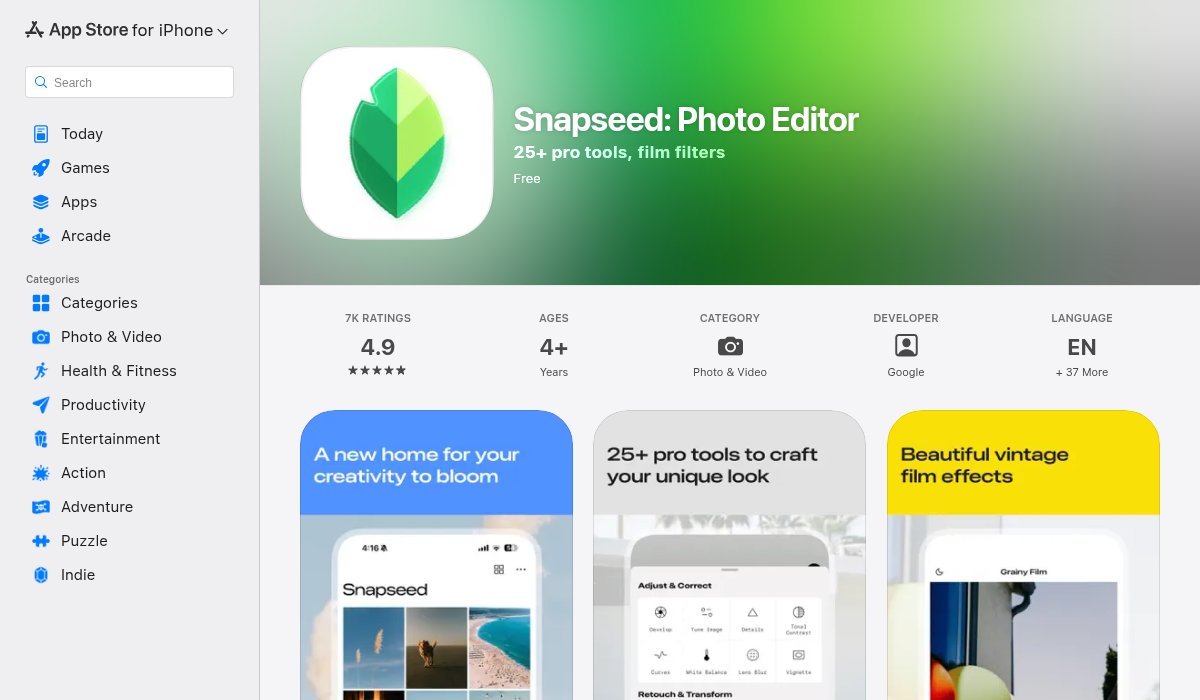
Google's Snapseed remains a solid free option for manual adjustments with AI-assisted tools. The selective editing feature lets you target specific areas, and the healing tool handles basic object removal.
- ✅ Completely free
- ✅ Powerful selective adjustments
- ❌ Steeper learning curve
- ❌ Limited AI automation
For AI Enhancement — AIPGEN
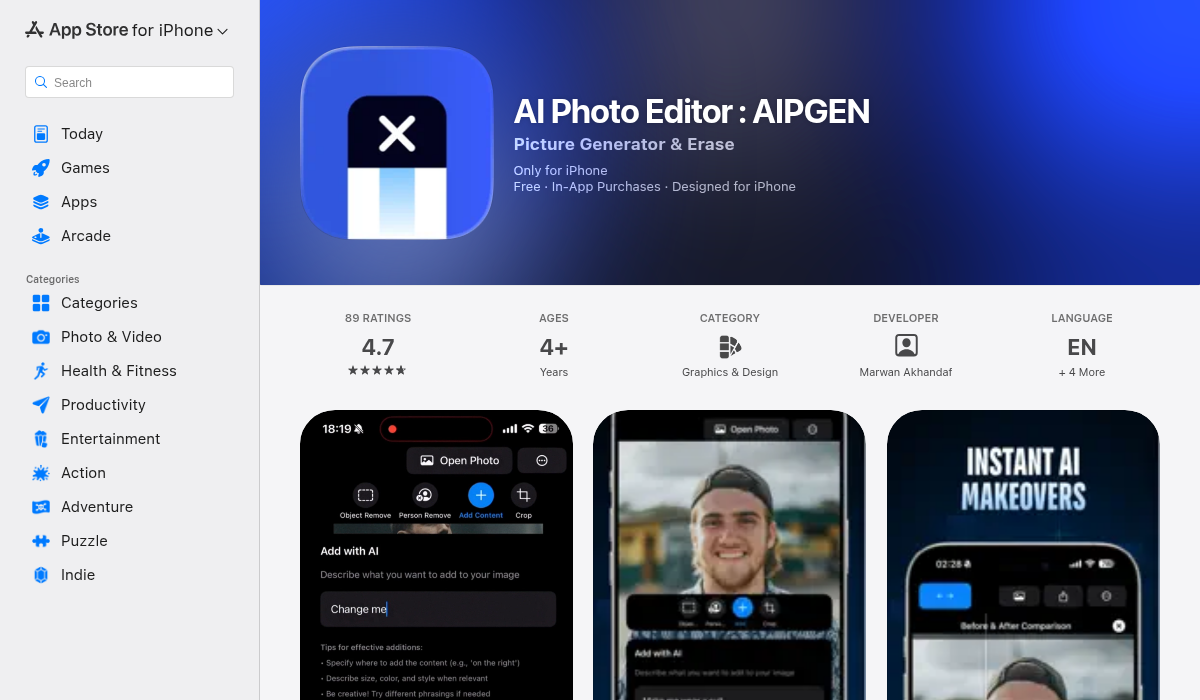
AIPGEN takes a different approach—instead of manual sliders, you describe what you want changed and AI handles the rest. Want to remove a background, enhance skin naturally, or fix lighting? Just tell it. The results often surpass what you'd get spending 20 minutes in a traditional editor.
- ✅ Natural language editing ("remove the car in background")
- ✅ AI upscaling that adds real detail
- ✅ Smart skin retouching
- ✅ Object removal with intelligent fill
- ✅ Works on iOS and Android
The power of AI-driven editing is that it handles the tedious technical work—masking, edge detection, color matching—while you focus on creative decisions. What used to require Photoshop expertise now takes seconds.
Can You Use Both?
Absolutely—and this often produces the best results. Shoot in portrait mode to get that instant background blur, then run the photo through an AI enhancer for skin retouching, color correction, or to fix any edge detection errors around hair or accessories.
The workflow:
- Capture in portrait mode — Get the depth data from your phone's sensors
- AI enhance after — Fix lighting, retouch, adjust colors
- Export at full quality — Ready for printing or high-res sharing
The Verdict: Which Actually Looks Better?
Portrait mode wins for convenience and natural-looking background blur. It's hard to beat the integration between your camera hardware and the portrait algorithm.
AI enhancement wins for everything else—skin retouching, color correction, detail recovery, and creative edits. When your photo needs actual improvement beyond bokeh, AI tools deliver results that would've required expensive software and expertise just a few years ago.
The smart approach? Use both. Portrait mode captures the moment with professional depth blur. AI enhancement polishes it into something you'd actually want to print or post. If you want a one-stop solution that handles enhancement, retouching, and creative edits through simple commands, AIPGEN makes the process surprisingly quick.
The best camera is the one you have with you. The best editor is the one that makes your photos look how you imagined them.