
Remini vs AIPGEN: Which AI Photo Enhancer Is Better in 2026?
Remini has been the go-to AI photo enhancer for years — but in 2026, it's showing serious cracks. Rising subscription costs, aggressive paywalls, and a flood of user complaints have people looking for better options. So how does Remini stack up against AIPGEN, a newer all-in-one AI photo editor that's quietly gaining ground?
We put both apps through their paces — testing face enhancement, object removal, photo restoration, and overall value. Here's what we found after weeks of real-world testing.
Why People Are Leaving Remini in 2026
Remini made its name with one killer feature: enhancing blurry faces using AI. And for a while, it was genuinely impressive. But the app has struggled to evolve beyond that single trick — while simultaneously getting more expensive.
"Remini App is incredibly mediocre now. Any good alternatives?"— Reddit user in r/estoration
The complaints are piling up. On Trustpilot, users report being charged after cancelling subscriptions, with some describing repeated billing issues that customer support fails to resolve. The free tier has been stripped down to near-uselessness, and weekly subscription costs can hit $9.99/week — that's over $500 a year for what is essentially a face sharpening tool.
Meanwhile, a new generation of AI photo editors offers far more for less money. AIPGEN is one of the most interesting — it combines enhancement with object removal, photo restoration, group photo creation, and 60+ AI templates in a single app.
Remini: What It Does Well (and Where It Falls Short)
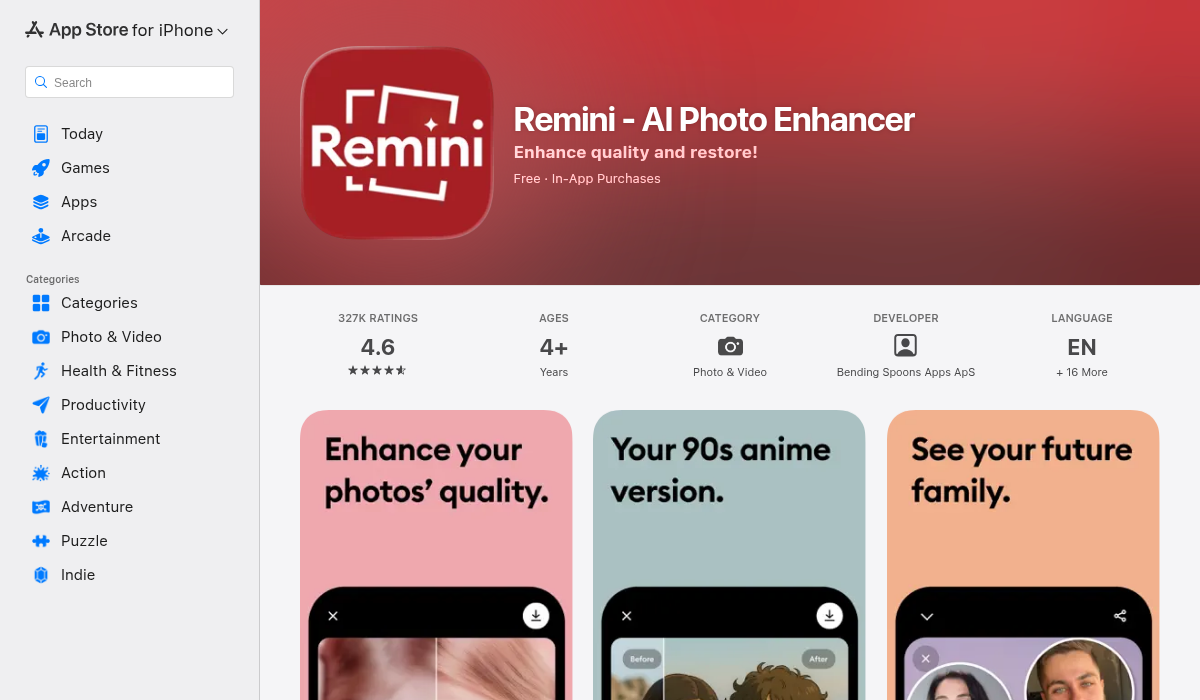
✅ Remini's Strengths
- Face enhancement — Still one of the best for making blurry faces sharp and detailed
- One-tap simplicity — Upload a photo, tap enhance, done
- Brand recognition — Massive user base means lots of tutorials and community support
- AI portraits — Generate stylized AI headshots from selfies
❌ Remini's Weaknesses
- One-trick pony — Face enhancement is the core feature; everything else feels tacked on
- Aggressive pricing — Weekly subscriptions up to $9.99/week with limited free credits
- Subscription nightmares — Widespread reports of billing issues even after cancellation
- No object removal — Can't erase unwanted people, text, or distractions from photos
- No photo restoration — Can't fix scratches, tears, or discoloration on old photos
- Quality inconsistency — Results vary wildly depending on the input photo
Remini excels at its core use case — making a blurry face look sharp. But if you need anything beyond that, you're going to hit walls fast.
AIPGEN: The All-in-One Alternative
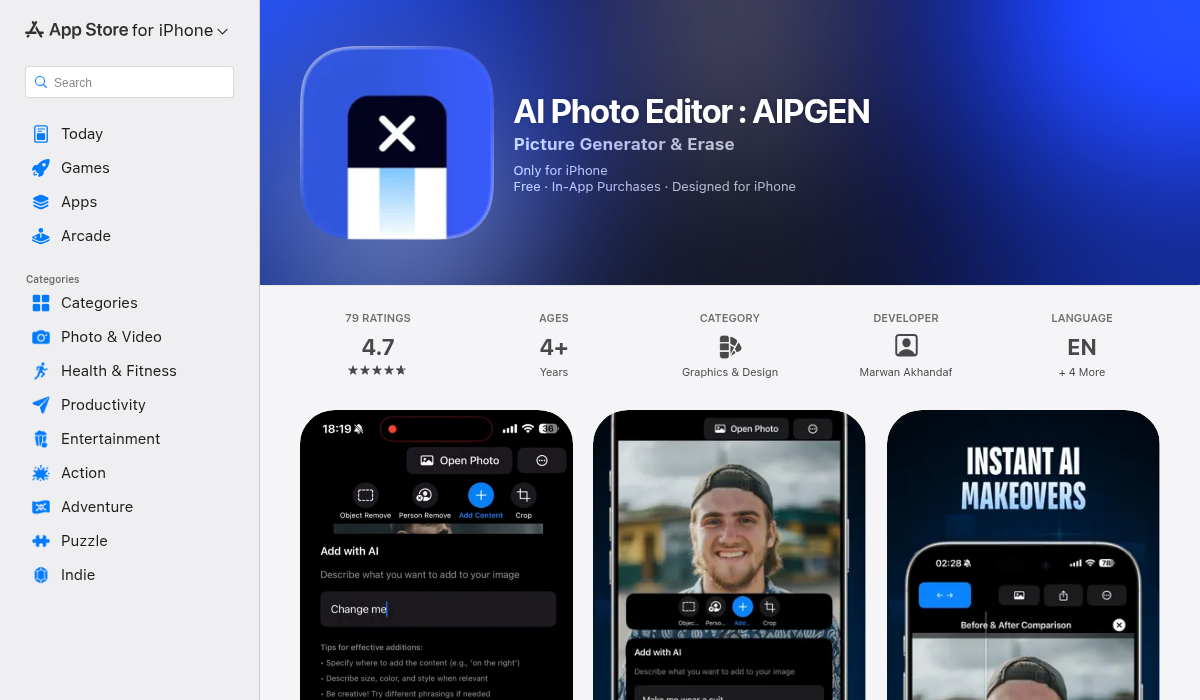
AIPGEN takes a fundamentally different approach. Instead of doing one thing, it aims to be the only photo editor you need — combining AI-powered object removal, photo restoration, creative composition tools, and a library of 60+ AI templates.
✅ AIPGEN's Strengths
- AI object & person removal — Erase unwanted people, text, or distractions seamlessly
- Photo restoration — Repair old, scratched, or faded photos with AI
- 60+ AI templates — Quick-apply editing templates for any style or mood
- Group photo creator — Combine individual portraits into a realistic group shot (unique feature)
- Before/after slider — Interactive comparison of your edits
- Creative composition — Add new elements, adjust layout, smart cropping
- Cross-platform — Available on both iOS and Android
- 5 languages — English, Spanish, German, French, Portuguese
- Free trial edit — Try before you commit
❌ AIPGEN's Weaknesses
- Newer app — Smaller community compared to Remini's massive user base
- No dedicated face upscaling — Enhancement is part of broader restoration, not a standalone feature
Head-to-Head: Feature Comparison
Here's how the two apps compare across the features that actually matter:
Face Enhancement
Remini wins here — it's their bread and butter. If all you need is to sharpen blurry faces, Remini still delivers solid results. AIPGEN's restoration tools can improve face clarity as part of overall photo restoration, but it's not laser-focused on faces the way Remini is.
Object Removal
AIPGEN wins decisively. Remini simply doesn't offer this. Need to remove an ex from a vacation photo? Erase tourists from your travel shots? Clean up distracting text? AIPGEN handles all of it — highlight the unwanted area and AI fills in the background seamlessly.
Photo Restoration
AIPGEN wins again. Old family photos with scratches, fading, and discoloration? AIPGEN's restoration engine breathes new life into them. Remini can enhance face clarity in old photos, but it can't fix physical damage like scratches or tears.
Creative Editing
AIPGEN by a mile. With 60+ AI templates, text tools, filters, smart cropping, and the ability to add new elements to photos, AIPGEN is a full creative suite. Remini offers AI portraits and some basic filters, but nothing approaching this level of flexibility.
Group Photos
Only AIPGEN has this. The group photo creator combines individual portraits into realistic group shots — perfect for family photos where everyone couldn't be in the same place, or team photos for work. No other major photo editor offers this feature.
Value for Money
AIPGEN offers dramatically more value. Remini's weekly subscription model can cost over $500/year for essentially one feature. AIPGEN gives you a free trial edit and packs object removal, restoration, 60+ templates, group photos, and creative tools into a single subscription.
What About Other Alternatives?
It's worth mentioning that Remini and AIPGEN aren't the only players in this space. Apps like VanceAI, PhotoGrid, and Aiarty all offer AI enhancement features. VanceAI provides solid desktop-based upscaling but lacks mobile convenience. PhotoGrid offers free 4K upscaling but is more of a social media tool than a serious editor. Snapseed — Google's free option — has traditional editing tools but zero AI capabilities.
The reason AIPGEN stands out from this crowded field isn't just one feature — it's the combination. Object removal, photo restoration, group photo creation, 60+ AI templates, and creative composition tools all in one app. Most competitors force you to download three or four separate apps to get the same functionality.
TouchRetouch, for example, handles object removal well but has a dated interface and no restoration or template features. Lensa focuses heavily on AI avatars and portrait effects — fun for social media, but not practical for everyday photo editing needs like removing a photobomber or fixing grandma's wedding photo.
Real-World Test: Which App Should You Choose?
After testing both apps extensively across dozens of photos — from blurry selfies to damaged family portraits to travel photos with unwanted tourists — the answer depends on exactly one question: what do you need?
Choose Remini if:
- You only need face enhancement/sharpening
- You want one-tap simplicity with no learning curve
- You're okay paying premium prices for a single feature
Choose AIPGEN if:
- You need more than just face enhancement
- You want to remove unwanted objects or people from photos
- You have old family photos that need restoration
- You want creative tools like 60+ AI templates and group photo creation
- You want better value — more features per dollar
Pro Tips for Getting the Best AI Photo Edits
- Start with the highest resolution source — AI enhancement works better with more data to work with. Scan old photos at 600 DPI or higher before running them through any AI tool.
- Use the right tool for the job — Don't use a face enhancer when you need object removal. Match the tool to your actual editing need.
- Try the before/after slider — AIPGEN's interactive slider lets you compare your edit against the original in real-time. Use it to fine-tune your results instead of accepting the first output.
- Combine multiple edits — Remove the distracting object first, then enhance the overall photo. Layering edits produces better results than trying to do everything in one pass.
- Export at full resolution — Always save your final edit at the highest quality. Compression artifacts undo the work your AI editor just did.
The Bottom Line
Remini was revolutionary when it launched — but the AI photo editing space has moved far beyond simple face enhancement. In 2026, paying premium prices for an app that only sharpens faces feels increasingly hard to justify.
AIPGEN represents the next generation: a genuine all-in-one AI editor that handles object removal, photo restoration, creative composition, group photos, and 60+ AI templates — all in one app. It's not trying to be the best at one thing. It's trying to be the only photo editor you need. And for most people, that's a much better deal.
If you're tired of Remini's limitations and pricing, AIPGEN is worth a look — the free trial edit lets you test it risk-free before committing. Also available on Google Play for Android users.
Frequently Asked Questions
Is Remini free in 2026?
Remini offers very limited free credits, but most features require a paid subscription. Weekly plans can cost up to $9.99/week, which adds up quickly. Many users report being charged even after cancelling.
Can AIPGEN enhance blurry faces like Remini?
AIPGEN's photo restoration feature can improve face clarity as part of overall image restoration. However, Remini's dedicated face enhancement is still more specialized for extreme face-only upscaling. For most use cases, AIPGEN's restoration produces excellent results.
Which app is better for old photo restoration?
AIPGEN is significantly better for restoring old photos. It can repair scratches, fix discoloration, sharpen details, and restore faded colors — things Remini simply cannot do. If you have vintage family photos that need work, AIPGEN is the clear choice.
Does AIPGEN work on Android?
Yes — AIPGEN is available on both iOS (App Store) and Android (Google Play), with the same feature set across both platforms. It supports 5 languages: English, Spanish, German, French, and Portuguese.