
Retro Photo Effects: How to Create 70s and 80s Vibes with AI
There's something about film grain, faded colors, and light leaks that digital photos just can't replicate naturally. The 70s and 80s aesthetic is everywhere right now — from Instagram feeds to Netflix shows — and getting that authentic vintage look has become an art form.
The irony isn't lost on anyone: we spent decades perfecting digital camera technology to eliminate grain and color shifts, only to spend hours adding them back in. But there's a reason. Those "imperfections" add character, warmth, and a nostalgic feeling that hyper-sharp digital images can't match.
What Defines the 70s and 80s Look
Before diving into apps, let's break down what actually makes a photo look vintage. The aesthetic isn't random — it's based on real characteristics of film from those eras.
70s Characteristics
- Warm color cast — Yellows and oranges dominated, especially in Kodachrome
- Muted contrast — Shadows lifted, highlights soft
- Heavy grain — Film sensitivity meant visible texture
- Color fade — Especially in the blue and green channels
- Soft focus — Lenses weren't as sharp as modern glass
80s Characteristics
- Saturated colors — Fujifilm brought punchy, vivid tones
- Cyan/magenta tints — Especially in shadows
- Light leaks — Common with consumer cameras
- Flash photography aesthetic — Hard shadows, red-eye territory
- Vignetting — Darker corners from cheaper lenses
"Have you used the app Snapseed before? Import a pic, go to Tools, and choose Grainy Film. There will be several presets you can choose from, some are similar to what you're looking for."— Reddit user in r/AskPhotography
Why AI Changes the Game
Traditional filters just overlay effects on your photo — add grain here, shift colors there. AI-powered vintage effects actually understand your image. They can apply film characteristics intelligently: adding grain that responds to the image's tonal range, shifting colors based on the subject matter, and creating light leaks that interact naturally with the existing light sources.
The difference shows in the details. AI effects don't just paste a grain texture over everything — they modulate the grain based on shadows, midtones, and highlights, just like real film behaves.
Best Apps for Vintage Photo Effects in 2026
We tested the top contenders for creating authentic 70s and 80s vibes. Here's what delivers.
1. VSCO — The Filter Pioneer
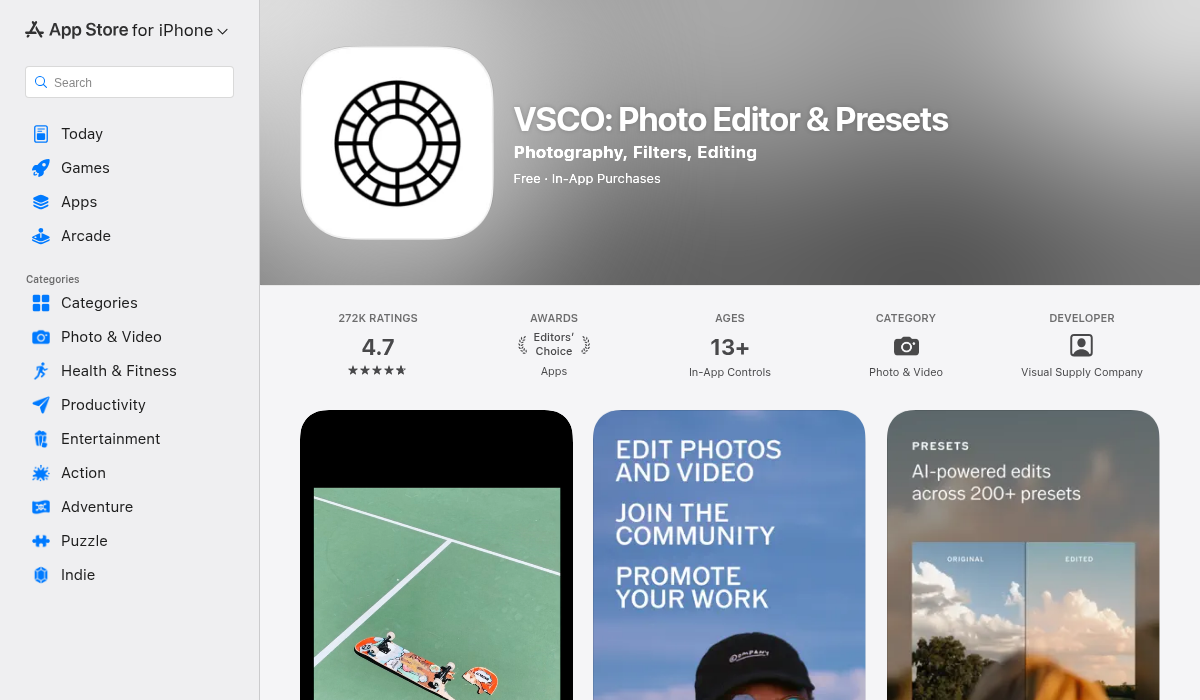
VSCO built its reputation on film emulation, and it remains the benchmark for preset quality. Their filter packs recreate specific film stocks — Kodak Portra, Fuji Superia, Agfa Vista — with impressive accuracy.
- ✅ Extensive film emulation presets
- ✅ Accurate color science
- ✅ Clean, focused interface
- ❌ Subscription model for best filters
- ❌ Limited editing tools beyond presets
- ❌ No AI-powered features
Best for: Photographers who want accurate film emulation and don't mind a subscription.
2. Snapseed — The Free Workhorse
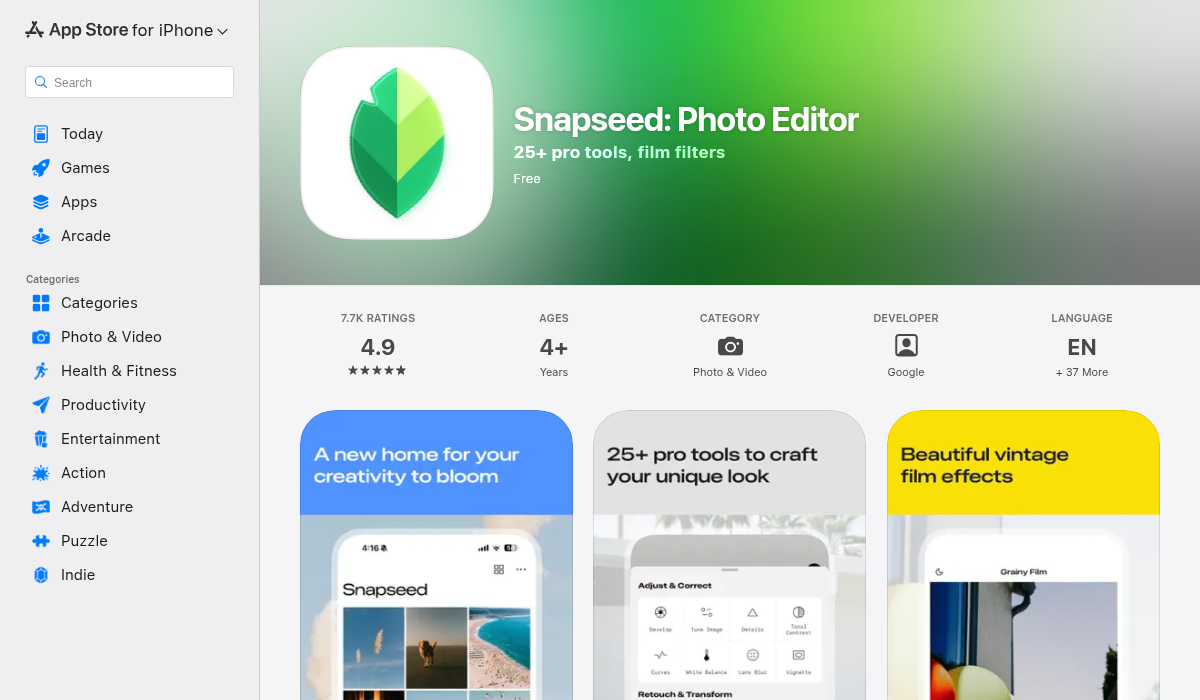
Google's Snapseed includes a dedicated "Grainy Film" tool with multiple style presets. It's basic compared to dedicated vintage apps, but it's free and the film grain simulation is surprisingly good.
- ✅ Completely free
- ✅ Decent grainy film presets
- ✅ Powerful manual editing tools
- ❌ Limited vintage style variety
- ❌ No advanced AI effects
- ❌ Requires manual work for best results
Best for: Budget users who want basic vintage effects with comprehensive editing.
3. Huji Cam — The Disposable Look
Huji Cam went viral for its extremely convincing disposable camera simulation. It adds date stamps, light leaks, and color shifts that look genuinely like photos from a $5 disposable.
- ✅ Extremely authentic disposable look
- ✅ Simple one-tap application
- ✅ Free base version
- ❌ One trick pony — limited to that specific look
- ❌ No editing control
- ❌ Results can feel repetitive
Best for: Quick social media posts where you want that specific 90s/early 2000s disposable vibe.
4. AIPGEN — AI Templates for Every Era
AIPGEN takes a different approach with its library of 60+ AI templates, including multiple vintage and retro styles. The AI doesn't just apply static filters — it adapts the effect to your specific image, adjusting intensity based on the content.
What makes it particularly useful for vintage effects is the combination with its restoration feature. You can take a modern photo, apply a vintage template, then use the AI restoration tools to adjust the level of "aging" — adding or reducing wear, adjusting grain intensity, and fine-tuning the color shifts.
- ✅ 60+ AI templates including vintage styles
- ✅ Adaptive effects that respond to image content
- ✅ Combine with restoration for unique looks
- ✅ Before/after slider for comparison
- ✅ iOS and Android
- ❌ Subscription for full access
Best for: Users who want variety and intelligent effects that adapt to each photo.
5. Dazz Cam — The Experimental Option
Dazz Cam specializes in recreating specific vintage cameras — from 35mm to VHS camcorders. The effects are more stylized than accurate, but that's part of the appeal.
- ✅ Unique camera recreations
- ✅ Fun, experimental results
- ✅ Video support with vintage effects
- ❌ More gimmicky than accurate
- ❌ In-app purchases for camera packs
Best for: Creative experimentation and video content with retro flair.
Creating Authentic 70s Vibes — Step by Step
Here's how to nail the 70s look regardless of which app you use:
- Warm up the white balance — Shift toward yellow/orange. This single adjustment does a lot of the heavy lifting.
- Lift the shadows — 70s photos rarely had true blacks. Bring up the shadow point to create that faded look.
- Reduce clarity slightly — Modern lenses are too sharp. A small reduction in clarity or sharpness adds authenticity.
- Add grain at appropriate intensity — Should be visible but not overwhelming. Real 70s grain was prominent in shadows.
- Desaturate slightly — Colors faded over time. Pull back saturation 10-15%.
- Consider a subtle vignette — Vintage lenses had natural falloff at the edges.
Creating Authentic 80s Vibes — Step by Step
- Boost saturation selectively — 80s film was vivid, especially Fuji stocks. Push colors, but not uniformly.
- Add cyan to shadows — The signature 80s tint. Use split toning or curves.
- Create contrast — Unlike the 70s, 80s photos had punch. Increase contrast but keep it natural.
- Add light leaks strategically — Should come from edges, usually warm orange or red.
- Apply moderate grain — Less than 70s, but still present. 80s film was more refined.
- Consider the date stamp — Nothing says 80s like an orange date burned into the corner.
Common Mistakes to Avoid
- Over-processing — Real vintage photos didn't have every effect at maximum. Subtlety is key.
- Inconsistent grain — Grain should be stronger in shadows, lighter in highlights.
- Wrong era mixing — 70s warmth with 80s saturation looks off. Pick an era and commit.
- Ignoring the subject — Not every photo benefits from vintage effects. Modern subjects with vintage filters can feel forced.
- Static effects on everything — This is where AI helps — adaptive effects look more natural than one-size-fits-all presets.
The Bottom Line
The vintage photo aesthetic isn't going anywhere. It's become a legitimate creative choice, not just nostalgia bait. The tools have evolved from basic filters to AI-powered effects that actually understand how different film stocks behaved.
For quick, specific looks, dedicated apps like Huji Cam or VSCO deliver consistent results. For more flexibility and adaptive effects that respond to your actual photos, AI-powered options like AIPGEN with its 60+ templates give you more creative control.
The key is understanding what makes each era's aesthetic work, then using these tools to recreate those characteristics intentionally — not just slapping a filter on everything. When done right, vintage effects add mood and character that modern digital photography often lacks.