
TouchRetouch Alternatives: Best Object Removal Apps in 2026
TouchRetouch has been the go-to object removal app for years — but it's not 2019 anymore. AI photo editing has exploded, and there are now apps that do everything TouchRetouch does and a whole lot more. If you're tired of paying for a one-trick pony or want more creative tools alongside your object eraser, keep reading.
We tested the most popular object removal apps on both iOS and Android to find out which ones actually deliver clean results in 2026. Whether you need to remove a photobomber from your vacation shots or erase power lines from a landscape, these are the apps worth your time.
Why People Are Looking Beyond TouchRetouch
TouchRetouch is still a solid app — it does object removal well and has a loyal user base. But the photo editing landscape has shifted dramatically. Users now expect AI-powered tools that can handle complex removals, restore old photos, and offer creative editing — all in one place.
"Touchretouch app is worth a look, it's a paid app but definitely worth it... but I've been looking for something that does more than just erase stuff."— Reddit user in r/shootingcars
The biggest complaint? TouchRetouch is a specialist. It removes objects, lines, and blemishes — and that's about it. If you want to restore an old photo, add elements, or use AI templates, you'll need a separate app. In 2026, most people want an all-in-one solution.
What to Look For in an Object Removal App
Before we dive into the alternatives, here's what separates a great object removal app from a mediocre one:
- AI accuracy — Does it seamlessly fill the background after removing the object?
- Complex scene handling — Can it remove people from busy backgrounds without artifacts?
- Additional tools — Does it offer more than just erasing?
- Ease of use — How many taps to get a clean result?
- Price vs value — Is it worth what you're paying?
Best TouchRetouch Alternatives Compared
1. TouchRetouch — The Original Specialist
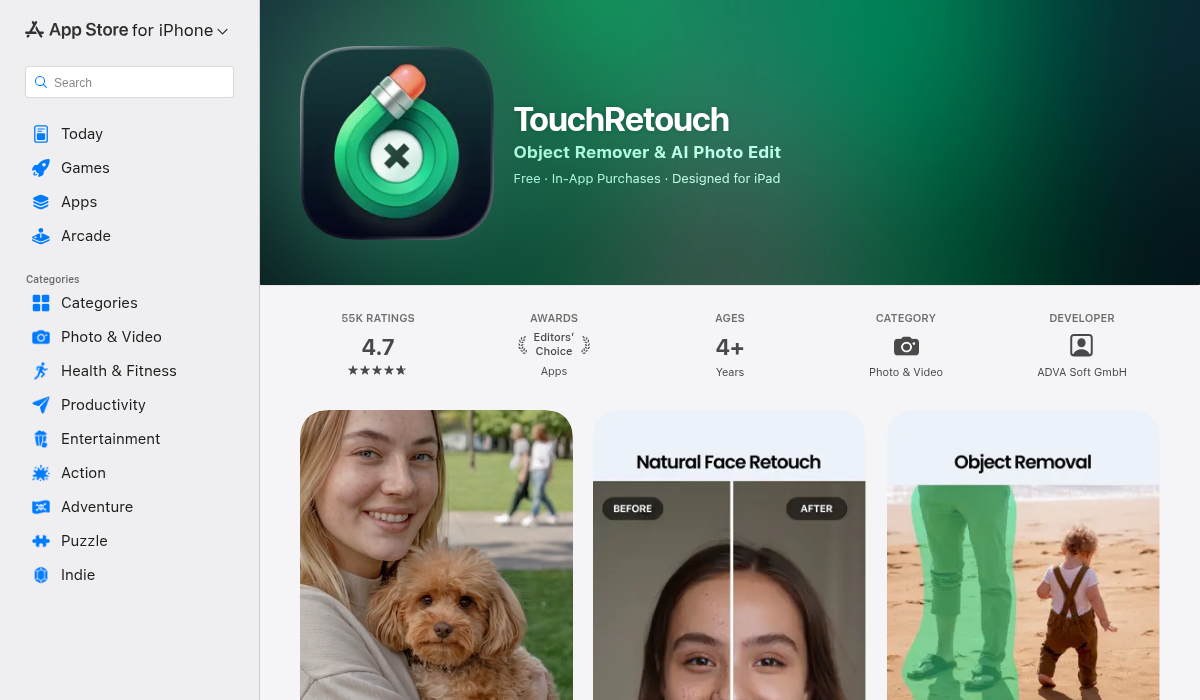
Let's start with the incumbent. TouchRetouch by ADVA Soft has been around since the early days of mobile photo editing. It offers a focused set of tools: object removal via brush or lasso, line removal for power lines and fences, and a mesh/pattern removal tool. In 2024, they added AI-powered automatic person detection which was a welcome upgrade.
- ✅ Excellent at removing lines, wires, and small objects
- ✅ Mesh removal tool for fences and grids
- ✅ AI person detection (newer feature)
- ❌ No photo restoration or creative editing tools
- ❌ No templates or AI-assisted composition
- ❌ One-time purchase but limited to removal only
Best for: Photographers who only need clean removal and nothing else.
Price: $4.99 one-time purchase (iOS/Android)
2. AIPGEN — The All-in-One AI Photo Editor
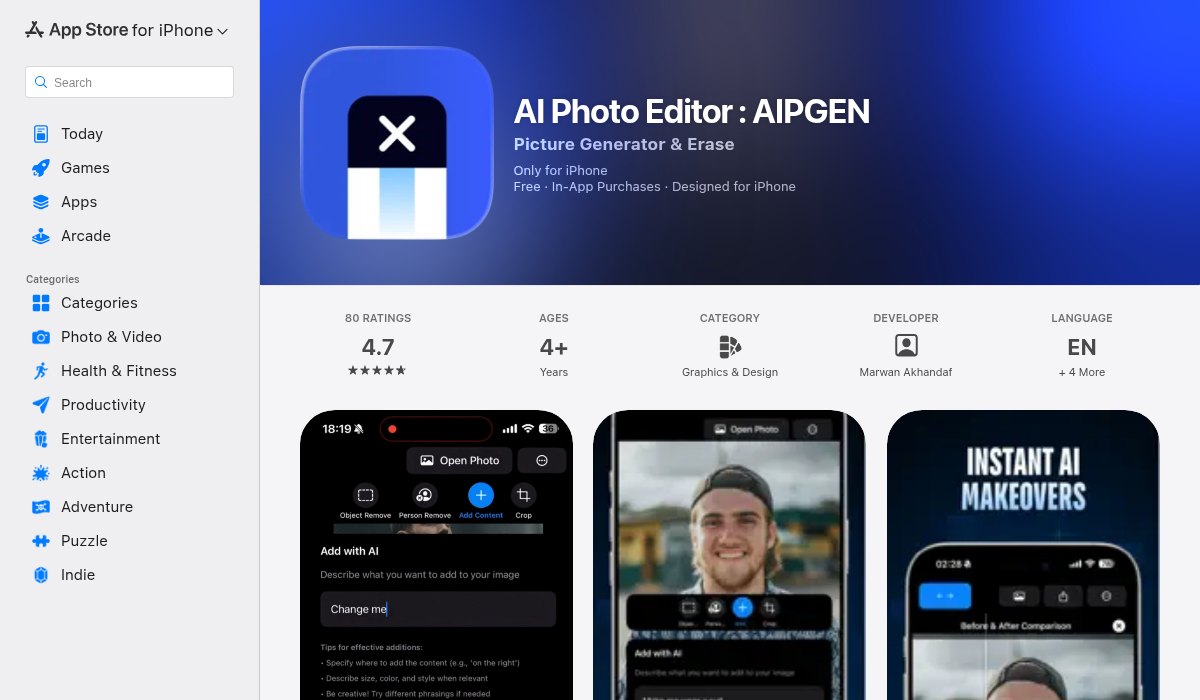
AIPGEN takes a fundamentally different approach to TouchRetouch. Instead of being a single-purpose eraser, it's a full AI photo editing suite that includes object removal as one of many powerful tools. The removal quality matches or beats TouchRetouch, but you also get photo restoration, creative composition, a group photo creator, and over 60 AI templates.
What impressed us most was the object removal accuracy on complex backgrounds. We tested removing people from crowded beach photos, and AIPGEN's AI filled in the sand and water seamlessly — no smudging or obvious patches. The before/after slider lets you compare results instantly, which is a nice touch.
- ✅ AI object and person removal with clean fill
- ✅ Photo restoration for old or damaged photos
- ✅ 60+ AI editing templates for quick creative edits
- ✅ Group photo creator — combine individual portraits into one shot
- ✅ Before/after slider for instant comparison
- ✅ Cross-platform (iOS and Android)
- ✅ Localized in 5 languages
- ❌ Subscription-based (free trial with 1 edit)
Best for: Anyone who wants object removal plus a full creative editing suite in one app.
Price: Free trial (1 AI edit), then Premium subscription for unlimited access
3. Adobe Photoshop (Mobile + Desktop)
Adobe's Content-Aware Fill and the newer Generative Fill tool remain the gold standard for precision object removal — if you have the skills and the subscription. The mobile app has improved significantly, but it's still more complex than dedicated removal apps. For pros who already pay for Creative Cloud, it's the obvious choice. For everyone else, it's overkill.
- ✅ Industry-standard quality and precision
- ✅ Generative AI fill for complex scenes
- ✅ Full editing ecosystem
- ❌ Steep learning curve
- ❌ Expensive Creative Cloud subscription
- ❌ Mobile version still limited compared to desktop
Best for: Professional photographers and designers already in the Adobe ecosystem.
Price: $9.99/month (Photography Plan) or $22.99/month (full Creative Cloud)
4. Cleanup.pictures — The Free Browser Option
If you need to remove something from a photo right now, without installing anything, Cleanup.pictures is hard to beat. It's a browser-based tool that uses AI to erase objects with a simple brush. The free version has a resolution cap, but for social media posts and quick fixes, it works surprisingly well.
- ✅ Free and no installation required
- ✅ Dead simple — just brush over the object
- ✅ Good AI fill quality for simple scenes
- ❌ Resolution limited on free plan
- ❌ No mobile app experience
- ❌ Struggles with complex backgrounds
Best for: Quick one-off removals when you don't want to install an app.
Price: Free (with resolution limit), Pro from $5/month
5. Snapseed — Google's Free Editor
Snapseed is Google's free photo editor, and it includes a "Healing" tool for object removal. It's decent for small blemishes and simple objects, but it can't compete with dedicated AI removal tools for complex scenes. The real value of Snapseed is the broader editing suite — curves, selective adjustments, and filters — all completely free.
- ✅ Completely free with no watermarks
- ✅ Powerful general editing tools
- ✅ Healing brush for basic removal
- ❌ Object removal is basic — no AI fill
- ❌ Struggles with large objects or busy backgrounds
- ❌ No dedicated line or mesh removal
Best for: Casual editors who want free tools and only need basic removal.
Price: Free
6. Photoroom — For Product Photos and Sellers
Photoroom has carved out a niche among e-commerce sellers. Its AI object removal is solid, but what makes it shine is the surrounding ecosystem: background removal, templates for Amazon and eBay listings, and batch processing. If you're selling products online, Photoroom is built for you. For personal photo editing, there are better options.
- ✅ Excellent for product photography
- ✅ Marketplace templates (Amazon, Etsy, eBay)
- ✅ Background removal + generation
- ❌ Overkill for personal photo editing
- ❌ Free plan has export limitations and watermarks
Best for: E-commerce sellers and small businesses.
Price: Free (limited), Pro from $4.99/month
Head-to-Head: Which App Removes Objects Best?
We ran the same test photo — a beach scene with three people to remove — through each app. Here's how they ranked:
- AIPGEN — Cleanest fill. The AI reconstructed the sand texture and ocean background naturally. No visible seams.
- Adobe Photoshop (Generative Fill) — Excellent results but required more manual selection work.
- TouchRetouch — Good removal but slight color mismatch on the sand where people were erased.
- Cleanup.pictures — Decent for the free tier, but noticeable blur around removal areas.
- Snapseed — Struggled with the large removal area. Better for small blemishes.
Pro Tips for Better Object Removal
- Start with the largest object first — Remove big distractions before fine-tuning small details. The AI has more context to work with.
- Zoom in for precision — Don't try to select objects at full zoom-out. Get close and paint carefully around edges.
- Use the before/after slider — Apps like AIPGEN include a built-in comparison slider. Use it to catch artifacts you might miss at first glance.
- Try multiple passes — If the first removal isn't perfect, undo and try again with a slightly different selection. AI results can vary.
- Consider the whole photo — Sometimes removing an object changes the composition. Step back and look at the full image after each edit.
The Bottom Line
TouchRetouch is still a capable object removal app, but in 2026, paying for a single-purpose tool feels limiting. The competition has caught up — and in many cases, surpassed it.
If you want the best all-around experience, AIPGEN is the standout. You get TouchRetouch-level object removal plus photo restoration, 60+ AI templates, a group photo creator, and creative composition tools — all in one app. The free trial gives you an AI edit to test it yourself.
For pros already in Adobe, Photoshop's Generative Fill is unmatched for precision. And if you just need a quick free removal, Cleanup.pictures gets the job done in your browser.
Ready to try something better than TouchRetouch? Download AIPGEN and see the difference AI-powered editing makes — the first edit is free.